
How to choose a Emulators APK
Check the app name, package name, latest version, file size, update date, source notes, SHA-256, and whether the download page includes clear safety context.
Browse Emulators APKs for Android with latest versions, file sizes, package details, scan notes, and verified download links.

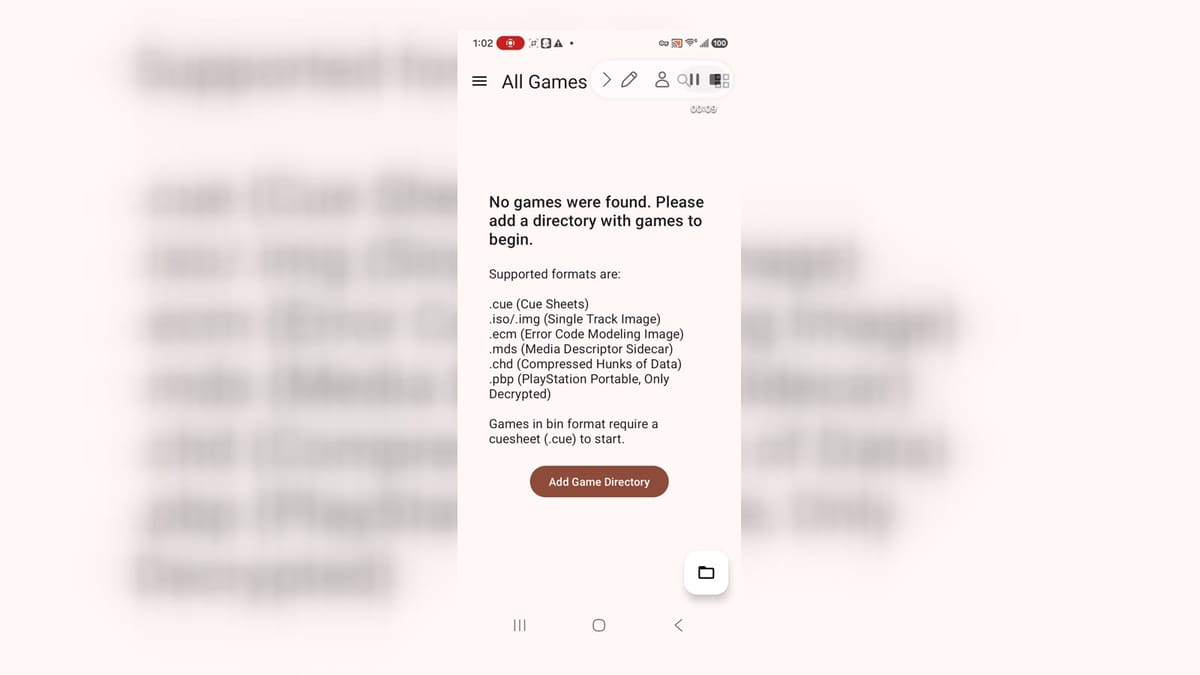
DuckStation is a PlayStation 1 emulator for Android users who want to organize and run legally dumped games on a phone or tablet. Its setup wizard guides you through choosing a language, theme, and BIOS image before you add a game directory. The library recognizes common disc-image formats, groups titles into flexible views, and sorts them by details such as name or recent play. Graphics, controller, save-state, and per-game options give experienced players room to tune the experience, while sensible defaults keep the first setup approachable.
10.0

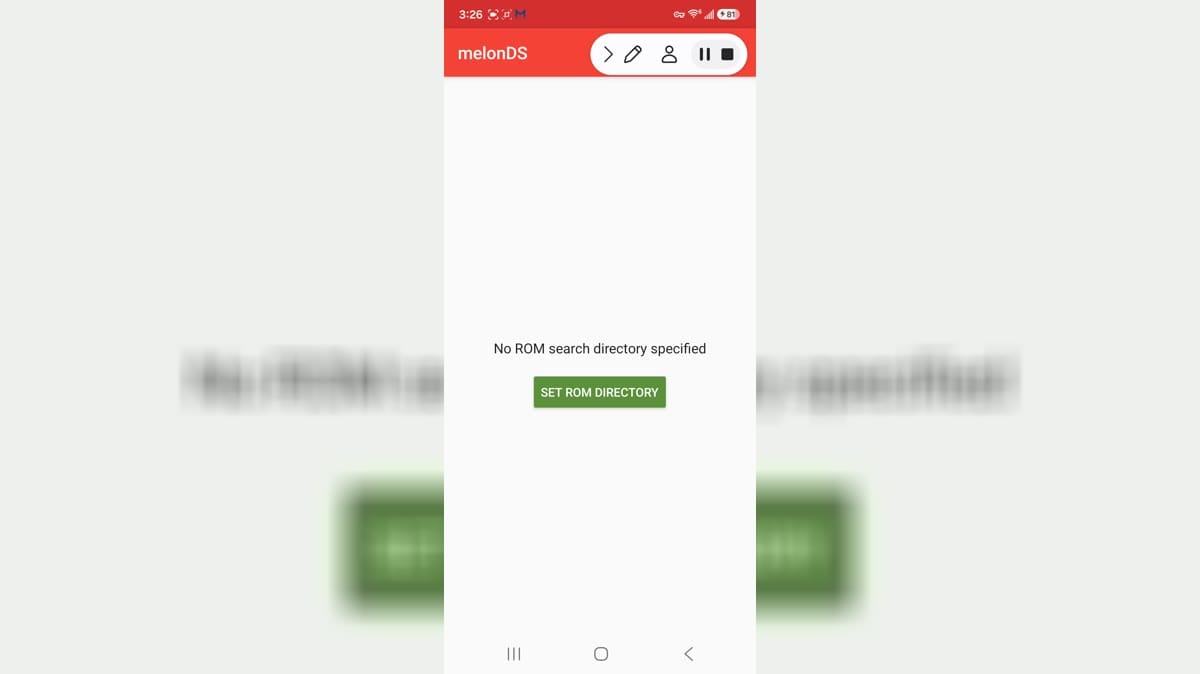
melonDS is an Android emulator app for people who want to use compatible software from their own legally obtained library on a mobile device. It is focused on Nintendo DS-style emulation, with settings that can affect controls, performance, display, audio, and file locations. Emulator setup works best when users begin with a clear understanding of device compatibility and their own rights to the material they use. Keep game files and save data organized, review storage choices, and make small configuration changes gradually when improving a setup.
10.0

Flycast is an Android emulator for Sega Dreamcast, Naomi, Naomi 2, Atomiswave, and System SP games. It gives retro players a single library for adding their own game folders, browsing box art, and launching compatible titles from a dark, controller-friendly interface. The emulator supports high-definition and widescreen output, save states, RetroAchievements, modem and LAN emulation, OpenGL or Vulkan rendering, and custom texture packs. Settings cover video, audio, controls, networking, paths, and interface themes, so users can tune performance and presentation. It is a practical choice for revisiting owned classics or trying free homebrew releases on Android.
9.9

Sudachi is an Android emulator app for people who want to use compatible software from their own legally obtained library on a mobile device. It is focused on console-emulation tools, with settings that can affect controls, performance, display, audio, and file locations. Emulator setup works best when users begin with a clear understanding of device compatibility and their own rights to the material they use. Keep game files and save data organized, review storage choices, and make small configuration changes gradually when improving a setup.
9.9

Cemu is an Android emulator app for people who want to use compatible software from their own legally obtained library on a mobile device. It is focused on console-emulation tools, with settings that can affect controls, performance, display, audio, and file locations. Emulator setup works best when users begin with a clear understanding of device compatibility and their own rights to the material they use. Keep game files and save data organized, review storage choices, and make small configuration changes gradually when improving a setup.
9.9

Snes9x EX+ is a Super Nintendo emulator for Android users who want to play compatible SNES game files they legally own, configure controls, adjust video options, and manage save states on a phone or tablet. The app focuses on a lightweight emulator interface rather than an online account system. It suits retro-game players who understand ROM ownership, storage access, Bluetooth controller setup, and per-game compatibility. Version 1.5.85 adds emulator-facing refinements such as overscan and save-state improvements for practical daily use.
9.9
redream is a Dreamcast emulator for Android that lets retro players run compatible game images in a high-definition presentation. It organizes a personal collection through a library workflow, where users add a directory and browse the titles the app recognizes. The emulator includes widescreen codes, automatic cover art, save states, cheat support, and adjustable audio and video options, while the Input area helps configure controllers. Lite Mode provides a straightforward starting point, and the Premium path offers an upgrade for users who want enhanced high-definition play.
9.7

Yuzu Emulator is an Android emulator app for users who want to organize and run legally owned Nintendo Switch game files on compatible mobile hardware. The setup flow is built around choosing folders, preparing files, and reaching a game-library style interface before any game can be launched. It is a technical app, so users need their own compatible content and should expect device performance to matter. For emulation enthusiasts, it offers a mobile setup path, file picker integration, and optional Early Access entry inside the app.
7.4

PojavLauncher is a Minecraft Java Edition launcher for Android users who want to run compatible Java versions, modded profiles, custom controls, and renderer settings on a phone or tablet. It is aimed at players who already understand Minecraft Java accounts, game files, and device performance limits. The app shows profile management, version creation, control customization, Java tweaks, renderer options, open game directory, notification controls, microphone permission, storage, mobile data, and battery settings. Users should review account requirements, mod sources, file access, performance, and device heat before playing.
8.3

RetroArch is an emulator frontend for Android users who want one interface for classic game systems, controller setup, playlists, shaders, save states, and configurable cores. It is aimed at players who already understand ROM legality, BIOS requirements, and emulator configuration. The app opened to RetroArch menu screens during the captured path. Its package declares storage access, internet, and vibration capabilities, which fit library browsing, downloading components, feedback, and file handling. Users should supply only games and BIOS files they are allowed to use.
8.6

Delta GBA emulator is an Android emulator-style app built around importing GB, GBA, and GBC game files, moving through onboarding, and unlocking extras such as ad-free play, external devices, and cheat mode. This listing should be treated as its own Android app rather than as the official iOS Delta emulator, because the public identity and package naming are inconsistent.
7.9

ePSXe for Android turns a phone or tablet into a PlayStation and PSOne emulator for players who keep their own game files and want local PS1 play with touch controls, gamepad support, save states, and graphics or audio tuning. Its workflow is built around choosing a local game or BIOS, adjusting emulator preferences, and keeping classic games playable across short mobile sessions.
8.1

DraStic DS Emulator is a Nintendo DS emulator for Android players who keep their own game backups and want a fast, configurable way to load DS titles, manage saves, tune controls, and use phone-friendly screen layouts. It is built around a practical emulator workflow: choose a game file, continue a previous session, adjust options, and manage saves through Android storage rather than browsing a built-in game catalog.
8.5

Dolphin Emulator is the Android version of the open-source GameCube and Wii emulator for users who keep legally dumped game files and want a mobile library with folder import, controller input, performance settings, and per-game configuration. It opens as an emulator workspace rather than a game store, so setup begins with adding your own game folders.
9.2

Citra Emulator is a Nintendo 3DS emulator for Android users who already have legally dumped game files and want a mobile way to organize and run a 3DS library. Its first-run experience is setup-focused: choose folders, grant file access, configure input or device features, and prepare a game directory before the emulator can become useful.
7.6

PPSSPP Gold is an Android PSP emulator for players who want to revisit their own handheld game library on a phone or tablet. It lets you browse for a PSP data folder or load compatible ISO and CSO files, then enhances play with high-definition rendering, texture upscaling, post-processing effects, and flexible controls. Players can customize touch buttons or connect an external controller, save and restore progress, and transfer saves from a real PSP. The Gold edition is the paid version that supports continued project development.
8.1

GBA.emu Free is an Android Game Boy Advance emulator for players who want to bring compatible handheld titles into a flexible mobile setup. Open the built-in file browser to locate a game, then manage play sessions with Recent Games, save states, resets, and numbered state slots from the main menu. The emulator also provides cheat access, input-device setup, Bluetooth controller scanning, and GBA-specific options for save types, real-time-clock behavior, hardware sensors, and audio. Its focused menus make retro sessions easier to resume, customize, and control.
9.0

NES.emu is an open-source Android NES and Famicom emulator for players who want to run their own compatible game files on a phone or tablet. Open supported .nes or .unf content, including ZIP, RAR, and 7Z archives, then use configurable touch controls or connect a Bluetooth or USB controller. The emulator also handles Famicom Disk System files, VS UniSystem play, FCEU-compatible cheats, save states, and adjustable video and audio options. Its focused menu and flexible input setup make classic sessions easier to tailor to different screens and controllers.
7.7

PS2 ISO Games Emulator is an Android catalog and emulator companion for people who want to explore PS2 and PSP game collections on a phone. It provides a route to choose a compatible emulator, find game entries, and download files for the next setup step. The companion workflow points users toward AetherSX2 or another supported PS2 option before they try a title. It suits players who prefer organizing emulator-related browsing from one mobile starting point, while leaving actual game compatibility to the selected emulator, title, and Android device.
9.4

Pizza Boy A Pro is an Android Game Boy Advance emulator for players who want a focused way to organize and play their own GBA game files. Add a ROM folder from the folder button, browse the All ROMs, Favorites, and Recents views, and open games from a clean handheld-style interface. Custom skins, adjustable touch controls, hardware gamepad support, save states, rewind, slow motion, fast forward, cheats, and shader options give sessions plenty of flexibility. It suits retro players who want quick access to familiar games while keeping control layouts and progress settings close at hand.
9.8

GameHub Lite is a lightweight Android game hub for players who want to manage compatible PC-game environments from a phone or handheld. Its landscape interface brings Home, Game Library, Downloads, and Settings into one controller-friendly workspace. Players can use the library flow to add local game files, retrieve supporting components, and return to device or input preferences as they refine a setup. The Lite project also emphasizes an offline-oriented experience and a reduced privacy footprint. It suits users who prefer organizing portable PC gaming from one compact front end instead of jumping between separate tools.
9.1

MAME4droid (0.139u1) is an Android arcade emulator for players who want to bring compatible MAME 0.139 ROM files into a mobile, touch-friendly setup. Choose a ROM folder, scan the library, and launch supported classics with an on-screen joystick, configurable action buttons, or a connected gamepad. The emulator also offers portrait and landscape options, display scaling, scanline-style filters, key remapping, and local Wi-Fi netplay. It is a flexible way to revisit arcade software with controls and screen presentation adjusted to the device.
7.0

Virtual Master - Android Clone is a virtualization tool that runs a separate Android environment locally on an Android phone. It gives you a second system with its own apps, launcher, wallpaper, settings, and storage space, making it useful for keeping work, games, experiments, or privacy-sensitive activity apart from your everyday setup. You can import apps into the virtual system, use more than one account, keep selected apps running in the background, and explore Android features in an isolated workspace. It is a practical way to add flexibility without carrying another device.
8.2

PSP PS2 Emulator is an Android emulation app for bringing classic PlayStation-style games into a phone-based library. It presents a Games hub where users can browse a local collection, search for a title, mark favorites, and return to the main list when they want to play. An on-screen gamepad is designed for responsive touch play, while the app also exposes Themes and PSP Multiplayer entries for users who want more ways to tailor a session. This combination suits retro players who want portable access to familiar games and a simple way to keep their collection organized.
8.1

aPS3e is an Android PS3 emulator for users who want to explore their own compatible PlayStation 3 game files on a mobile device. Its setup flow guides you from the welcome screen to selecting the required PS3UPDAT.PUP firmware, then opens a file-browsing path for locating supported content. The emulator is built around RPCS3 technology and offers Vulkan acceleration, configurable virtual controls, separate game settings, and in-game save and load support. With arm64 Vulkan-capable hardware and realistic performance expectations, it provides a portable way to organize and run supported PS3 titles.
7.6

RetroArch Plus is an Android emulator app for people who want to use compatible software from their own legally obtained library on a mobile device. It is focused on multi-system emulation, with settings that can affect controls, performance, display, audio, and file locations. Emulator setup works best when users begin with a clear understanding of device compatibility and their own rights to the material they use. Keep game files and save data organized, review storage choices, and make small configuration changes gradually when improving a setup.
8.1

NDS64 Emulator is a multi-system retro gaming app for Android users who want to organize and play their own classic game backups from one place. It brings console-style libraries to a phone with separate sections for NDS, N64, SNES, NES, GBA, GBC, and arcade titles. Users can browse a personal game list, search by name, revisit recent or favorite entries, and use the on-screen controls while playing. Support for external gamepads and save-state features makes longer sessions easier to manage. It suits players who want a flexible, portable way to revisit legally owned classics.
8.6

My Boy! - GBA Emulator is an Android emulator for users who want to run Game Boy Advance games on a phone or tablet. It focuses on ROM browsing, fast emulation, controls, save support, and device features such as Bluetooth-related play options. The app is useful for people who legally keep their own game files and want a portable retro setup. This package opened to the emulator list UI, but no game ROM was loaded, so gameplay compatibility still depends on the user's files and device.
9.8

Happy Chick Emulator is an Android app for browsing and running classic console games through a single emulator hub. It gives retro players a place to explore recommended titles, search the catalog, and move through topic or system classifications before choosing a game entry. The emulator supports controller input as well as gesture and sensor controls, with listed coverage for PlayStation 1, Nintendo 64, Game Boy family systems, and PSP-oriented content. Platform labels, language tags, file sizes, and download controls make the library easier to scan when you want a flexible way to revisit older games.
9.0

Gamu: Retro Game Emulator is an Android hub for players who want to bring legally acquired classic game files to a phone or tablet. It organizes a personal retro library and opens supported console formats in one place, with save states for pausing a long session and returning later. Touch controls can be resized and repositioned, while Bluetooth or USB gamepads provide a more familiar layout. Fast-forward, CRT and LCD display filters, and cheat-code support add flexibility for different games. It suits short nostalgic sessions as well as longer controller-based play.
9.4
Compare highlighted Emulators APK listings with package details, file sizes, update signals, and available download links.
Check the app name, package name, latest version, file size, update date, source notes, SHA-256, and whether the download page includes clear safety context.
Before installing a Emulators APK, review package identity, source notes, file verification, permissions, and install behavior.
A Emulators APK should be checked by package name, version, source, SHA-256, scan notes, and install behavior before installation.