WPS OfficeIntro: WPS Office is a document productivity app for Android users who want PDF, Word, spreadsheet, presentation, scanning, conversion, cloud sync, and account-based editing tools from a phone. It is aimed at students, office workers, and mobile professionals who need to open or create files away from a desktop. The app shows terms guidance, a free trial offer, sign-in options, browser-app handling, notification settings, default app controls, storage, and data usage. Users should review subscription terms, account sign-in, camera, contacts, microphone, nearby devices, notifications, storage, and file privacy.
Microsoft OutlookIntro: Microsoft Outlook is an email and calendar app built for people who manage work and personal communication from one place. It connects Microsoft 365, Exchange, Outlook.com, Gmail, Yahoo Mail, iCloud, IMAP, and POP3 accounts, then organizes messages through a unified inbox. Focused Inbox separates priority mail from less urgent items, while search, filters, flags, and quick actions help users clear daily correspondence. A built-in calendar, contacts access, file sharing, and Office app links keep meetings and documents close to each conversation, reducing the need to switch between apps.
Google SheetsIntro: Google Sheets is a mobile spreadsheet app for people who need to organize data, track work, or review numbers away from a desktop. It lets users create new spreadsheets, edit existing files, format cells, enter formulas, sort information, and view charts from an Android phone or tablet. Shared sheets support comments and real-time collaboration, while automatic saving helps keep changes available across devices. Excel file support and offline access make the app practical for budgets, schedules, inventories, classwork, and team updates wherever work happens.
Google DocsIntro: Google Docs is a document editor for Android users who want to create, open, organize, star, and manage text documents from a phone. It is aimed at students, writers, teams, and office users who need document access away from a desktop. The app shows recent documents, an open-from menu, device storage access, navigation drawer sections, starred documents, settings, and a create-file flow that can depend on account or service access. Users should review contacts/account access, microphone permission, notifications, storage, mobile data, and offline behavior before editing.
Adobe Acrobat ReaderIntro: Adobe Acrobat Reader is a PDF and document productivity app for Android users who need to read, annotate, organize, share, and create files on a phone or tablet. The onboarding flow introduces privacy choices, document access, premium plan prompts, quick actions, PDF Spaces, and file locations such as device storage and connected cloud services. It suits users who work with PDFs often and want a familiar mobile document hub. The package declares storage, camera, microphone, contacts, account, notification, advertising, NFC, and billing capabilities.
CanvaIntro: Canva is an all-in-one graphic design and content creation app for Android users who want to turn ideas into polished visuals. You can start with a customizable template or a blank project, then build social posts, presentations, flyers, resumes, logos, photo collages, and short videos. The editor combines photo adjustments, text, layouts, filters, animations, audio tracks, and AI-assisted tools in one workspace. Its broad template and media library helps students, creators, small businesses, and everyday users produce shareable designs without a complex desktop workflow.
QuickBooks TimeIntro: QuickBooks Time is a mobile time-tracking and workforce scheduling app for employees, managers, contractors, and solo workers. Team members can clock in and out, select jobs or customers, record breaks, and review the hours that feed into timesheets. Managers can organize shifts, see who is working, and keep job-based labor records close at hand while away from a desk. Role-based setup helps tailor the experience to people managing a crew, tracking time for an employer, or recording their own work. It turns everyday attendance and scheduling tasks into a practical mobile workflow.
Stripe DashboardIntro: Stripe Dashboard is a business management app for merchants who need to keep payment operations close at hand on Android. It brings revenue charts, payment and customer records, balances, and payouts into a mobile workspace for quick checks during a busy day. Eligible accounts can accept contactless or manually entered payments, send basic invoices, issue refunds, and follow transfer activity. Search, account switching, widgets, and push alerts make recurring monitoring easier. It suits owners and teams who need live Stripe data without returning to a desktop.
Webex MeetingsIntro: Webex Meetings is a mobile video-conferencing app for joining work, school, and community sessions from an Android phone. Enter a meeting number or Personal Room URL, add your name and email, and move into a meeting without searching through desktop menus. Account holders can sign in with email or connected providers, while meeting tools support audio, video layouts, chat, reactions, and content sharing. Background noise cancellation, translation, and recording help teams stay involved when they are away from a desk.
Zoom WorkplaceIntro: Zoom Workplace is an all-in-one communication and collaboration app for people who need to meet, message, and coordinate from an Android phone. Guests can enter a meeting ID or personal link to join a session, while signed-in users can organize meetings and reach teammates through chat and calling tools. Meeting controls bring audio, video, participant, and messaging actions into one mobile workspace, and settings cover meetings, audio, video effects, accessibility, and account options. It helps remote, hybrid, and on-the-go teams stay connected without switching between several separate apps.
SlackIntro: Slack is a team communication app for Android users who need workplace messaging, channels, direct messages, calls, file sharing, notifications, and workspace collaboration from a phone or tablet. It is designed for organizations, teams, communities, and professionals who need searchable conversation and quick coordination. The app opened to Slack landing and sign-in screens during the captured path. It declares accounts, contacts, media, microphone, camera, Bluetooth, overlay, biometrics, notifications, foreground services, network, call management, and AI service binding capabilities.
Microsoft TeamsIntro: Microsoft Teams is a communication and collaboration app for people who work, study, or organize activities together. Use it to chat with individuals and groups, join audio or video meetings, make calls, and keep conversations connected to projects. Teams also brings channels, calendars, tasks, shared files, and cloud storage into one mobile workspace. The Android experience supports account-based work and personal communities, while meeting links or IDs can help people join specific calls. It is useful when a team needs messages, meetings, documents, and follow-up tasks in one place.
Google MeetIntro: Google Meet is an Android app for people looking for Android tools and utilities from a mobile device. It provides a focused experience that users can explore at their own pace, whether they are getting started, returning to a familiar activity, or choosing settings that suit their routine. The app can be useful when a phone is the most convenient place to access its main functions without switching between several services. Users should review available settings, permissions, network use, and any account or payment choices before relying on features that handle personal information or connected content.
Google DriveIntro: Google Drive is a cloud storage and collaboration app for Android users who want to store, find, share, and work with files from a phone or tablet. It organizes documents, photos, folders, and shared items while keeping recent and important content close to the home screen. Users can search by name or content, scan paper documents with the camera, set sharing permissions, and make supported files available offline. A Google account is needed for personal Drive storage, so review account, privacy, network, camera, and notification choices before uploading private material.
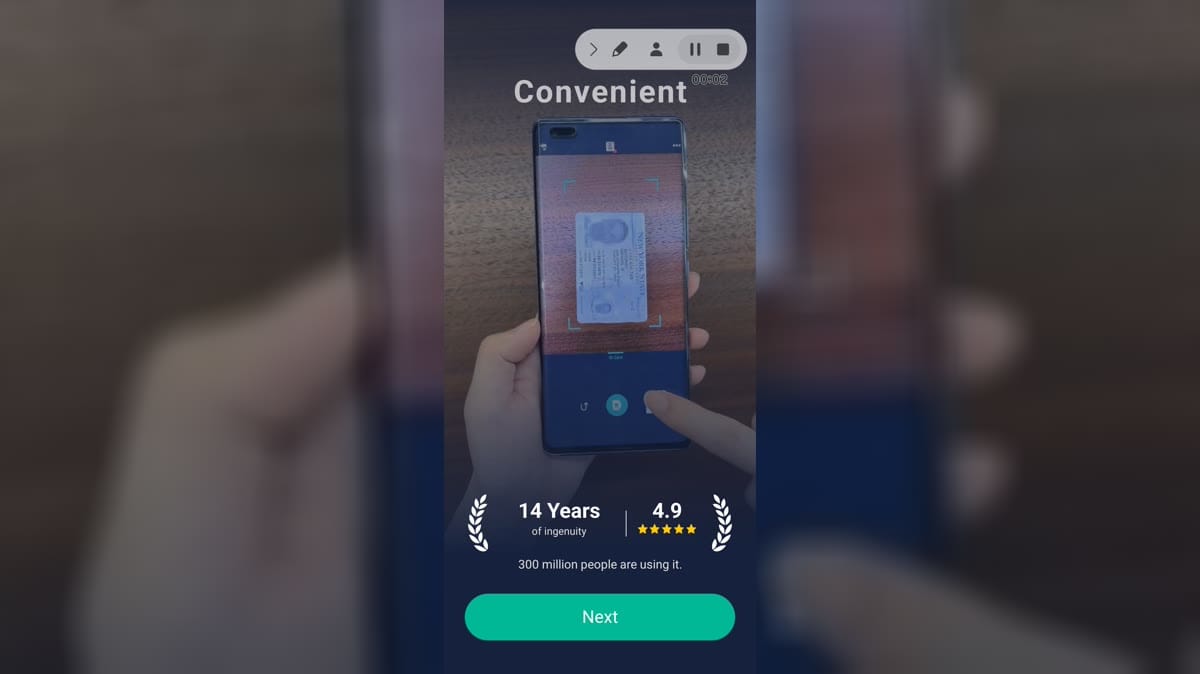
CamScannerIntro: CamScanner is a mobile document scanning app for Android users who want camera-based scans, PDF import, OCR-style document tools, file conversion, document folders, and account-backed scan management. It is aimed at students, office workers, and anyone who needs to digitize paper quickly. The app shows onboarding, Premium trial prompts, scan start, import file, import image, create folder, tools, cloud benefits, sign-in options, and account upgrade screens. Users should review subscription terms, camera/location/media permissions, storage, notifications, and document privacy before scanning sensitive files.