Intro: OldRoll - Vintage Film Camera is a photography app that turns an Android phone into a collection of retro-styled cameras. It suits everyday moments when you want a film-like look applied as you shoot rather than assembled from scratch in a separate workflow. Choose a classic, Polaroid-style, disposable, half-frame, or fisheye camera and capture with grain, color character, frames, light leaks, or a date stamp. Timer, flash, mirror effects, and sharing tools make it useful for portraits, food, trips, and casual memories.
Intro: Blackmagic Camera is a professional video camera app for Android users who want manual recording controls, codec settings, monitoring tools, media management, and Blackmagic Cloud options on a phone. It is aimed at creators who need camera-style controls instead of a basic point-and-shoot recorder. The app shows startup permission requirements for camera, microphone, photo library, and location, media selection, live camera controls, clip list, cloud login, codec, resolution, color space, timecode, recording, upload, notification settings, storage, language, and permission controls. Users should review media access, cloud login, storage space, and recording settings before filming.
Intro: Open Camera is a camera app for Android users who want manual photo and video controls, exposure tools, focus controls, settings panels, gallery handoff, and configurable camera behavior. It is aimed at users who prefer a flexible camera interface over a minimal point-and-shoot app. The app shows a live viewfinder, open-with chooser, exposure slider, photo mode controls, resolution settings, timer options, video settings, processing settings, help, privacy policy, and settings backup tools. Users should review camera, location, microphone, nearby devices, notifications, storage, and media handling before shooting.
Intro: Samsung Camera is the core camera app for Samsung Android devices, built for capturing photos, videos, portraits, night shots, and specialty modes from a familiar viewfinder. The interface offers quick mode switching, zoom controls, flash and ratio tools, a More panel for advanced capture modes, and camera settings for document scanning, QR codes, suggestions, and photo format choices. This package is most relevant to Samsung-device users who need a matching camera build. Source-versus-installed version differences should be reviewed carefully.
Intro: DSLR HD Camera turns an Android phone into a flexible shooting and photo-creation tool for everyday pictures, portraits, short videos, and quick edits. Users can move from the camera to a photo editor, templates, collage layouts, and a saved-work area without juggling separate apps. Capture controls cover front and rear cameras, touch focus, zoom, timers, burst shooting, resolution choices, white balance, scene modes, and exposure adjustments. Blur tools, filters, and layout options then help refine or combine images, giving casual photographers a practical workflow from capture to finished visual.
Intro: Mega Zoom Camera - xZoom is a camera utility for Android users who want to photograph distant subjects with more reach than a phone’s standard camera controls. It combines the optical and digital zoom available on the device with an extra digital zoom mode that can extend the view beyond the manufacturer’s usual limit. From the main menu, users can start the camera, choose a camera type, adjust scene and effects, and set white balance or maximum zoom. Video recording with audio, PRO options, and Wear OS control add flexibility for longer shooting sessions.
Intro: Camo Camera turns an Android phone into a flexible webcam for video calls, live streams, online lessons, and computer recordings. Users pair the mobile app with Camo Studio over Wi-Fi or USB, then send the phone's camera and microphone feed to a Mac or Windows PC. The setup can use front or rear lenses, portrait or landscape framing, and image controls managed from the desktop. It suits creators, teachers, remote workers, and anyone who wants better-looking computer video without adding a separate webcam to an everyday setup.
Intro: DroidCam is an Android webcam and camera companion that lets you use a phone for everyday computer calls, live streams, and content production. The app guides you through linking the phone with a desktop client or connecting directly to OBS Studio through the DroidCam OBS plugin. WiFi and USB workflows, camera selection, audio capture, background operation, and adjustable video controls make it practical for remote work, online lessons, meetings, and creators who want a flexible camera without carrying another device.
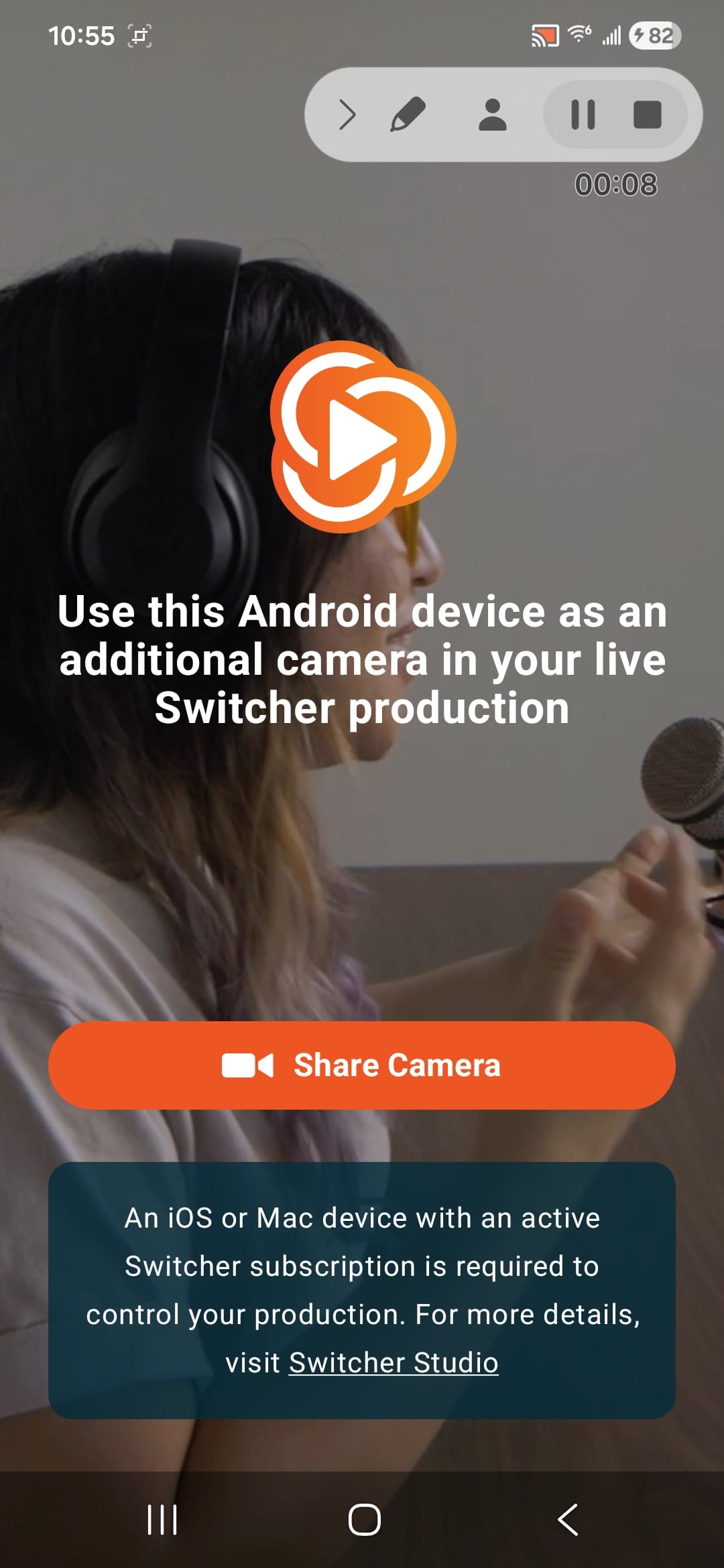
Intro: Switcher Camera is a companion video tool that turns an Android phone or tablet into a wireless camera input for a Switcher production. Creators place the device at a useful angle, tap Share Camera, and select it from the Inputs panel on an iPhone, iPad, or Mac running Switcher. The app can support extra views for live events, sports, presentations, and demonstrations without requiring a separate camera. Front and rear camera options, live status feedback, and remote zoom controls help crews frame shots while keeping production control on the main Switcher device.