Popular Android apps similar to Lensa

Lensa, developed by Prisma Labs, Inc., has related Android app recommendations picked by matching categories and tags. Use this page to compare alternatives, find apps with similar features, and open the safest download page before installing.

Airbrush app icon
Airbrush

PIXOCIAL TECHNOLOGY (SINGAPORE) PTE. LTD.

Reviews
7.5
Size
-
Updated
2026-08-07
Download

AirBrush is a mobile photo and video editor for people who want polished portraits without a complicated desktop workflow. It brings together one-tap retouching, skin smoothing, teeth whitening, face and body reshaping, makeup, hair styling, and color adjustments in a clean phone-friendly workspace. You can also remove distractions, change lighting, explore filters, and try AI-powered edits for more creative results. With separate Home and Projects areas, AirBrush makes it easy to start from a camera or gallery image, refine the look, and keep everyday photos ready to share.

Reviews
9.9
Size
7.95 MB
Updated
2023-07-11
Download

Deepswap – AI Face Swap is an Android gateway to an online face-editing service for people who want to rework photos, videos, and GIFs without a desktop editor. Users can upload an original file, choose a replacement face, and download the processed result through a guided three-step flow. The interface also links to video generation, VR face swap, background removal, image enhancement, and an AI photo generator. Its mobile layout keeps creation tools, pricing, support, and account access in one menu, making quick social edits and playful visual experiments easier to manage from a phone.

ToonMe app icon
ToonMe

PHOTO LAB DMCC

Reviews
9.8
Size
-
Updated
2026-08-08
Download

ToonMe is a photo-editing app for turning selfies and everyday pictures into cartoon portraits, stylized avatars, and shareable art. It suits anyone who wants a playful profile image, a creative post, or a quick visual makeover without starting from a blank canvas. Choose a ready-made style, add a photo, and explore portrait, full-body, background, animation, text, and lens-effect ideas. Home groups trending collections such as Retro Daydreams and Art & Sketch Styles, while the profile area gives creative users a place to collect effect combinations. The result is a low-friction way to experiment with personal images.

Photic app icon
Photic

42 Dijital

Reviews
9.8
Size
-
Updated
2026-08-04
Download

Photic is an AI photo and headshot generator for people who want to turn selfies into polished portraits without building an edit from scratch. Users can browse themed looks, select a photo from the gallery or camera, and apply styles designed for business profiles, nostalgic yearbook images, seasonal scenes, couples, and illustrated portraits. Filter categories keep different visual directions easy to compare, while canvas presets help prepare results for posts or stories. This makes the app useful for profile updates, social sharing, and quick creative experiments with personal photos.

FaceApp app icon
FaceApp

FaceApp Technology Ltd

Reviews
9.8
Size
75.91 MB
Updated
2026-07-21
Download

FaceApp is an AI-powered portrait editor for people who want realistic selfie improvements and creative transformations without a complicated desktop workflow. Start with a camera shot, a gallery image, or a demo portrait, then apply one-tap filters for retouching, makeup, hairstyles, hair color, facial features, age, and more. Before-and-after comparison helps users judge each change, while adjustment tools keep the final look under control. Saved edits and sharing options make it practical for profile photos, social posts, style experiments, and quick portrait touch-ups.

TouchRetouch app icon
TouchRetouch

ADVA Soft

Reviews
9.7
Size
-
Updated
2026-08-10
Download

TouchRetouch is a focused mobile photo editor for removing unwanted objects and distractions from everyday images. It helps travelers, portrait creators, and casual photographers clean up signs, wires, people, shadows, blemishes, and other details without moving to a desktop. Mark an area with the Brush or use Erase AI for automatic detection, then refine tricky results with line-removal controls or Clone Stamp. Mesh removal and quick retouch tools add flexibility for difficult backgrounds. The result is a cleaner photo with a simple workflow suited to quick edits on Android.

BeFunky app icon
BeFunky

BeFunky

Reviews
9.6
Size
846 KB
Updated
2026-07-28
Download

BeFunky is an all-in-one photo editor, collage maker, and graphic design app for people who want to create polished visuals on an Android device. You can open a photo, make essential adjustments, apply filters, retouch portraits, or transform an image with artistic and AI-assisted effects. The same workspace also provides collage layouts, blank canvases, and ready-made templates for social posts, cards, and other designs. Clear navigation between editing, projects, and creative tools keeps quick fixes and larger visual projects within one approachable workflow.

Magic Eraser app icon
Magic Eraser

Creatix Technology Global Limited

Reviews
9.6
Size
-
Updated
2026-07-24
Download

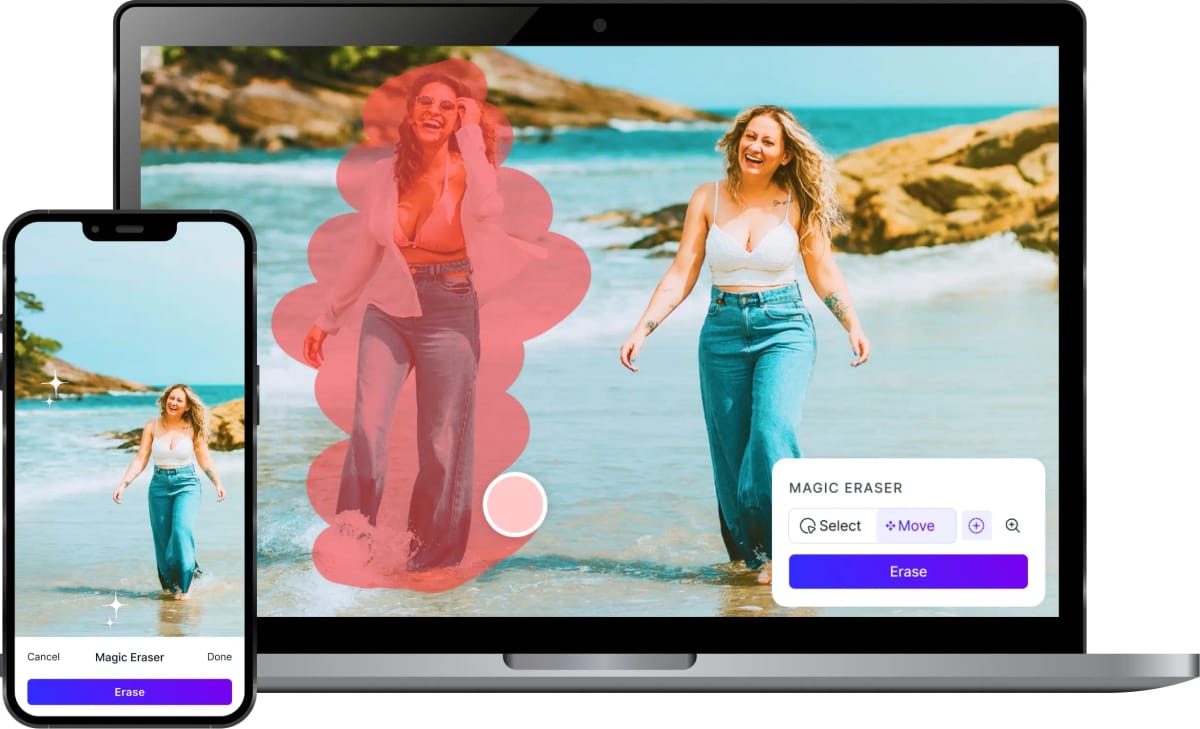
Magic Eraser is an AI-powered photo editor for people who want to clean up, transform, or reframe images on Android. Users can brush over unwanted people, objects, text, and blemishes, then let the app rebuild the selected area. Background removal, photo enhancement, AI expansion, filters, and image generation support everything from quick personal edits to product shots and social posts. The workflow keeps several creative tasks in one place, helping casual editors, creators, and small businesses prepare polished visuals without moving through a full desktop editing suite.

Motionleap app icon
Motionleap

Lightricks Ltd.

Reviews
9.5
Size
-
Updated
2026-08-08
Download

Motionleap is a photo animation and creative editing app for Android that turns still images into moving scenes. It suits creators who want to add motion to travel photos, portraits, landscapes, or social posts without building a video from scratch. Start a new creation, draw paths with tap-and-drag gestures, anchor areas that should stay still, freeze details, and layer overlays or effects. My Creations keeps projects within reach, while sharing tools help you take finished work to social platforms. The result is a playful way to make ordinary photos feel more alive.

VSCO app icon
VSCO

Visual Supply Company

Reviews
9.4
Size
-
Updated
2026-08-06
Download

VSCO is a photo and video editing app for creators who want a recognizable visual style without building every look from scratch. Use film-inspired presets to shape color and mood, then refine images with controls for exposure, contrast, grain, saturation, HSL, fade, and borders. The app also brings together camera effects, collage layouts, video adjustments, and a creative community for sharing work and finding inspiration. Its mix of quick presets and detailed editing gives casual photographers and more serious creators room to experiment, polish a portfolio, and keep their visual language consistent.

Unfold app icon
Unfold

Squarespace Inc

Reviews
9.4
Size
-
Updated
2026-08-02
Download

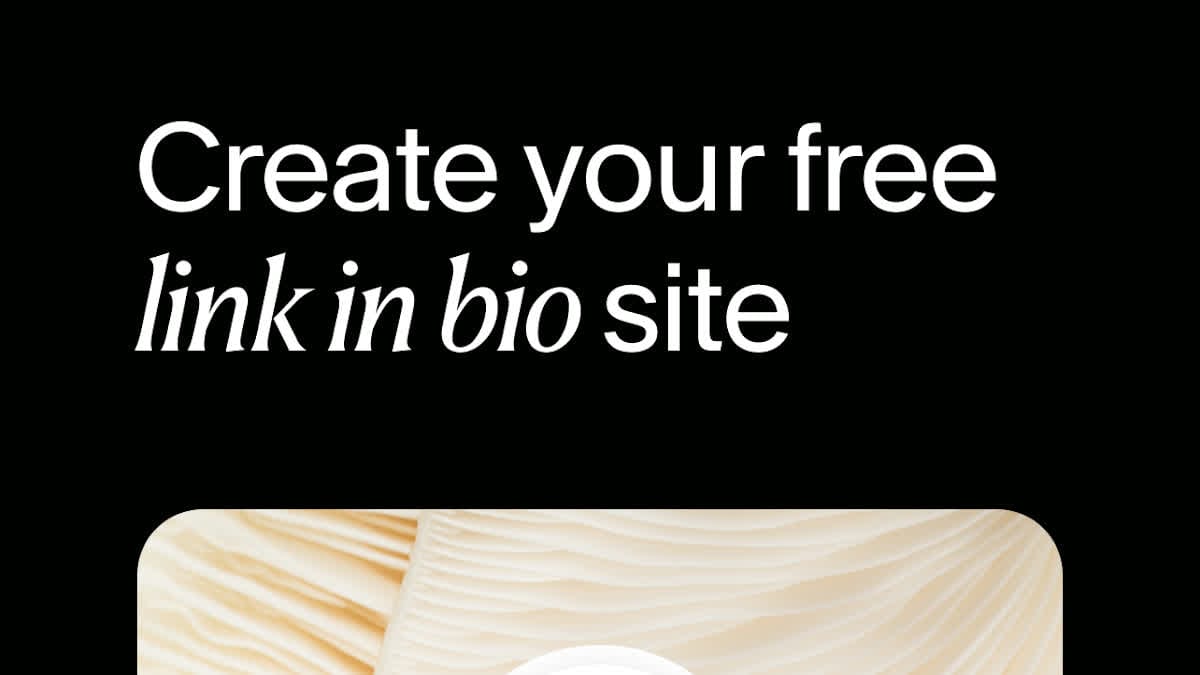
Unfold is a social content creation app for people who want polished stories, posts, reels, and profile links without building every design from scratch. Creators can combine photos and video clips with ready-made templates, refine them with fonts, filters, effects, and AI editing tools, then prepare finished visuals for sharing. The app also supports Instagram feed planning and Bio Sites for organizing a link-in-bio presence. Its mix of quick layouts and deeper brand controls helps individuals, freelancers, and small teams keep their social content visually consistent.

Reface app icon
Reface

NEOCORTEXT, INC.

Reviews
9.4
Size
139.49 MB
Updated
2026-06-18
Download

Reface is an AI-powered photo and video editor built for people who want to turn selfies into playful, shareable creations. Users can place their face into character scenes, create stylized avatars, animate portraits, preview different looks, and enhance photos without learning a complex desktop workflow. A guided mobile setup introduces the available creation paths, while ready-made templates help users move from a personal image to a finished result in a few taps. The mix of face swapping, AI portraits, and quick visual edits makes Reface useful for social posts, profile pictures, and casual creative experiments.

Reviews
9.4
Size
238.0 MB
Updated
2024-12-24
Download

Remove Background by Pixlr is a focused photo-editing app for creating clean cutouts without a complicated desktop workflow. Users can choose a picture, let AI separate the main subject, and prepare transparent, white, or black backgrounds for the next design step. The app also provides object removal for clearing unwanted details and an eraser for refining difficult edges. Album access, sample images, and mobile sharing keep the workflow practical for product photos, profile pictures, stickers, and quick social graphics when a polished subject is needed on Android.

BeautyPlus app icon
BeautyPlus

PIXOCIAL TECHNOLOGY (SINGAPORE) PTE. LTD.

Reviews
9.4
Size
286 MB
Updated
2026-06-13
Download

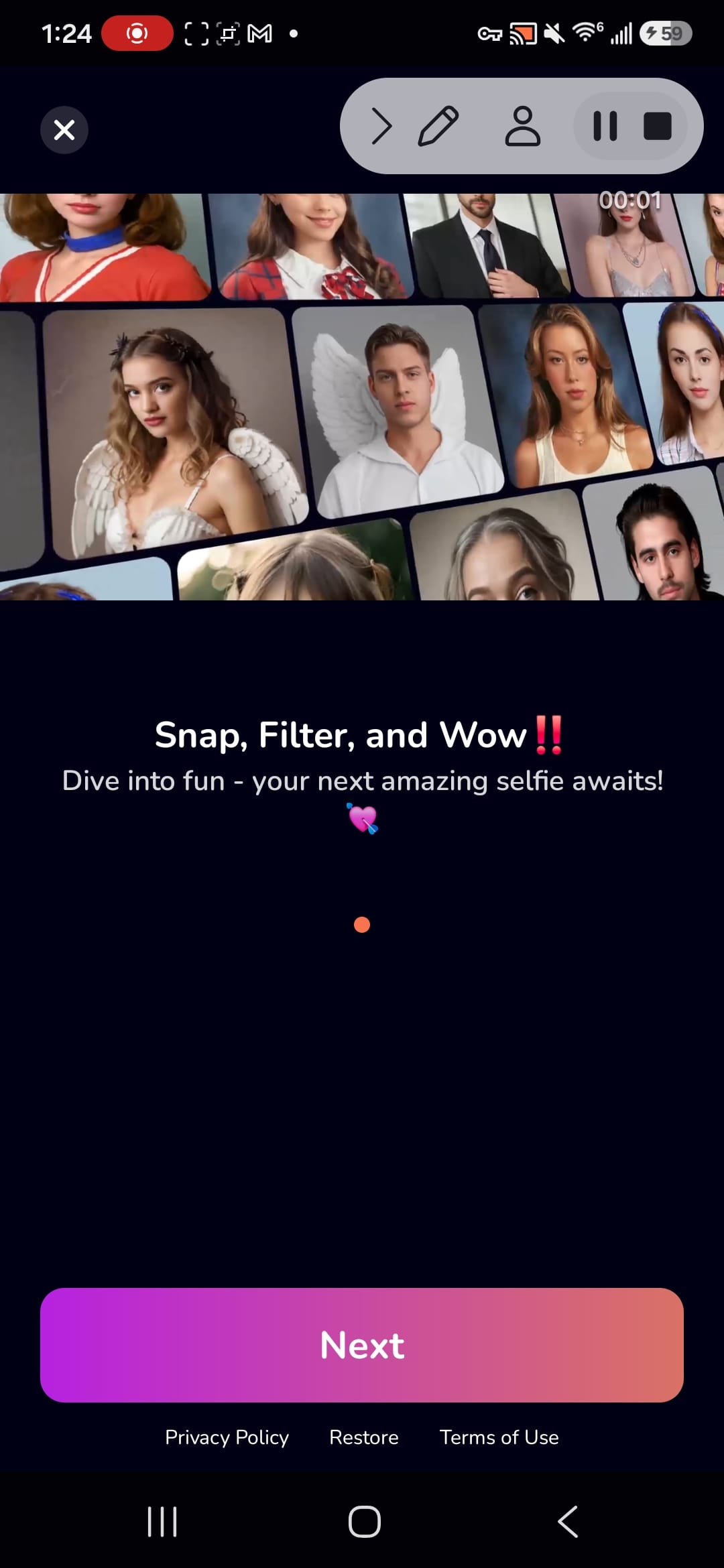
BeautyPlus is an AI photo editor and selfie camera for users who want fast portrait retouching, filters, makeup looks, templates, background tools, and camera effects from one Android app. Its flow moves from onboarding into a visual home screen, Discover templates, image-quality tools, and camera or editing features that are made for social-ready photos rather than desktop-style editing.

Remini app icon
Remini

Bending Spoons

Reviews
9.2
Size
-
Updated
2026-08-08
Download

Remini is an AI photo-enhancement app for people who want clearer, more usable images from old, blurred, pixelated, or damaged originals. Choose a portrait, selfie, group picture, or family photo and let the app improve sharpness, facial detail, color, and visible texture with a simple workflow. Its creative tools also support AI-generated photos for users who want polished profile images or new visual ideas. The result is a practical way to revive memories, prepare social content, or give low-quality pictures a cleaner, higher-definition finish on Android.

Cutout Pro - Background Remove app icon
Cutout Pro - Background Remove

Video Maker & Editor Studio

Reviews
9.0
Size
24.57 MB
Updated
2025-01-30
Download

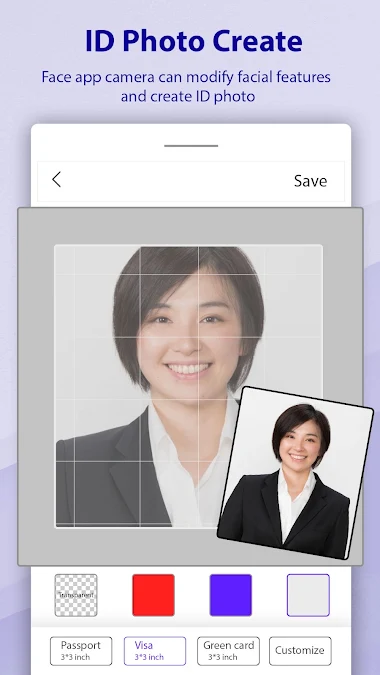
Cutout Pro - Background Remove is a photo-editing app for people who need clean cutouts, replacement backgrounds, or quick passport-style images on Android. Users can select a picture from the camera or gallery, let AI isolate the subject, or refine edges manually. The editor also supports pasting cutouts onto new scenes, applying blur and color-splash effects, and saving finished creations for later use. Its focused tool menu keeps common background tasks in one place, making it practical for profile pictures, invitations, product shots, and everyday photo compositions.

PrettyUp app icon
PrettyUp

accordion

Reviews
8.9
Size
-
Updated
2026-08-09
Download

PrettyUp is a photo and video editor for creators who want polished selfies, body-focused portraits, and more expressive short clips. It lets you import media, refine facial details, reshape body proportions, smooth skin, adjust makeup, and add creative effects from one mobile workspace. AI tools can remove unwanted objects, enhance quality, change hairstyles, or suggest new looks, while templates and camera modes help turn quick ideas into shareable posts. Drafts, live editing, and themed collections make it useful for everyday selfies, vlogs, and social content.

Magic Studio app icon
Magic Studio

MagicStudio.com

Reviews
8.8
Size
-
Updated
2026-08-01
Download

Magic Studio is an AI photo editor designed for people who want polished images without learning complex desktop software. Users can clean up pictures, remove unwanted objects, separate subjects from their backgrounds, and place them into new scenes with guided tools. Text-based creation and drawing features also turn simple ideas into new visual elements or complete images. Whether the goal is a social post, a product photo, a restaurant promotion, or a real-estate listing, the app keeps common editing tasks approachable on Android.

B612 app icon
B612

SNOW Corporation

Reviews
8.5
Size
249 MB
Updated
2026-06-13
Download

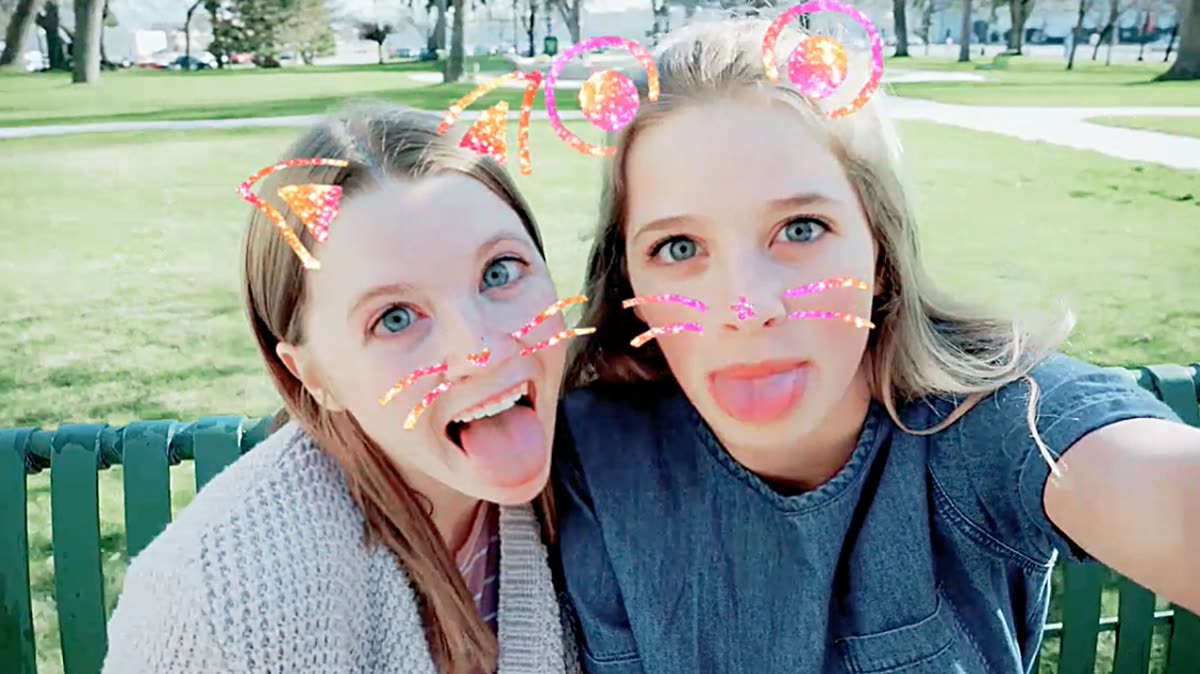
B612 is a camera and photo/video editor built for selfies, filters, beauty adjustments, stickers, templates, and quick social-ready edits on Android. The usual workflow is simple: open the camera or editor, capture or import media, apply effects or AI-style edits, then save or share a polished image or short video without moving into a full desktop editing tool.

Luminar: Photo Editor app icon
Luminar: Photo Editor

Skylum Software

Reviews
8.3
Size
-
Updated
2026-08-01
Download

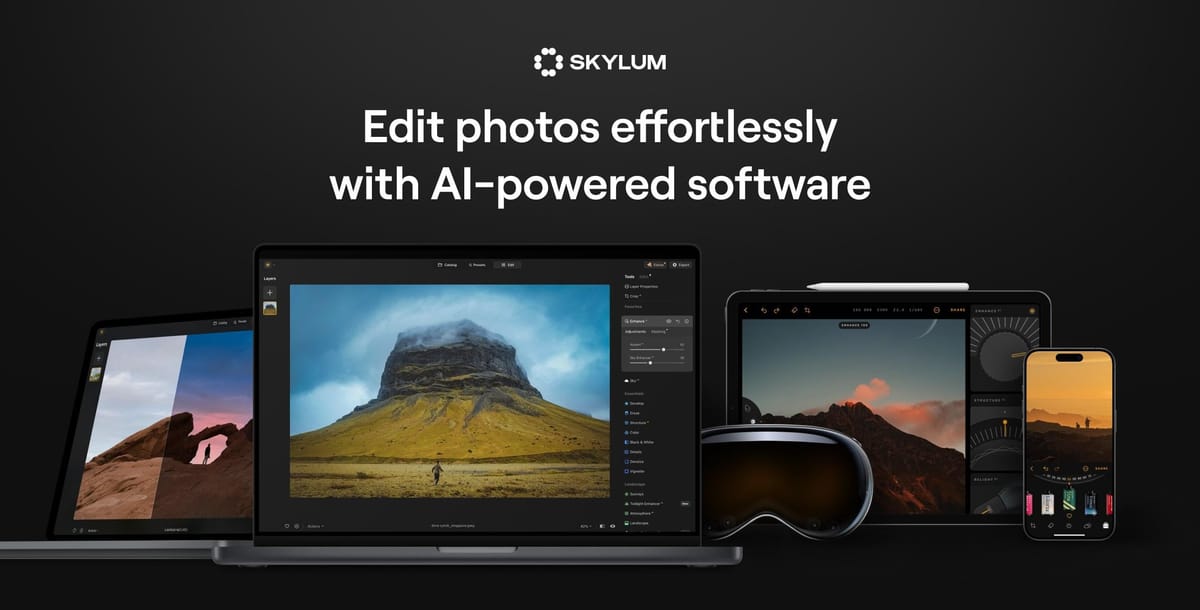
Luminar: Photo Editor is an AI-powered image editor for photographers and creators who want polished results on an Android phone or Chromebook. Users can import everyday photos or supported RAW files, then adjust light, color, composition, and detail through touch-friendly controls. EnhanceAI streamlines basic corrections, while SkyAI, RelightAI, and portrait tools handle targeted changes such as sky replacement, depth-aware exposure, and natural retouching. Cropping, filters, curves, object removal, and export tools support both quick social posts and more deliberate edits. The workflow combines guided automation with room for manual control.

Reviews
8.3
Size
43.10 MB
Updated
2026-06-24
Download

DSLR HD Camera turns an Android phone into a flexible shooting and photo-creation tool for everyday pictures, portraits, short videos, and quick edits. Users can move from the camera to a photo editor, templates, collage layouts, and a saved-work area without juggling separate apps. Capture controls cover front and rear cameras, touch focus, zoom, timers, burst shooting, resolution choices, white balance, scene modes, and exposure adjustments. Blur tools, filters, and layout options then help refine or combine images, giving casual photographers a practical workflow from capture to finished visual.

VIMAGE app icon
VIMAGE

Photo & Video Editors - Instant Solution

Reviews
8.2
Size
-
Updated
2026-08-06
Download

VIMAGE is a photo animation and editing app for creators who want to turn ordinary still images into living visuals. Choose a picture from your gallery or the built-in stock library, then add motion with parallax, flow effects, overlays, filters, and text. The editor also offers tutorials for effects and freehand animation, plus controls for color, direction, speed, and intensity. You can build a short cinemagraph-style scene for social posts, wallpapers, or visual stories. Its guided workflow keeps detailed animation approachable for both casual photographers and more experienced creators.

Photopea app icon
Photopea

Pixel Studio

Reviews
8.2
Size
91.1 MB
Updated
2026-06-27
Download

Photopea is a photo-editing and collage app for Android users who want quick entry points for editing, web editing, collage creation, camera capture, and local album selection. The first screens show a visual home page, settings menu, album picker, file chooser, rating prompt, and camera/media permission prompts. It suits users who want lightweight creative tools on a phone. Because the package declares camera, photos and videos, nearby devices, phone, location, billing, and system overlay capabilities, users should grant permissions only when needed.

AI Mirror app icon
AI Mirror

POLYVERSE INC.

Reviews
8.1
Size
-
Updated
2026-08-06
Download

AI Mirror is an AI photo and video editing app for turning everyday pictures into stylized portraits, themed scenes, and short creative clips. It suits creators who want to explore visual ideas without building every effect manually. Choose an AI filter, restoration style, fashion concept, background, or video template, then upload a suitable image and let the app transform it. The Home and Effects areas organize inspiration such as Painting, Fashion, AI Video, and Dress-Up, making it easy to browse ideas and move from a quick experiment to a shareable result.