
How to choose a Emulators APK
Check the app name, package name, latest version, file size, update date, source notes, SHA-256, and whether the download page includes clear safety context.
Browse Emulators APKs for Android with latest versions, file sizes, package details, scan notes, and verified download links.

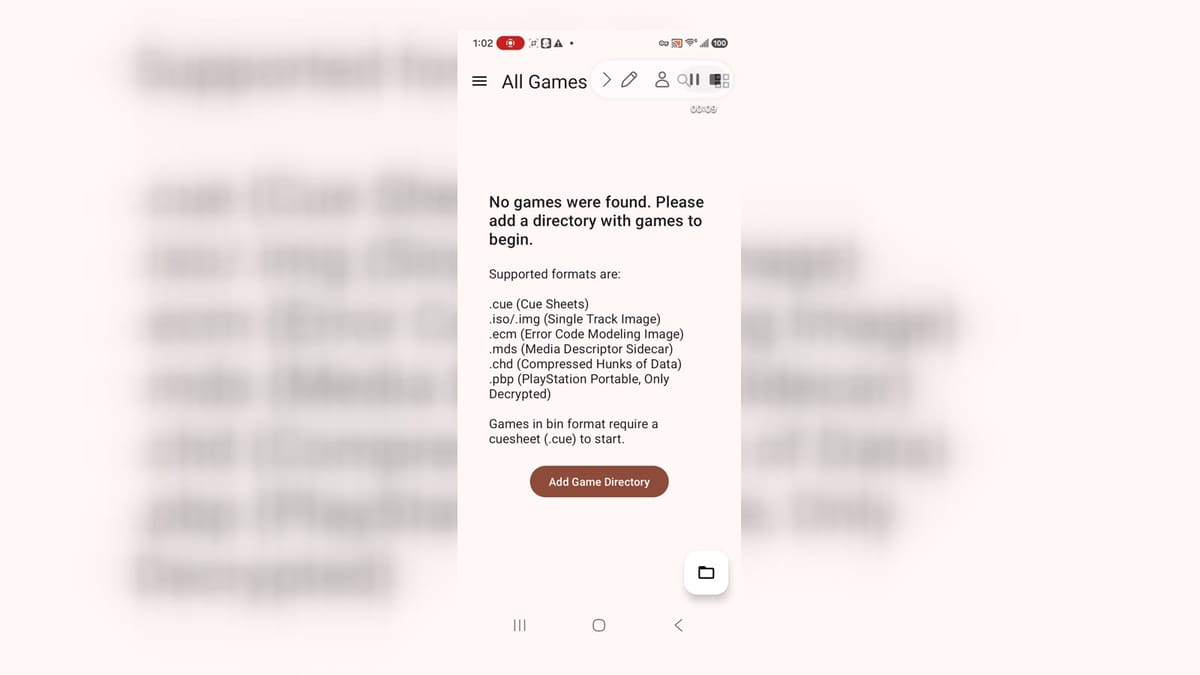
DuckStation is a PlayStation 1 emulator for Android users who want to organize and run legally dumped games on a phone or tablet. Its setup wizard guides you through choosing a language, theme, and BIOS image before you add a game directory. The library recognizes common disc-image formats, groups titles into flexible views, and sorts them by details such as name or recent play. Graphics, controller, save-state, and per-game options give experienced players room to tune the experience, while sensible defaults keep the first setup approachable.
10.0

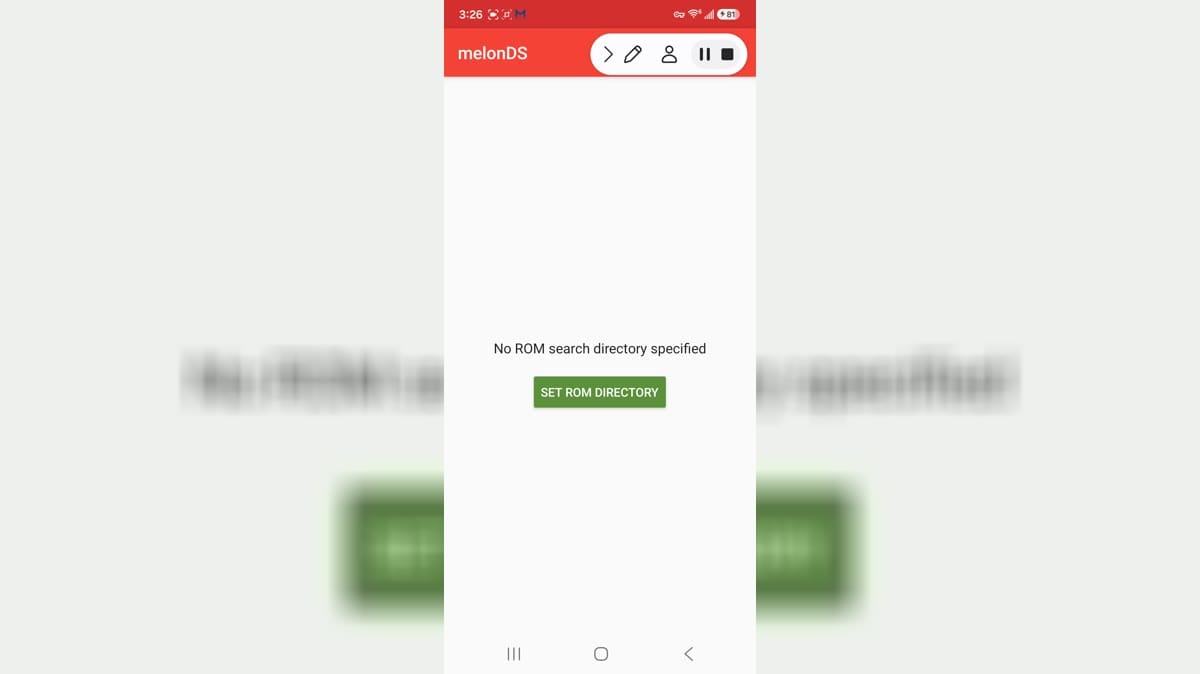
melonDS is an Android emulator app for people who want to use compatible software from their own legally obtained library on a mobile device. It is focused on Nintendo DS-style emulation, with settings that can affect controls, performance, display, audio, and file locations. Emulator setup works best when users begin with a clear understanding of device compatibility and their own rights to the material they use. Keep game files and save data organized, review storage choices, and make small configuration changes gradually when improving a setup.
10.0

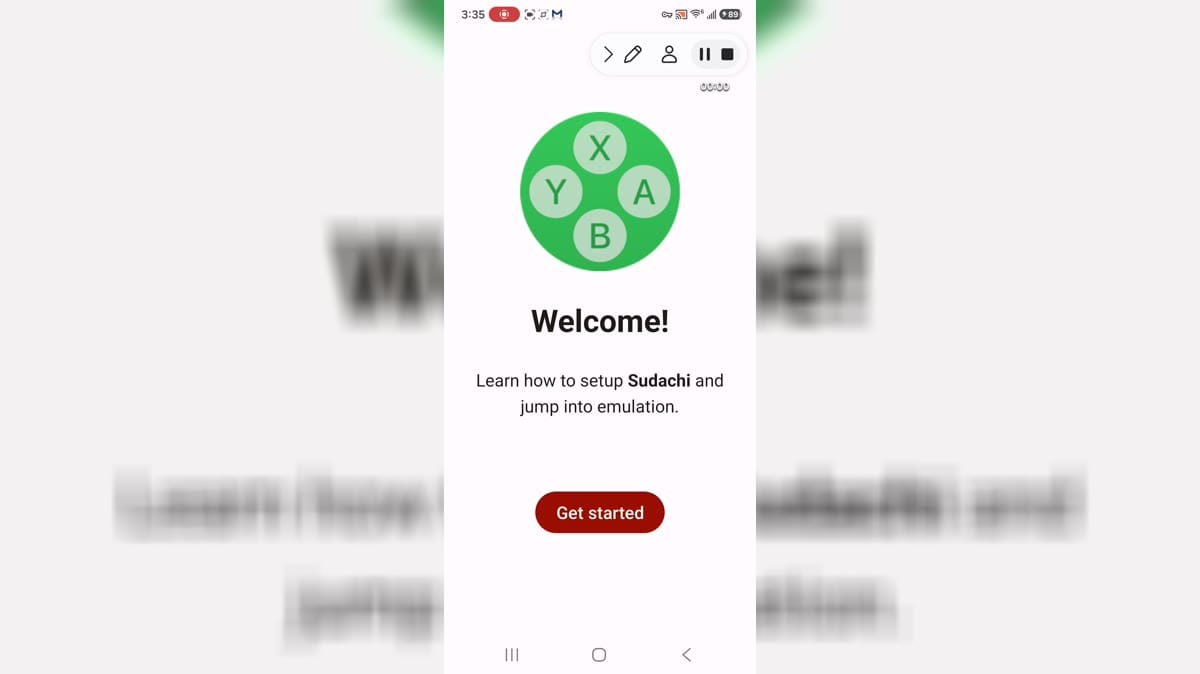
Sudachi is an Android emulator app for people who want to use compatible software from their own legally obtained library on a mobile device. It is focused on console-emulation tools, with settings that can affect controls, performance, display, audio, and file locations. Emulator setup works best when users begin with a clear understanding of device compatibility and their own rights to the material they use. Keep game files and save data organized, review storage choices, and make small configuration changes gradually when improving a setup.
9.9

Cemu is an Android emulator app for people who want to use compatible software from their own legally obtained library on a mobile device. It is focused on console-emulation tools, with settings that can affect controls, performance, display, audio, and file locations. Emulator setup works best when users begin with a clear understanding of device compatibility and their own rights to the material they use. Keep game files and save data organized, review storage choices, and make small configuration changes gradually when improving a setup.
9.9

Snes9x EX+ is a Super Nintendo emulator for Android users who want to play compatible SNES game files they legally own, configure controls, adjust video options, and manage save states on a phone or tablet. The app focuses on a lightweight emulator interface rather than an online account system. It suits retro-game players who understand ROM ownership, storage access, Bluetooth controller setup, and per-game compatibility. Version 1.5.85 adds emulator-facing refinements such as overscan and save-state improvements for practical daily use.
9.9

My Boy! - GBA Emulator is an Android emulator for users who want to run Game Boy Advance games on a phone or tablet. It focuses on ROM browsing, fast emulation, controls, save support, and device features such as Bluetooth-related play options. The app is useful for people who legally keep their own game files and want a portable retro setup. This package opened to the emulator list UI, but no game ROM was loaded, so gameplay compatibility still depends on the user's files and device.
9.8

RPG Maker Plugin for JoiPlay is an Android add-on that extends the JoiPlay launcher with support for games built in RPG Maker XP, VX, and VX Ace. It works behind the scenes rather than as a standalone game browser, so users install JoiPlay first, add a compatible title, and let the plugin handle the engine layer needed to start it. The plugin also provides version information, license details, and a log-saving control for troubleshooting. It gives Android players a practical way to run compatible desktop-made RPGs through JoiPlay’s mobile interface.
8.9

Citra MMJ is an Android Nintendo 3DS emulator for users who want to organize and run compatible 3DS software from their own game files. Its library accepts CCI, CXI, 3DS, and 3DSX formats, lets users add folders, refresh entries, and reach CIA installation from one screen. Input binding, combo-key settings, cheat editing, and a multiplayer entry provide controls for different play setups. By keeping library management, emulator options, and storage selection together, Citra MMJ offers a practical way to manage 3DS emulation on a phone or tablet.
9.6
DuckStation is a PlayStation 1 emulator for Android users who want to organize and run legally dumped games on a phone or tablet. Its setup wizard guides you through choosing a language, theme, and BIOS image before you add a game directory. The library recognizes common disc-image formats, groups titles into flexible views, and sorts them by details such as name or recent play. Graphics, controller, save-state, and per-game options give experienced players room to tune the experience, while sensible defaults keep the first setup approachable.
10.0

Pizza Boy GBA Basic is an Android emulator app for people who want to use compatible software from their own legally obtained library on a mobile device. It is focused on Game Boy Advance-style emulation, with settings that can affect controls, performance, display, audio, and file locations. Emulator setup works best when users begin with a clear understanding of device compatibility and their own rights to the material they use. Keep game files and save data organized, review storage choices, and make small configuration changes gradually when improving a setup.
9.6

uoYabause is an Android emulator app for people who want to use compatible software from their own legally obtained library on a mobile device. It is focused on Saturn-style emulation, with settings that can affect controls, performance, display, audio, and file locations. Emulator setup works best when users begin with a clear understanding of device compatibility and their own rights to the material they use. Keep game files and save data organized, review storage choices, and make small configuration changes gradually when improving a setup.
8.2

SuperGBC is an Android emulator app for people who want to use compatible software from their own legally obtained library on a mobile device. It is focused on Game Boy Color-style emulation, with settings that can affect controls, performance, display, audio, and file locations. Emulator setup works best when users begin with a clear understanding of device compatibility and their own rights to the material they use. Keep game files and save data organized, review storage choices, and make small configuration changes gradually when improving a setup.
9.7
Sudachi is an Android emulator app for people who want to use compatible software from their own legally obtained library on a mobile device. It is focused on console-emulation tools, with settings that can affect controls, performance, display, audio, and file locations. Emulator setup works best when users begin with a clear understanding of device compatibility and their own rights to the material they use. Keep game files and save data organized, review storage choices, and make small configuration changes gradually when improving a setup.
9.9

GENPlusDroid is an Android emulator app for people who want to use compatible software from their own legally obtained library on a mobile device. It is focused on Genesis-style emulation, with settings that can affect controls, performance, display, audio, and file locations. Emulator setup works best when users begin with a clear understanding of device compatibility and their own rights to the material they use. Keep game files and save data organized, review storage choices, and make small configuration changes gradually when improving a setup.
9.4

Reicast is an Android emulator app for people who want to use compatible software from their own legally obtained library on a mobile device. It is focused on Dreamcast-style emulation, with settings that can affect controls, performance, display, audio, and file locations. Emulator setup works best when users begin with a clear understanding of device compatibility and their own rights to the material they use. Keep game files and save data organized, review storage choices, and make small configuration changes gradually when improving a setup.
8.2
melonDS is an Android emulator app for people who want to use compatible software from their own legally obtained library on a mobile device. It is focused on Nintendo DS-style emulation, with settings that can affect controls, performance, display, audio, and file locations. Emulator setup works best when users begin with a clear understanding of device compatibility and their own rights to the material they use. Keep game files and save data organized, review storage choices, and make small configuration changes gradually when improving a setup.
10.0

RetroArch Plus is an Android emulator app for people who want to use compatible software from their own legally obtained library on a mobile device. It is focused on multi-system emulation, with settings that can affect controls, performance, display, audio, and file locations. Emulator setup works best when users begin with a clear understanding of device compatibility and their own rights to the material they use. Keep game files and save data organized, review storage choices, and make small configuration changes gradually when improving a setup.
8.1

Vita3K is an Android emulator app for people who want to use compatible software from their own legally obtained library on a mobile device. It is focused on handheld-console emulation, with settings that can affect controls, performance, display, audio, and file locations. Emulator setup works best when users begin with a clear understanding of device compatibility and their own rights to the material they use. Keep game files and save data organized, review storage choices, and make small configuration changes gradually when improving a setup.
9.4

Azahar Emulator is an Android emulator app for people who want to use compatible software from their own legally obtained library on a mobile device. It is focused on handheld-console emulation, with settings that can affect controls, performance, display, audio, and file locations. Emulator setup works best when users begin with a clear understanding of device compatibility and their own rights to the material they use. Keep game files and save data organized, review storage choices, and make small configuration changes gradually when improving a setup.
8.9

My Boy Lite is an Android emulator app for people who want to use compatible software from their own legally obtained library on a mobile device. It is focused on Game Boy Advance-style emulation, with settings that can affect controls, performance, display, audio, and file locations. Emulator setup works best when users begin with a clear understanding of device compatibility and their own rights to the material they use. Keep game files and save data organized, review storage choices, and make small configuration changes gradually when improving a setup.
7.1

Citron is an Android emulator app for people who want to use compatible software from their own legally obtained library on a mobile device. It is focused on console-emulation tools, with settings that can affect controls, performance, display, audio, and file locations. Emulator setup works best when users begin with a clear understanding of device compatibility and their own rights to the material they use. Keep game files and save data organized, review storage choices, and make small configuration changes gradually when improving a setup.
8.1
Cemu is an Android emulator app for people who want to use compatible software from their own legally obtained library on a mobile device. It is focused on console-emulation tools, with settings that can affect controls, performance, display, audio, and file locations. Emulator setup works best when users begin with a clear understanding of device compatibility and their own rights to the material they use. Keep game files and save data organized, review storage choices, and make small configuration changes gradually when improving a setup.
9.9

PPSSPP is an Android emulator app for people who want to use compatible software from their own legally obtained library on a mobile device. It is focused on PSP-style emulation, with settings that can affect controls, performance, display, audio, and file locations. Emulator setup works best when users begin with a clear understanding of device compatibility and their own rights to the material they use. Keep game files and save data organized, review storage choices, and make small configuration changes gradually when improving a setup.
9.5
RPCS3 is an emulator-oriented Android app for users who want to manage PlayStation 3 emulation files, firmware status, game folders, and controller or USB-related setup from a mobile device. It is aimed at experienced emulation users who understand firmware, game dumps, storage organization, and compatibility limits. The app reached its main activity after a direct start and showed file selection and firmware status screens. Its permissions include notifications, internet, vibration, USB permission, and a dynamic receiver capability.
7.3

Eden is a game emulator for Android users who want to organize compatible game files, configure emulator behavior, manage folders, and adjust controls or graphics-related settings from a mobile interface. The app opens to a game-library screen with a folder button, key-related warning, sort menu, advanced settings, app settings, controls, GPU driver manager, and system information pages. It is best for users who understand emulator setup, legal game ownership, firmware or key requirements, storage-folder selection, and device performance limits.
7.1

AetherSX2 is a PlayStation 2 emulator-style Android app for users who want to configure NetherSX2, import a BIOS image, add their own game directories, and manage compatible disc images from a phone or tablet. The setup wizard guides players through welcome, BIOS, folder, and game-list steps before the main library opens. It does not provide games, so users need files they have the right to use. It suits retro-game players who understand BIOS setup, folder access, compatibility limits, and signature-change install behavior.
7.2

Winlator is an Android compatibility tool for users who want to run selected Windows apps and games through containers, Wine-based components, Box64, graphics wrappers, and configurable input controls. It gives experienced users a container interface, settings panels, and driver or wrapper choices instead of a one-tap game launcher. Version 11.0 adds graphics, input, component, and compatibility improvements for advanced setups. It suits users who enjoy tinkering, have realistic expectations, and are comfortable granting file access while troubleshooting Windows software on Android.
8.4
Snes9x EX+ is a Super Nintendo emulator for Android users who want to play compatible SNES game files they legally own, configure controls, adjust video options, and manage save states on a phone or tablet. The app focuses on a lightweight emulator interface rather than an online account system. It suits retro-game players who understand ROM ownership, storage access, Bluetooth controller setup, and per-game compatibility. Version 1.5.85 adds emulator-facing refinements such as overscan and save-state improvements for practical daily use.
9.9
My Boy! - GBA Emulator is an Android emulator for users who want to run Game Boy Advance games on a phone or tablet. It focuses on ROM browsing, fast emulation, controls, save support, and device features such as Bluetooth-related play options. The app is useful for people who legally keep their own game files and want a portable retro setup. This package opened to the emulator list UI, but no game ROM was loaded, so gameplay compatibility still depends on the user's files and device.
9.8
Compare highlighted Emulators APK listings with package details, file sizes, update signals, and available download links.
Check the app name, package name, latest version, file size, update date, source notes, SHA-256, and whether the download page includes clear safety context.
Before installing a Emulators APK, review package identity, source notes, file verification, permissions, and install behavior.
Explore nearby Android app categories when you want similar tools, communication apps, media apps, or productivity APKs.
A Emulators APK should be checked by package name, version, source, SHA-256, scan notes, and install behavior before installation.