Pitch Black WallpaperIntro: Pitch Black Wallpaper is a compact personalization app for Android users who want a plain black home and lock screen without browsing large wallpaper galleries. The main screen asks whether to set a pitch black wallpaper and includes a simple confirmation button, while the menu adds help, lock-screen fix, rating, support, and information entries. It is best for users who prefer a minimal background, AMOLED-friendly dark styling, or a distraction-free phone look. The app keeps the experience narrow and direct instead of turning wallpaper setup into a complex editor.
Minimal WidgetsIntro: Minimal Widgets is an Android personalization app for building a calmer, more coordinated home screen with native widgets. Browse categories such as AI, app launchers, clocks, calendars, battery, weather, contacts, and productivity tools, then choose a design and add it directly to the launcher without a separate widget engine. Each widget can be adjusted with color controls, and the responsive or fixed layout modes help it fit different grid sizes. Matching wallpapers and folder-style layouts make it easier to shape a consistent setup that stays useful as well as minimal.
Widgetable: Besties & CouplesIntro: Widgetable: Besties & Couples is a social app that turns everyday phone screens into a shared space for friends and partners. You can invite people into shared connections, exchange quick updates, and keep small moments visible through playful widgets. Shared pets add a light co-parenting routine, while Sleep, Mood, Distance, and Status widgets help people compare routines, feelings, and activity across miles. Moments, doodles, photos, and themed backgrounds make the relationship space more personal. It is designed for users who want a cute, low-pressure way to stay present in each other’s day.
Locket WidgetIntro: Locket Widget is a private photo-sharing app that places fresh pictures from close friends directly on your Android Home Screen. After adding the widget, users can receive snapshots at a glance, tap in to take a quick photo, and send it back to selected friends. The experience favors a small circle instead of public follower counts, while reactions and photo history make everyday exchanges easier to revisit. It suits best friends, couples, and families who want lightweight visual updates throughout the day without browsing a large social feed.
FontsIntro: Fonts is an Android keyboard and text-style app for people who want to add decorative lettering, symbols, and visual personality to messages and social posts. It offers typing-focused tools that help users choose different text looks while composing in compatible apps. The app is useful for creating captions, profile text, short notes, and casual messages with a more distinctive presentation. Users can explore styles, select the options that suit their device, and decide whether to enable its keyboard features after reviewing the relevant input-method permissions and privacy settings.
Facemoji KeyboardIntro: Facemoji Keyboard is an Android keyboard customization app for people who want expressive emoji, themes, stickers, and typing tools in their everyday conversations. It combines a full input layout with visual personalization choices, helping users give messages and social posts a more distinctive tone. The app can be useful for finding emoji quickly, changing the keyboard's appearance, and experimenting with casual writing styles. Users can choose which features to enable, test layouts before relying on them, and keep control over the active input method by reviewing the relevant Android prompts, permissions, and privacy settings.
Microsoft SwiftKey KeyboardIntro: Microsoft SwiftKey Keyboard is an Android input app for people who want a customizable typing experience across messages, searches, and everyday forms. It combines a full keyboard layout with prediction, language, theme, and personalization options that can be adjusted to suit different typing habits. Users can choose how the keyboard looks and behaves, switch between supported languages, and use its text-entry tools when composing on a phone. As with any input method, enable it deliberately and review the relevant privacy, language, and account choices before using it for sensitive information.
KWGT Kustom Widget MakerIntro: KWGT Kustom Widget Maker is an Android personalization app for people who want a more useful, more personal home screen. It lets you design custom widgets instead of settling for fixed layouts, whether you want a clock, weather panel, music display, photo block, or system monitor. Start from a blank canvas or a starter skin, then shape text, images, layers, colors, and touch actions around your launcher. Health and fitness data can also become glanceable widgets. The result is a home screen that reflects your routines, interests, and visual style.
Kustom LWPIntro: Kustom LWP is a live wallpaper and Android home-screen design tool for users who want more control than a fixed background can provide. You can build animated screens in a WYSIWYG editor, combine text, shapes, images, clocks, weather, and system data, then make elements react to touches, scrolling, time, or device movement. Presets and community packs offer a quicker starting point, while the Main Editor supports deeper customization from scratch. It suits creators, theming fans, and anyone who wants a more personal, information-rich phone experience.
WallcraftIntro: Wallcraft is a personalization app for people who want a more distinctive home or lock screen. It lets you browse a curated stream of high-resolution backgrounds sized for your device, from calm landscapes and glowing skies to bold abstract art and illustrated scenes. You can choose still HD, 4K, or 8K images, explore animated and parallax-style designs, and apply a favorite look to one screen or both. Its visual variety makes it easy to refresh a phone’s character without searching through mismatched wallpapers.
BackdropsIntro: Backdrops is a wallpaper personalization app for Android users who want a more distinctive home or lock screen. Explore original designs in styles ranging from abstract shapes and patterns to scenery, space, photography, and dark AMOLED-friendly artwork. Browse Popular, Latest, Remix, and Wall of the Day selections, then save favorites or build themed collections for quick access. Community lets users share their own original work, while streaks and daily coin claims add a small routine to discovery. It is a colorful way to refresh a device without settling for the same background every day.
Apex LauncherIntro: Apex Launcher is a home-screen replacement for Android users who want more control over icons, folders, gestures, app drawers, docks, and the layout of their daily launcher. Instead of changing only a wallpaper, it lets users choose a drawer style, organize the desktop, add shortcuts, and make the phone feel more personal without leaving the familiar Android launcher model.
Smart Launcher 6Intro: Smart Launcher 6 is an Android home-screen replacement for people who want a tidier, more personal way to use their phones. It automatically groups apps into categories, keeps common actions close at hand, and gives you a flexible home page for icons, widgets, wallpapers, and search. Built-in options can show weather, calendar events, music, notes, and notifications without sending you through separate screens. You can reshape the layout, colors, fonts, gestures, and icon style to fit one-handed routines or a carefully designed setup. The result is a focused launcher that balances speed, control, and visual character.
Niagara LauncherIntro: Niagara Launcher is an Android product for people who want to organize a minimalist home screen with a focused app list, notifications, and quick access controls. It is designed for users who want fewer home-screen distractions and fast one-handed navigation, with a focused mobile experience that can be explored in short sessions or configured for regular use. Its value comes from keeping the main workflow close to the device, whether that means quick access, information, creativity, social connection, or interactive play. Before relying on optional features, users should review compatibility, permissions, account choices, storage, data use, and any commercial terms that apply to their setup.
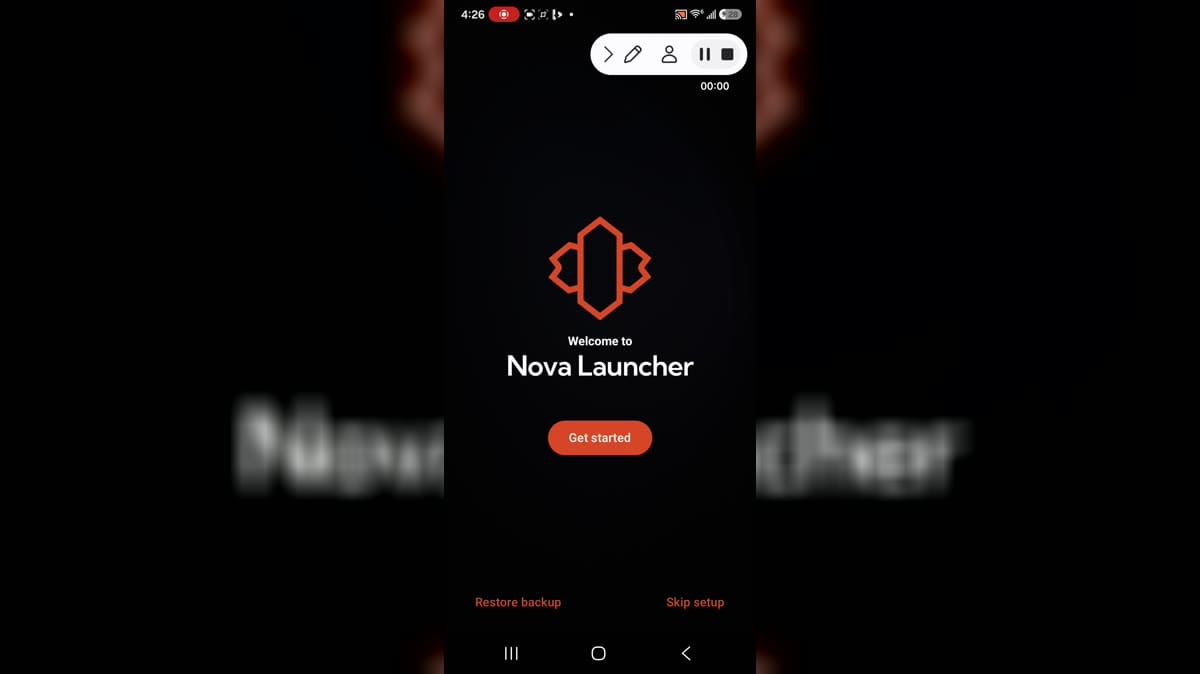
Nova LauncherIntro: Nova Launcher is an Android home-screen replacement for users who want more control over icons, widgets, folders, gestures, app drawer behavior, and layout details. It helps turn the default launcher into a more personal workspace, whether the goal is a clean minimal home screen or a dense setup with shortcuts and widgets. First-run setup guides users through the launcher flow before deeper customization. It best fits people who are comfortable changing Android default-home behavior and reviewing launcher permissions carefully.