RetroArch PlusIntro: RetroArch Plus is an Android emulator app for people who want to use compatible software from their own legally obtained library on a mobile device. It is focused on multi-system emulation, with settings that can affect controls, performance, display, audio, and file locations. Emulator setup works best when users begin with a clear understanding of device compatibility and their own rights to the material they use. Keep game files and save data organized, review storage choices, and make small configuration changes gradually when improving a setup.
PSP PS2 EmulatorIntro: PSP PS2 Emulator is a retro-gaming utility that turns an Android phone into a portable place for organizing and running compatible classic game files. Users can scan a chosen ROM directory, add titles to a favorites list, and launch them through an on-screen controller without carrying a physical console. The app also provides controller themes, autosave states, display filters, HD post-processing, and external-device options for tailoring play. Its guided download and scan pages help new users understand the library workflow, making short nostalgia sessions easier to set up and resume.
PS2 ISO Games EmulatorIntro: PS2 ISO Games Emulator is an Android game-catalog app for browsing console-style PS2 and PSP collections from a phone. It starts with a language selector and an emulator choice, then opens a dark catalog where users can scan cover art, ratings, download controls, and console tabs. PSP browsing groups popular football, action, adventure, and fighting titles into scrollable cards, while the Play area adds a broader casual-game shelf. Search, favorites, profile, settings, and download tools help organize repeat visits. It suits players who want a way to explore emulator-themed game libraries before choosing what to access.
NDS64 EmulatorIntro: NDS64 Emulator is a multi-system retro gaming app for Android users who want to organize and play their own classic game backups from one place. It brings console-style libraries to a phone with separate sections for NDS, N64, SNES, NES, GBA, GBC, and arcade titles. Users can browse a personal game list, search by name, revisit recent or favorite entries, and use the on-screen controls while playing. Support for external gamepads and save-state features makes longer sessions easier to manage. It suits players who want a flexible, portable way to revisit legally owned classics.
My Boy! - GBA EmulatorIntro: My Boy! - GBA Emulator is an Android emulator for users who want to run Game Boy Advance games on a phone or tablet. It focuses on ROM browsing, fast emulation, controls, save support, and device features such as Bluetooth-related play options. The app is useful for people who legally keep their own game files and want a portable retro setup. This package opened to the emulator list UI, but no game ROM was loaded, so gameplay compatibility still depends on the user's files and device.
MJLauncherIntro: MJLauncher is an Android launcher for Minecraft: Java Edition and other LWJGL games, aimed at players who want desktop-style Java worlds on a phone. It brings accounts, profiles, game-version selection, and a Play entry into one dark, touch-friendly workspace. Users can choose Microsoft, Ely.by, or local account routes, adjust custom controls, open the game directory, run a JAR installer, and share log files when troubleshooting. Its rendering and compatibility work is designed for modern and legacy game versions, while mod support gives experienced players more room to customize mobile sessions.
JoyArkIntro: JoyArk is a cloud gaming and game-discovery app for Android users who want to explore PC, console, and AAA titles from a phone. Browse recommended, top, new, and featured games, then narrow the catalogue with genre filters such as RPG, FPS, action, sport, and adventure. The library connects discovery with cloud-play access, while the Me area organizes membership, rewards, redeem codes, invite codes, and account settings. It gives casual players and dedicated gamers a convenient way to find games and manage their cloud-gaming experience in one place.
Instant GamingIntro: Instant Gaming is a digital game shopping app for people who want to compare discounted PC, Mac, PlayStation, Xbox, and Nintendo offers from one place. Its storefront organizes trending releases, bestsellers, pre-orders, gift cards, and platform-specific deals, helping users move from discovery to a detailed product page quickly. Each listing brings together the current price, discount, platform, delivery format, compatibility details, screenshots, and community ratings before checkout. Account, cart, wishlist, and alert tools make it easier to track purchases and stock updates while browsing new releases on Android.
Happy Chick EmulatorIntro: Happy Chick Emulator is an Android app for browsing and running classic console games through a single emulator hub. It gives retro players a place to explore recommended titles, search the catalog, and move through topic or system classifications before choosing a game entry. The emulator supports controller input as well as gesture and sensor controls, with listed coverage for PlayStation 1, Nintendo 64, Game Boy family systems, and PSP-oriented content. Platform labels, language tags, file sizes, and download controls make the library easier to scan when you want a flexible way to revisit older games.
GeForce NOW Cloud GamingIntro: GeForce NOW Cloud Gaming is NVIDIA's Android entry point for streaming supported PC games from the cloud to a phone or tablet. It is meant for players who already own or connect eligible game libraries and want to play through a service session instead of installing full PC games locally. The app can move users through terms, membership, provider, and account choices before gameplay. It suits cloud-gaming users with strong internet, compatible controllers or touch controls, and an eligible GeForce NOW plan.
Gamu: Retro Game EmulatorIntro: Gamu: Retro Game Emulator is an Android hub for players who want to bring legally acquired classic game files to a phone or tablet. It organizes a personal retro library and opens supported console formats in one place, with save states for pausing a long session and returning later. Touch controls can be resized and repositioned, while Bluetooth or USB gamepads provide a more familiar layout. Fast-forward, CRT and LCD display filters, and cheat-code support add flexibility for different games. It suits short nostalgic sessions as well as longer controller-based play.
Gamingo: Play With TeammatesIntro: Gamingo: Play With Teammates is a social gaming companion app for players who want to find people for their favorite multiplayer games. It starts with a short preference flow where users choose a gender and age group, then select games such as Roblox, Free Fire, Minecraft, PUBG, or Mobile Legends. The service combines teammate matching with professional companion recommendations, game rooms, low-latency voice chat, rewards, and a community feed for sharing moments. It helps players build a suitable team faster and makes recurring sessions more social, coordinated, and easier to organize.
Facebook GamingIntro: Facebook Gaming is a gaming video and community app for Android users who want Facebook-linked game streams, creator content, game discovery, social features, and account-based access in a dedicated gaming interface. It is aimed at users who already use Facebook or want gaming content tied to Meta account services. The app opened to Facebook Gaming login and account recovery screens. Its permissions include camera, microphone, contacts and accounts, phone state, storage, overlay, biometric access, billing, location, shortcuts, push messaging, badges, Wi-Fi, and network access.
ExaGear: Windows EmulatorIntro: ExaGear: Windows Emulator is an Android emulation tool for running compatible 32-bit Win32 software and classic PC games on ARM phones, tablets, and handhelds. It builds a Windows-style environment locally, letting users bring installers or game files into a container and launch them without remote streaming. Touch gestures cover common desktop actions, while USB or Bluetooth keyboards and mice can make longer sessions easier. Renderer, resolution, audio, and control choices help adapt older titles to different hardware, giving retro-software fans a flexible portable setup.
Ebuddy: Gaming Social PlatformIntro: Ebuddy: Gaming Social Platform is a social app for gamers who want company, guidance, or a better teammate for their next session. Browse game-focused services, choose a player profile, and connect through the platform when you want help with titles such as Mobile Legends, Valorant, PUBG Mobile, or League of Legends. The app combines service discovery with chat, sessions, inbox updates, ratings, and profile details, while E-Buddies can present their availability and play style. It gives solo players a clearer way to find game-centered company.
DamonPS2 - PS2 Emulator - PPSSPPIntro: DamonPS2 is an Android PlayStation 2 emulator for players who want to revisit console games on a capable phone. It loads compatible game images from local storage, supports widescreen presentation, and can render selected titles at higher resolutions for a sharper mobile view. Touch controls, hardware gamepads, multi-threading, and NEON acceleration give users several ways to shape the experience, while save slots and graphics options support longer sessions. It is best suited to users who already have their own legal ROM and BIOS files and want flexible PS2 play on Android.
Beacon Game LauncherIntro: Beacon Game Launcher is an Android front end for turning a phone or handheld into a retro-gaming hub. It lets players add emulator apps, connect each platform to its ROMs folder, and browse a single library instead of jumping between separate launchers. Cover art and game metadata make a large collection easier to scan, while the home view keeps favorite systems close to a controller-friendly play flow. The app does not include games or emulators, so it suits users who maintain their own files and want a console-like way to organize and launch them.
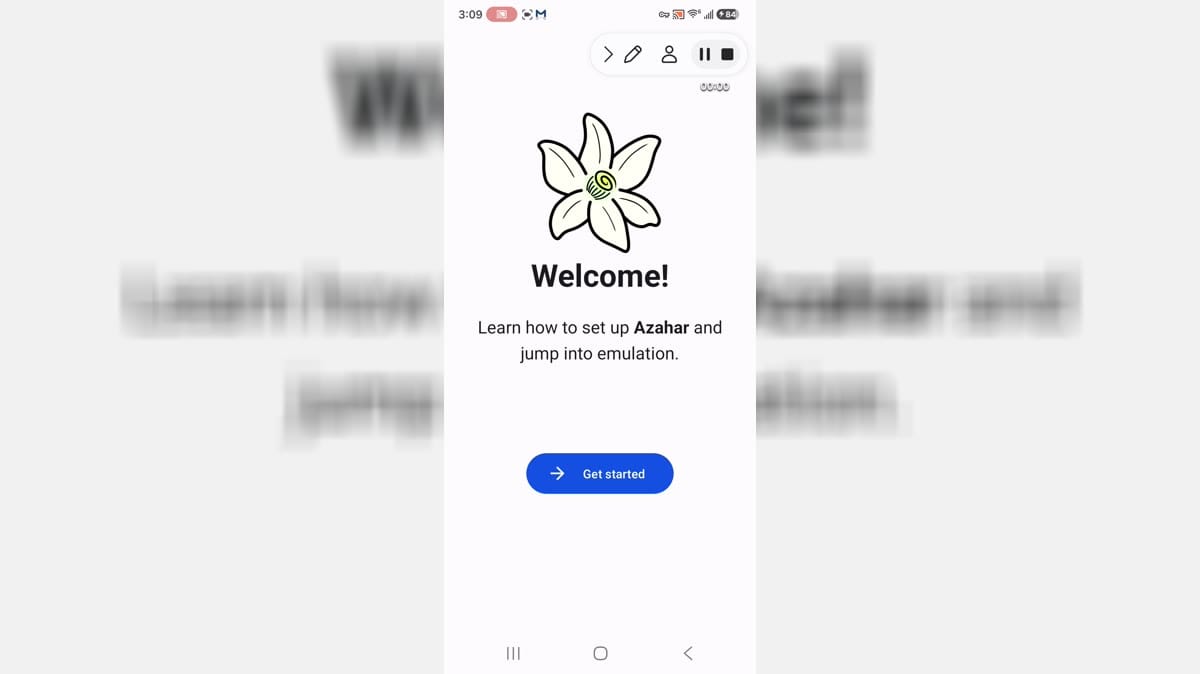
Azahar EmulatorIntro: Azahar Emulator is an Android emulator app for people who want to use compatible software from their own legally obtained library on a mobile device. It is focused on handheld-console emulation, with settings that can affect controls, performance, display, audio, and file locations. Emulator setup works best when users begin with a clear understanding of device compatibility and their own rights to the material they use. Keep game files and save data organized, review storage choices, and make small configuration changes gradually when improving a setup.