Flow FreeIntro: Flow Free is a colorful logic puzzle game built around connecting matching dots without letting pipes cross or leaving any part of the board uncovered. Choose a pack, trace each route across the grid, and watch the puzzle resolve when every color forms a complete flow. The game mixes relaxed Free Play with tougher boards, daily and weekly selections, and time-focused challenges. Clear menus, move counts, hints, and replay controls make it easy to fit a quick brain teaser into a break or settle into a longer puzzle session.
4 Pics 1 WordIntro: 4 Pics 1 Word is a casual picture-and-word puzzle game built around finding the single term shared by four images. Each round presents a visual clue set, blank answer spaces, and a mixed letter bank, so players can test association, spelling, and vocabulary without learning complex rules. Correct answers unlock the next level and award coins or IQ progress, while daily puzzles, themed journeys, and hint rewards add variety beyond the main sequence. It suits quick solo sessions as well as relaxed word challenges with friends or family.
Mr BulletIntro: Mr Bullet is a physics-based shooting puzzle game that puts players in the role of a precise secret agent. Each compact level asks you to line up a shot, use walls and objects, and defeat targets with as few bullets as possible. Ricochets, explosives, moving platforms, hostages, and changing enemy positions turn simple aiming into a spatial puzzle. Stars, mission choices, daily rewards, and unlockable suits add goals beyond clearing one stage. Its short levels suit quick play while still rewarding careful planning and timing.
Tap UnlockIntro: Tap Unlock is a casual block puzzle game for players who enjoy simple rules and gradually harder logic challenges. Each level asks you to clear arrow-marked blocks by tapping pieces whose directions let them move away from the group. As boards become larger or take on different shapes, you need to read the layout, plan an order, and open a path without a countdown pressing you forward. Undo and helper tools can support a tricky board, while skins and themes add visual variety as you progress. It fits short breaks, relaxed brain training, and anyone who likes satisfying tap-to-clear puzzles.
Easy WordsIntro: Easy Words is a word puzzle game for Android players who want board-based spelling, letter tiles, opponent turns, score multipliers, swaps, hints, and short vocabulary challenges. It is aimed at people who enjoy Scrabble-style placement, tactical tile use, and relaxed single-player word rounds against an in-game opponent. The app opened to terms onboarding, notification denial, playable board, swap tiles, score updates, and Android settings screens. Users should review ads, billing, notification prompts, advertising identifiers, storage, network access, battery behavior, and license checks before regular play.
Sudoku KingdomIntro: Sudoku Kingdom is a stage-based number puzzle game that turns classic 9-by-9 Sudoku into a castle-climbing challenge. Players fill each grid without repeating digits across rows, columns, or blocks, then earn crowns that raise their rank. Four difficulty tiers - Easy, Normal, Hard, and Extreme - make the journey approachable for new solvers while preserving tougher goals for experienced players. Hints, notes, automatic checks, themes, undo, and an eraser support steady progress. Daily puzzles and collection rewards add a reason to return for short logic-training sessions.
Toon Clash CHESSIntro: Toon Clash CHESS is an Android game for players interested in cartoon-style chess matches and move planning. It offers a focused way to open a session, choose from the available game screens, and return to familiar play from a phone. The reviewed material shows the game interface alongside Android-level settings that can affect notifications, storage, or other device choices. Its layout suits players who want a straightforward mobile session while keeping permissions and connected features deliberate. Review the available options, connection needs, and any purchase choices before relying on features beyond the captured path.
Brain Puzzle: Tricky QuestIntro: Brain Puzzle: Tricky Quest is a story-driven puzzle adventure built around funny scenes, unexpected logic, and playful interactions. Players follow short storylines, inspect each level, and solve objectives by tapping, dragging, combining, and experimenting with the objects around them. Hidden clues, surprising item sequences, and meme-inspired humor keep familiar actions from feeling predictable. Its single-player format suits quick breaks or relaxed offline play, while the growing collection of creative challenges gives curious problem-solvers plenty of reasons to keep testing ideas.
Cryptic CrosswordsIntro: Cryptic Crosswords is a word puzzle game for Android players who want clue-solving, grid filling, keyboard entry, across-and-down navigation, and classic cryptic crossword practice on a phone. It is aimed at users who enjoy language tricks, clue parsing, and thoughtful puzzle sessions rather than fast action. The app opens to a note about a new menu key, then presents a crossword grid with clue lists and answer entry. Players should review notifications, storage, mobile data, battery behavior, and any rating prompts before playing.
CrossWord JamIntro: CrossWord Jam is an Android app for people looking for puzzle from a mobile device. It provides a focused experience that users can explore at their own pace, whether they are getting started, returning to a familiar activity, or choosing settings that suit their routine. The app can be useful when a phone is the most convenient place to access its main functions without switching between several services. Users should review available settings, permissions, network use, and any account or payment choices before relying on features that handle personal information or connected content.
Vita MahjongIntro: Vita Mahjong is a calm mahjong solitaire puzzle game for Android phones and tablets, with a visual style designed for comfortable tile reading. Players scan layered boards, tap identical open tiles, and clear pairs while planning which moves will reveal the next choices. Large tile artwork keeps symbols easy to distinguish, and hints, undo, shuffle, combos, and daily challenges provide gentle ways to continue a session. Offline play supports short breaks without a constant connection. The game suits casual players and seniors who prefer thoughtful, steady puzzles over fast reflex competition.
Tic Tac ToeIntro: Tic Tac Toe is a neon-styled board game that turns the familiar X-and-O challenge into quick matches for solo players, friends, and online opponents. Players take turns marking open spaces, aiming to complete a horizontal, vertical, or diagonal line before the other side. The game supports classic 3x3 rounds alongside larger 6x6 and 9x9 boards, creating room for longer tactical exchanges. Local two-player choices, computer competition, online access, adjustable visuals, and compact controls make it easy to fit a strategic round into a short break.
Sudoku Coach LiteIntro: Sudoku Coach Lite is a single-player logic game and learning companion for people who want to understand how Sudoku techniques work instead of relying on unexplained answers. Players can choose a supplied puzzle or enter their own grid, then solve it independently, ask for a hint, request the next move, or follow a step-by-step solution. Graphic and text explanations cover ten approachable methods, including Singles, Naked Pairs, Hidden Triples, Pointing Pair, and Box Reduction. Its guided practice turns difficult candidate patterns into repeatable solving habits for beginners and improving players.
SparkChessIntro: SparkChess is a chess game built for beginners, families, and experienced players who want approachable practice on Android. Players can face computer opponents with distinct personalities, choose a board style, and move directly into casual matches without a complicated setup. Learning tools add interactive lessons, puzzles, famous games, openings, and replay controls, while multiplayer and local two-player options support games with other people. Adjustable opponents and clear controls make it useful for quick practice, structured improvement, or a relaxed match at almost any skill level.
Real Mah JonggIntro: Real Mah Jongg is an online American Mah Jongg game for players who want to practice with the current year's card or meet others for a table. You bring your own card, choose computer opponents, live players, or a mix, and work toward valid hands under American rules. Hand Suggestions can point toward nearby combinations, while a scorecard tracks completed hands. Multiple speeds, tile designs, private play, and voice or text chat support both focused solo practice and relaxed sessions with friends.
NYT GamesIntro: NYT Games is a word and puzzle app for Android players who want Crossword, Wordle, Connections, Strands, Spelling Bee, leaderboards, archives, subscriptions, and daily puzzle progress in one place. It is aimed at users who enjoy short daily challenges as well as deeper crossword sessions. The app opened to onboarding, subscription, terms, puzzle list, friends, profile, and stats screens. Its permissions include notifications, billing, advertising identifiers, cross-app login reads, network access, wake-lock, boot receiver, foreground service, push messaging, and NYT session provider permissions.
Mahjong 4 FriendsIntro: Mahjong 4 Friends is a digital table game for players who want to practice mahjong alone or share a room with friends. It supports American, Chinese, Hong Kong, British, and Panama-style play, with bots available when a full group is not ready. Players draw, pass, claim, and discard tiles while working toward valid hands, and American games include Charleston rounds, jokers, card-based scoring, and hand suggestions. Adjustable tile styles, voice cues, difficulty settings, and offline solo play make it useful for both newcomers learning the flow and experienced groups keeping a regular game going.
lichess (legacy)Intro: lichess (legacy) is an Android app for people looking for board from a mobile device. It provides a focused experience that users can explore at their own pace, whether they are getting started, returning to a familiar activity, or choosing settings that suit their routine. The app can be useful when a phone is the most convenient place to access its main functions without switching between several services. Users should review available settings, permissions, network use, and any account or payment choices before relying on features that handle personal information or connected content.
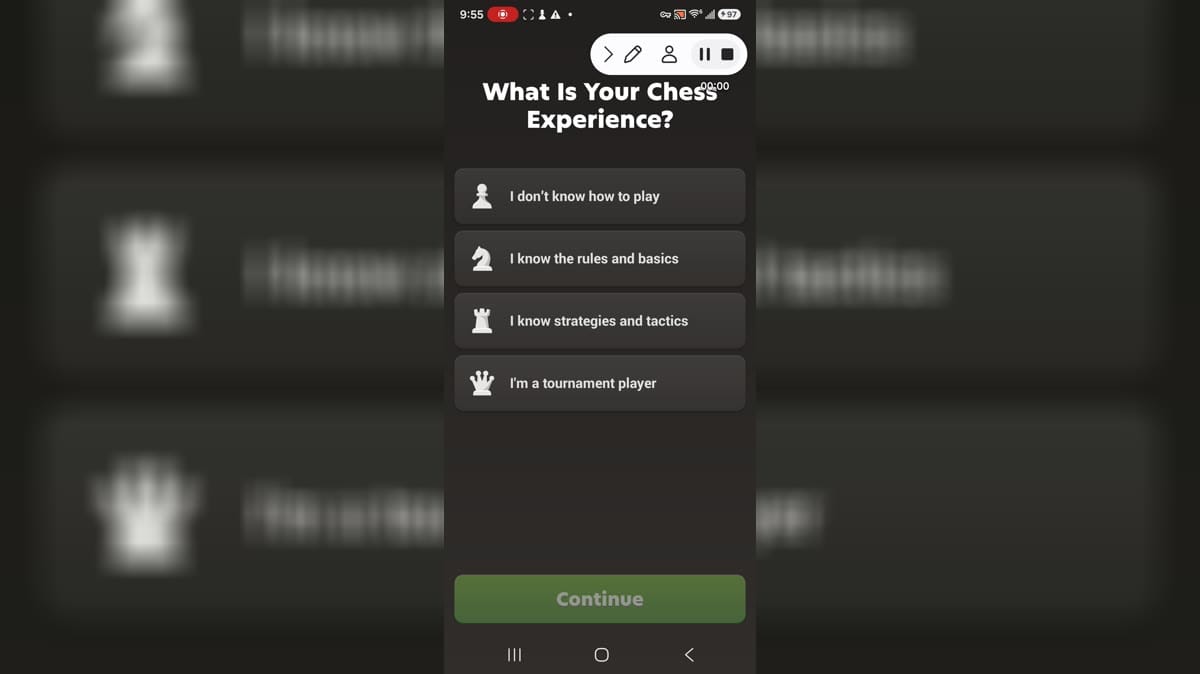
Chess - Play and LearnIntro: Chess - Play and Learn is an Android game for players interested in chess matches, puzzles, and learning tools. It offers a focused way to open a session, choose from the available game screens, and return to familiar play from a phone. The reviewed material shows the game interface alongside Android-level settings that can affect notifications, storage, or other device choices. Its layout suits players who want a straightforward mobile session while keeping permissions and connected features deliberate. Review the available options, connection needs, and any purchase choices before relying on features beyond the captured path.