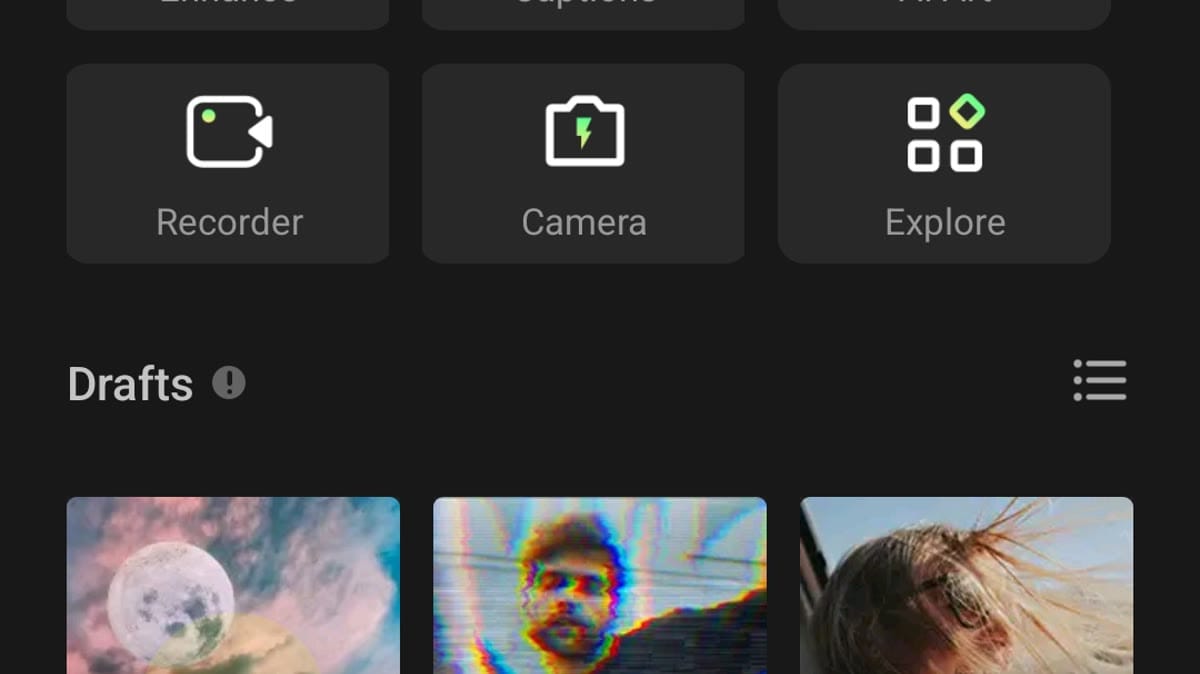
Intro: CapCut is a video and photo editing app for Android creators who want quick project creation, templates, AutoCut, captions, AI image tools, background removal, filters, and social-ready exports from a mobile editor. The home screen highlights new video and edit photo entry points, while the tool drawer groups quick actions, AI tools, photo editing, and marketing options. Users can create without immediately signing in, but account options are available for connected features. It suits creators who want an approachable editing hub with powerful media permissions, billing capability, and template-driven workflows.
Intro: Filmora is a mobile video editor for creators who want to turn phone footage, photos, and ideas into polished, engaging short videos. It brings AI-assisted creation, ready-made templates, timeline editing, filters, stickers, transitions, music, and text tools into one Android workspace. You can start with a New Project, browse creative template ideas, or explore image-to-video, story-to-video, text-to-video, and auto-cut tools from the home screen. Drafts, AI tasks, cloud options, and account controls help keep creative work organized as projects grow.
Intro: InShot is a video and photo editor for Android users who want quick creation tools for video, photo, collage, templates, tags, export settings, and social-friendly edits from a phone. It is aimed at creators who make short videos, image edits, reels, and casual projects for sharing. The app shows a create-new panel, video, photo and collage buttons, material cards, permission prompts, storage-access guidance, settings, Pro entry, language, tags, restore purchases, feedback, TikTok link, privacy policy, terms, and version information. Users should review media permissions, microphone and audio access, purchases, storage, notifications, and export privacy.
Intro: KineMaster is a mobile video editor for creators who want to build polished clips on an Android phone or tablet. Users can start a project from scratch or adapt ready-made templates for social posts, tutorials, vlogs, and short-form videos. Its timeline supports layered video, images, text, effects, keyframe animation, chroma key, speed changes, audio mixing, and AI-assisted tools. The Home and Mix areas also help creators discover templates and remix ideas from the community. Flexible export settings make it practical for both quick edits and detailed multi-layer productions.
Intro: PowerDirector is a mobile video editor for Android creators who want AI-assisted tools, project management, effects, captions, and social-video workflows in one app. It helps users start edits quickly, refine clips with templates and creative assets, and prepare videos for sharing from a phone.
Intro: VN - Video Editor is an Android editing app for creators who want timeline tools, templates, and project creation without starting from a desktop editor. It helps users build short videos for social platforms, pick local photos or clips, choose a project mode, and work from template pages when they want a faster start. The interface is centered on New Project, media selection, template details, and tutorial guidance. It fits beginners who need a guided editor and mobile creators who want flexible clip editing from one phone app.
Intro: VivaCut is a mobile video editor for creators who want to turn clips, photos, and music into polished social videos. You can start with a blank project or browse the Template area for ready-made styles, then shape the result with a multi-layer timeline, text, transitions, filters, and speed controls. More advanced projects can use chroma key, masks, keyframe animation, picture-in-picture, and blending modes. With custom export sizes and sharing options, VivaCut supports quick edits as well as more deliberate creator workflows on Android.
Intro: VivaVideo is a mobile video editor and AI video maker for turning clips, photos, and ideas into shareable stories. It lets beginners trim, split, merge, and arrange footage while adding music, sound effects, text, stickers, filters, and smooth transitions. More advanced projects can use keyframes, picture-in-picture layers, masking, chroma key, motion tracking, auto captions, background removal, and AI-assisted creation tools. With a template-friendly workflow and social sharing, VivaVideo suits quick reels, personal montages, and creators who want polished results without a desktop editor.
Intro: Motion Ninja is a mobile video editor for creators who want animated, music-driven, and effects-focused projects without a desktop timeline. You can start a new project, build multi-layer compositions, and shape clips with keyframes, speed changes, motion blur, and visual adjustments. Tools such as Smooth SlowMo, Velocity Edit, Color Lab, Frame Doubler, Moving Photo, Magic Sky, and AI Effects support different styles of short-form creation. Templates, tutorials, and community edits give beginners practical ideas while experienced editors can refine fan edits, AMVs, and social videos.
Intro: NodeVideo is a mobile video editor for creators who want desktop-style control without leaving their phone. It lets you build projects, import clips, shape motion, and refine footage through a detailed editing workflow. Tools such as color grading, motion blur, smooth slow motion, filters, tracking, pen-based editing, 2D animation, and 3D controls support both quick experiments and deliberate compositing work. Project import, custom fonts, backup options, and a flexible interface make it useful for short-form creators, editors, and visual storytellers.
Intro: Blurrr is a mobile video editor for creators who want more control over effects, motion, and layered timelines. You can combine video, audio, and image layers, then shape movement with keyframes, curves, speed changes, and visual effects. The app also brings a Playground for browsing editable templates and a Creation area for starting or importing projects. Presets, 3D tools, AI-assisted features, and a membership collection give beginners an approachable starting point while leaving room for more detailed edits and stylized short-form videos.
Intro: AirVid is an AI video enhancement and creative editing app for people who want clearer, more polished clips on Android. It can restore detail in blurry footage, upscale videos toward HD or 4K quality, and bring faces, colors, and fine textures into sharper focus. Creative effects and dual-photo templates add a playful way to turn everyday images into new visuals. For more controlled edits, AirVid also offers face retouching and body reshaping tools for social posts, personal memories, and creator content.
Intro: Beat.ly is a mobile video editor and AI music-video maker for turning photos, selfies, and short clips into polished social videos. It places template browsing, AI Face transformations, lyric-led styles, and festival collections in a dark, swipe-friendly home screen. Choose a visual template, add personal media, and shape the result with music, transitions, effects, and animated motion instead of building every cut from scratch. The app suits quick reels, celebratory montages, photo stories, and playful face edits, giving beginners a simple route to shareable videos with a more cinematic feel.
Intro: OpenCut is an AI-assisted media editing app for creators who want to handle video, audio, and image tasks from one Android workspace. Its home screen organizes tools for video translation, voice separation, audio extraction, image enhancement, GIF creation, text extraction, and animated effects. Users can search for a specific tool, move among video, audio, image, and AI categories, then prepare media for reuse in other projects. The broad tool set helps short-video makers complete common conversion and cleanup jobs without switching between several separate apps.
Intro: Tempo App is a music-focused video editor for turning photos and clips into polished short videos for social sharing. It suits beginners, casual creators, and anyone who wants a quick visual edit without building every transition from scratch. Choose a themed template, bring in photos or video clips, add music, beats, text, filters, stickers, and effects, then save the finished result for platforms such as Instagram or YouTube Shorts. Slow-motion, glitch, and transition styles help shape different moods while keeping the creative process approachable.
Intro: Video Maker is a mobile video editor built for people who want to turn clips and photos into polished social videos without moving to a desktop. Users can start a new project, choose media from the device, trim or merge clips, adjust speed, and arrange the story on a touch-friendly timeline. Music, text, stickers, transitions, filters, captions, and crop controls help shape both the message and visual style. AI enhancement and art tools add quick options for improving footage or creating new looks. Draft management and export settings keep recurring edits organized from one project to the next.