Intro: Mobizen Screen Recorder is an Android screen-capture and video-making app for recording gameplay, tutorials, live moments, and everyday phone activity. Its floating AirCircle gives you quick access to recording and captures, while controls for resolution, frame rate, sound, facecam, countdowns, and clean recording help shape the result before you start. Afterward, you can review clips, edit them, and share them from the phone. It also supports real-time screen mirroring to a TV or PC browser, giving creators and presenters a flexible way to show mobile content.
Intro: TikFinity Mobile - Alerts&TTS is a creator utility for TikTok LIVE streamers who want audience activity to be heard while they stay focused on the camera. Connect a TikTok username, choose event-based Sound Alerts, and let Text-to-Speech read chat messages or announce gifts from the same phone. Separate Chat and Gifts controls provide voice selection, language, speed, pitch, volume, and audience filters. Background operation keeps the setup ready during a live session, helping creators respond to follows, gifts, and messages without constantly checking another screen.
Intro: Screen Stream Mirroring is a screen-casting utility for Android users who want to share or stream their device screen to a web browser, compatible player, or another viewing target. The main screen shows mirroring status, a local browser URL, audio-source controls, logs, and a Pro upgrade entry. It can also trigger Android screen-sharing prompts for sharing one app or the full screen. Users should review consent settings, microphone, camera, overlay, storage, billing, superuser, and network-related permissions before use.
Intro: Elgato Stream Deck Mobile is a productivity app that turns an Android phone or tablet into a wireless control pad for a computer. It helps streamers, presenters, editors, musicians, and remote workers trigger actions without leaving their main screen. Set up profiles, organize actions in folders and pages, personalize keys with icons, and combine several commands into a single multi action. The app works with a Stream Deck desktop installation over local Wi-Fi, making everyday controls easier to reach during broadcasts, meetings, editing sessions, and other busy workflows.
Intro: DroidCam is an Android webcam and camera companion that lets you use a phone for everyday computer calls, live streams, and content production. The app guides you through linking the phone with a desktop client or connecting directly to OBS Studio through the DroidCam OBS plugin. WiFi and USB workflows, camera selection, audio capture, background operation, and adjustable video controls make it practical for remote work, online lessons, meetings, and creators who want a flexible camera without carrying another device.
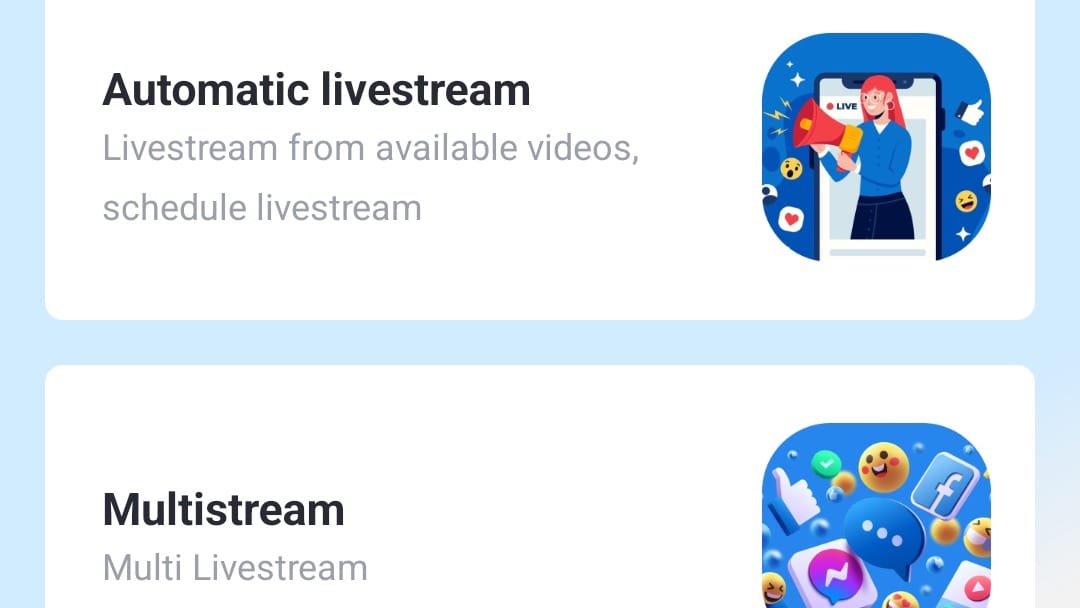
Intro: GoStream is a productivity app for creators, sellers, educators, and teams that want to run live broadcasts from prepared videos. It lets users schedule prerecorded content, send a stream to multiple destinations, and manage sessions from a mobile dashboard instead of staying on camera throughout every broadcast. Home, History, Plan, and Profile areas keep creation, past streams, service limits, and account controls within reach. With automatic livestream and multistream options, GoStream helps users reuse polished video, coordinate recurring broadcasts, and reach audiences across several channels with less repetitive setup.
Intro: Streamlabs: Live Streaming is a mobile broadcast studio for creators who want to share games, camera moments, and community conversations from an Android phone. Choose a game or camera feed, connect a destination such as Twitch, YouTube, Kick, TikTok, or Facebook, and start a live session with a title and description. Scene tools let you arrange alerts, chat, event lists, goals, overlays, text, and images around the picture. One-platform streaming is available without a paid plan, while Ultra adds multistreaming and connection tools for creators who need a broader reach.
Intro: PRISM Live Studio: Games & IRL is a mobile live-streaming and video-production app for creators who want to broadcast from an Android phone. Choose Camera, Screen, or VTuber mode to share a face-to-camera session, gameplay, or an avatar-led show. Add chat, images, music, web pages, animated text, and visual effects to shape each scene, then connect channels such as YouTube, Twitch, Facebook, or other RTMP destinations. Recording, photo capture, background streaming, and PC connection options make it useful for spontaneous streams and more planned productions.