CrunchyrollIntro: Crunchyroll is an anime streaming app for viewers who want new episodes, classic series, and anime movies in one mobile library. Browse action, romance, fantasy, comedy, and slice-of-life titles, then choose available subtitle or dub languages for a more personal watch. You can organize favorites with Crunchylists, follow personalized recommendations, and keep track of shows across profiles. Eligible plans also support episode downloads for offline viewing, while playback settings, casting, and picture-in-picture help fit anime into commutes, travel, and everyday viewing.
BiliBiliIntro: BiliBili is a video entertainment app for Android users who want anime, creator clips, community posts, recommendations, and social viewing features in one mobile feed. The app organizes viewing around followed creators, discovery tabs, anime content, posts, chat, and profile areas. Users can browse videos, follow channels, react to clips, and move between short entertainment sessions and longer fandom viewing. It suits viewers who enjoy creator communities, animation culture, comment-driven interaction, and a video platform that mixes media discovery with social navigation.
iQIYI - Drama, Anime, ShowIntro: iQIYI - Drama, Anime, Show is a streaming app for Asian dramas, anime, movies, variety shows, and short-form series. It helps viewers discover new titles through recommendations, genre and region filters, and a searchable library, then watch with multiple subtitle and language options. The app also provides a personal list, viewing history, downloads, and cross-device continuity for users who move between phone, tablet, or TV. Free viewing, VIP access, and compact short dramas make it practical for both quick sessions and longer viewing.
NetflixIntro: Netflix is a streaming video app for Android users who want subscription-based movies, series, downloads, profiles, recommendations, and account-managed playback on mobile devices. It is aimed at users with a Netflix account or those starting sign-up from a phone. The captured package reached a signup/native activity, but the media area did not allow screenshots, so only settings and protected-screen evidence are available. Its settings show camera, microphone, nearby devices, notifications, picture-in-picture, storage, and network behavior, making account access and media permissions the key review points.
HuluIntro: Hulu is a streaming app for watching TV shows, movies, originals, and live or on-demand entertainment through an account-based service. Android users can browse the welcome flow, sign in, continue watching, search for content, and use playback features tied to their subscription and region. The app is useful for people who already use Hulu or want a mobile viewing option alongside living-room devices. Full streaming access depends on account status, plan availability, location rules, and the service catalog available to the user.
TubiIntro: Tubi is a free, ad-supported streaming app for Android users who want movies, TV shows, live-style channels, and on-demand entertainment without building a local media library. Users can browse categories, start watching supported content, and optionally use account features for a more personalized experience. The app fits viewers who prefer a large catalog funded by ads rather than a traditional subscription-first model. Access can still depend on region, network quality, content rights, and whether the user chooses to sign in.
Disney+Intro: Disney+ is a subscription streaming app for watching movies, series, Originals, and selected live programming on Android. It brings stories from Disney, Pixar, Marvel, Star Wars, and National Geographic into a single browsing experience, with additional Hulu and ESPN hubs available in supported plans or regions. Viewers can explore new releases, classic films, past seasons, and curated streams, then use profiles and parental controls to tailor access for different household members. Eligible plans also support downloads for offline viewing, making Disney+ useful for family nights, travel, and everyday entertainment.
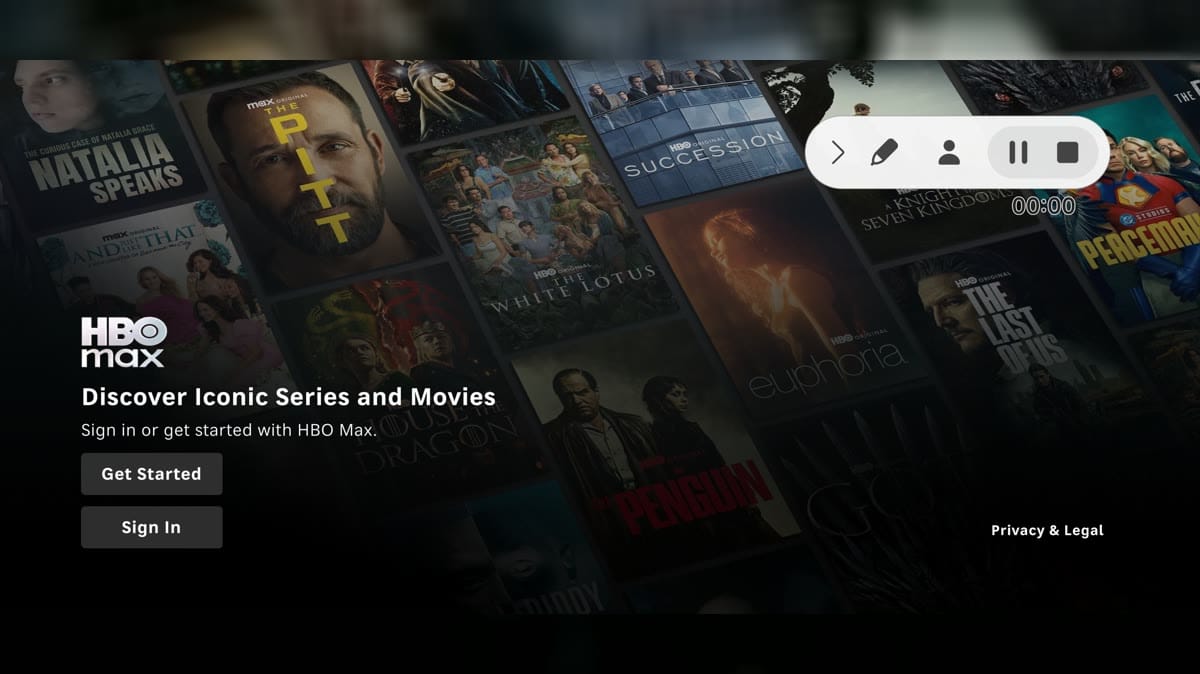
HBO MaxIntro: HBO Max is a streaming app for Android users who want TV and movie access, device sign-in, QR-code pairing, account entry, and big-screen style playback from a phone or compatible Android display. It is aimed at viewers who follow premium series, films, sports specials, and subscription entertainment under one profile. The app opened through a leanback-style interface to landing, get-started, and sign-in screens. Users should review subscription requirements, account credentials, notifications, storage, mobile data, background behavior, and device compatibility before regular streaming.