Popular Android apps similar to PicWish: AI Photo Editor

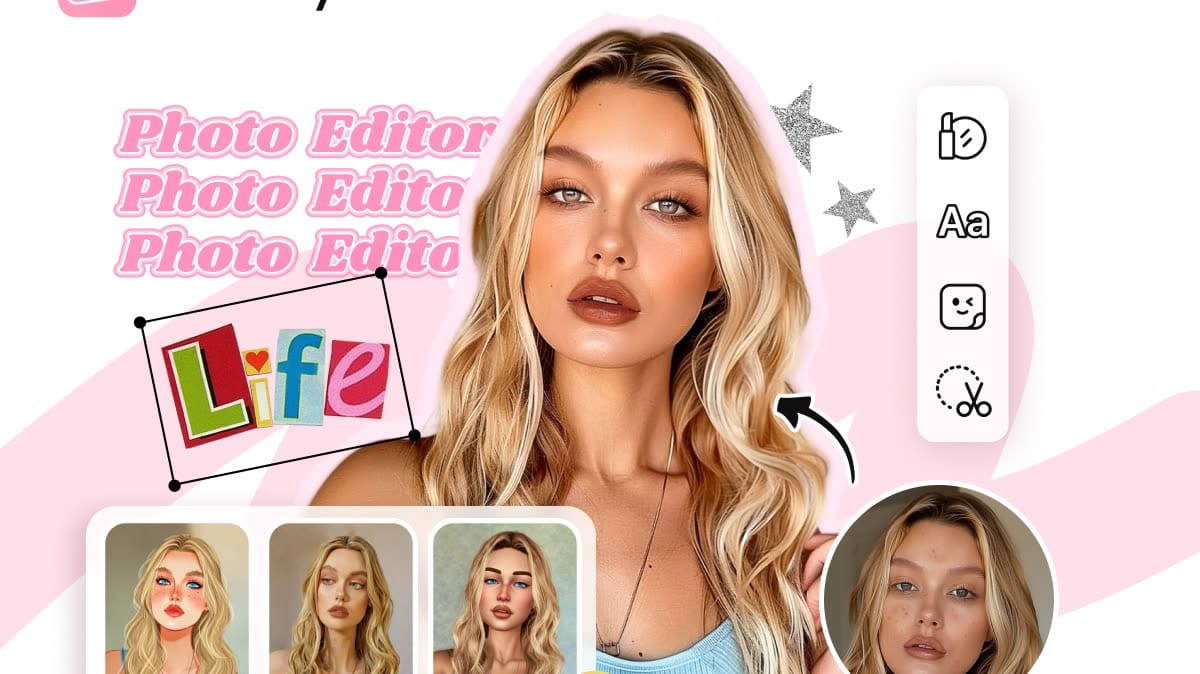
PicWish: AI Photo Editor, developed by WangxuTech, has related Android app recommendations picked by matching categories and tags. Use this page to compare alternatives, find apps with similar features, and open the safest download page before installing.

Magic Studio app icon
Magic Studio

MagicStudio.com

Reviews
8.8
Size
-
Updated
2026-08-01
Download

Magic Studio is an AI photo editor designed for people who want polished images without learning complex desktop software. Users can clean up pictures, remove unwanted objects, separate subjects from their backgrounds, and place them into new scenes with guided tools. Text-based creation and drawing features also turn simple ideas into new visual elements or complete images. Whether the goal is a social post, a product photo, a restaurant promotion, or a real-estate listing, the app keeps common editing tasks approachable on Android.
Facetune app icon
Facetune

Lightricks Ltd.

Reviews
9.9
Size
-
Updated
2026-08-19
Download

Facetune is an AI-powered photo and video editor for people who want polished selfies, portraits, and social-ready content without a complicated desktop workflow. Start with a quick retouch, explore new hairstyles and makeup looks, or refine a picture manually when you want more control. The app also brings together video touch-ups, background effects, headshot creation, and a dedicated Photoshoot area. Its guided starting choices make it easy to begin with a specific visual goal, then move into more detailed editing as your ideas develop.

FaceApp app icon
FaceApp

FaceApp Technology Ltd

Reviews
9.8
Size
75.91 MB
Updated
2026-08-19
Download

FaceApp is an AI-powered portrait editor for people who want realistic selfie improvements and creative transformations without a complicated desktop workflow. Start with a camera shot, a gallery image, or a demo portrait, then apply one-tap filters for retouching, makeup, hairstyles, hair color, facial features, age, and more. Before-and-after comparison helps users judge each change, while adjustment tools keep the final look under control. Saved edits and sharing options make it practical for profile photos, social posts, style experiments, and quick portrait touch-ups.

Magic Eraser app icon
Magic Eraser

Creatix Technology Global Limited

Reviews
9.6
Size
-
Updated
2026-07-24
Download

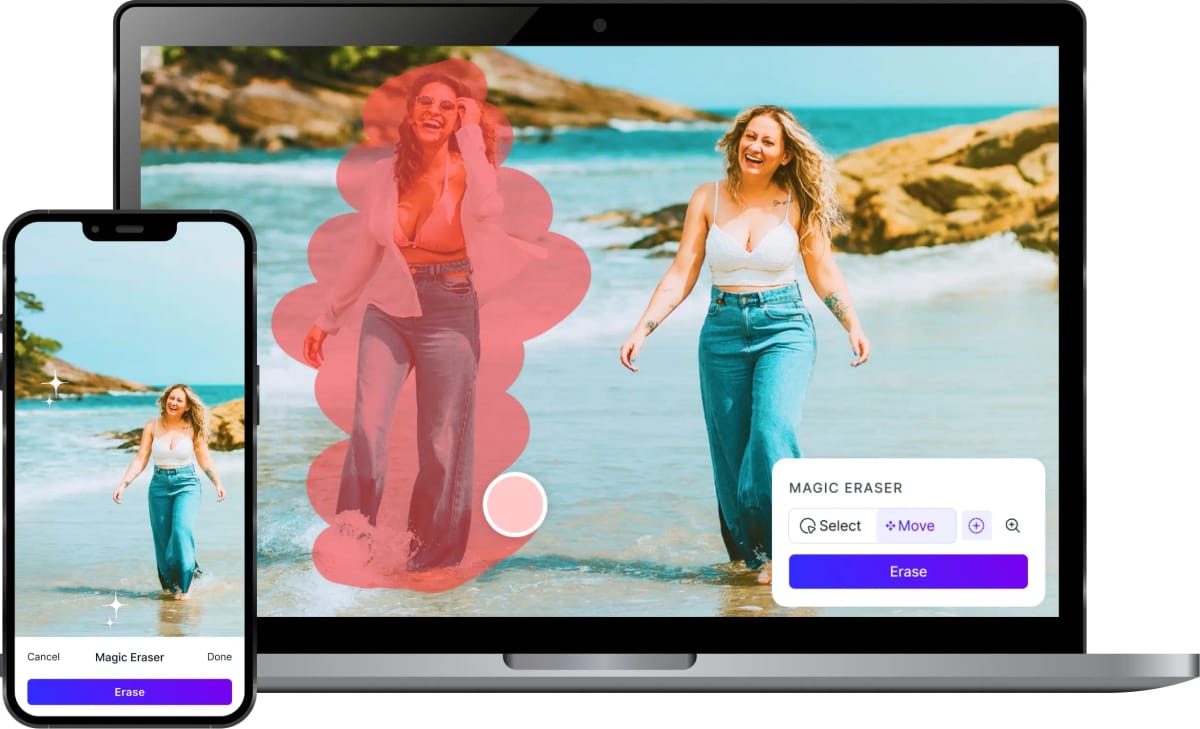
Magic Eraser is an AI-powered photo editor for people who want to clean up, transform, or reframe images on Android. Users can brush over unwanted people, objects, text, and blemishes, then let the app rebuild the selected area. Background removal, photo enhancement, AI expansion, filters, and image generation support everything from quick personal edits to product shots and social posts. The workflow keeps several creative tasks in one place, helping casual editors, creators, and small businesses prepare polished visuals without moving through a full desktop editing suite.
Photo Lab app icon
Photo Lab

PHOTO LAB DMCC

Reviews
9.5
Size
-
Updated
2026-08-14
Download

Photo Lab is an AI photo editor for Android that turns portraits and everyday images into stylized artwork, playful effects, and shareable compositions. It suits anyone who wants to experiment with a selfie, test a new look, or give a favorite picture a more imaginative finish without learning a professional editor. Choose a photo, explore neural art styles, face montages, photo frames, filters, collages, or looks such as hairstyles and colors, then refine the result for a profile image, wallpaper, or social post. Its broad template library keeps casual editing quick and visual.

BeautyPlus app icon
BeautyPlus

PIXOCIAL TECHNOLOGY (SINGAPORE) PTE. LTD.

Reviews
9.4
Size
286 MB
Updated
2026-06-13
Download

BeautyPlus is an AI photo editor and selfie camera for users who want fast portrait retouching, filters, makeup looks, templates, background tools, and camera effects from one Android app. Its flow moves from onboarding into a visual home screen, Discover templates, image-quality tools, and camera or editing features that are made for social-ready photos rather than desktop-style editing.

Reviews
9.4
Size
238.0 MB
Updated
2024-12-24
Download

Remove Background by Pixlr is a focused photo-editing app for creating clean cutouts without a complicated desktop workflow. Users can choose a picture, let AI separate the main subject, and prepare transparent, white, or black backgrounds for the next design step. The app also provides object removal for clearing unwanted details and an eraser for refining difficult edges. Album access, sample images, and mobile sharing keep the workflow practical for product photos, profile pictures, stickers, and quick social graphics when a polished subject is needed on Android.

LightX AI Photo Editor Retouch app icon
LightX AI Photo Editor Retouch

AndOr Communications Pvt Ltd

Reviews
9.2
Size
-
Updated
2026-08-19
Download

LightX AI Photo Editor Retouch is a creative photo and video editor for Android users who want to turn ordinary images into polished social posts, portraits, and product visuals. Start with an existing photo or video, then combine AI tools with manual adjustments for background removal, color changes, filters, retouching, and layout work. You can also explore AI expansion, object replacement, generated backgrounds, and customizable templates for faster creative projects. Its mix of quick edits and deeper controls suits beginners, creators, small shops, and anyone who wants flexible visual editing on a phone.

Lensa app icon
Lensa

Prisma Labs, Inc.

Reviews
8.9
Size
-
Updated
2026-08-19
Download

Lensa is an AI-powered photo editor for Android that helps turn everyday portraits into polished, shareable images. It is built for users who want quick retouching without learning a full desktop workflow: add a photo, apply a style, and refine the result with a few taps. The app brings together portrait enhancement, background adjustments, camera effects, and Magic AI collections such as filters and avatar styles. Its dark, simple layout keeps Photos, Magic AI, and Settings easy to reach, making casual editing approachable for social posts, profile images, and personal projects.

Luminar: Photo Editor app icon
Luminar: Photo Editor

Skylum Software

Reviews
8.3
Size
-
Updated
2026-08-19
Download

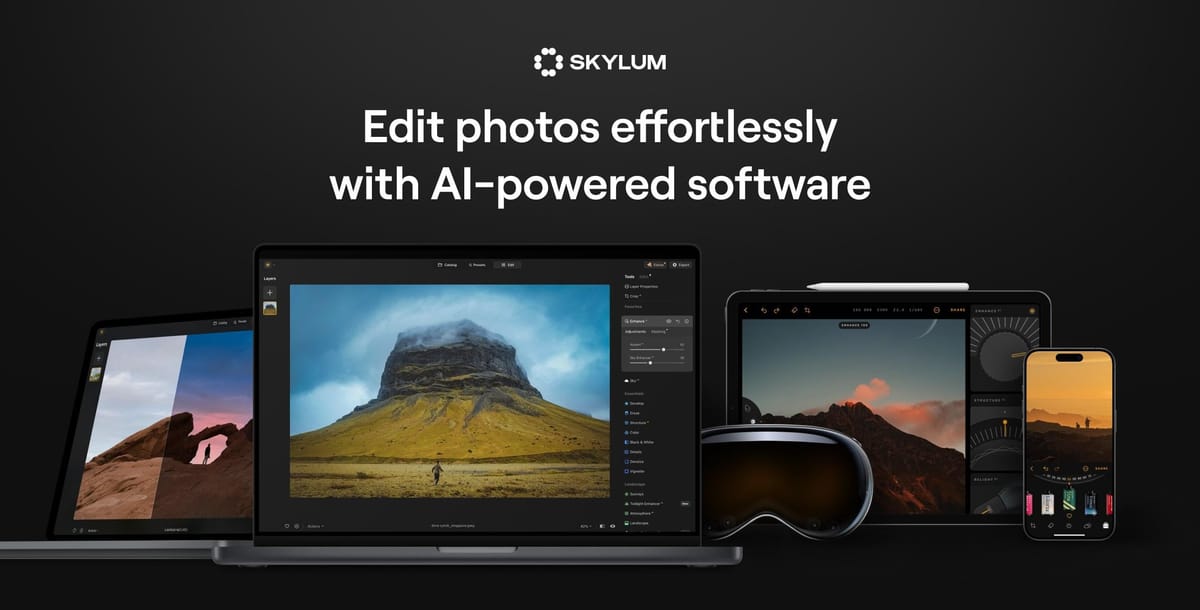
Luminar: Photo Editor is an AI-powered image editor for photographers and creators who want polished results on an Android phone or Chromebook. Users can import everyday photos or supported RAW files, then adjust light, color, composition, and detail through touch-friendly controls. EnhanceAI streamlines basic corrections, while SkyAI, RelightAI, and portrait tools handle targeted changes such as sky replacement, depth-aware exposure, and natural retouching. Cropping, filters, curves, object removal, and export tools support both quick social posts and more deliberate edits. The workflow combines guided automation with room for manual control.

AI Mirror app icon
AI Mirror

POLYVERSE INC.

Reviews
8.1
Size
-
Updated
2026-08-19
Download

AI Mirror is an AI photo and video editing app for turning everyday pictures into stylized portraits, themed scenes, and short creative clips. It suits creators who want to explore visual ideas without building every effect manually. Choose an AI filter, restoration style, fashion concept, background, or video template, then upload a suitable image and let the app transform it. The Home and Effects areas organize inspiration such as Painting, Fashion, AI Video, and Dress-Up, making it easy to browse ideas and move from a quick experiment to a shareable result.

Reviews
7.6
Size
-
Updated
2026-08-19
Download

Photoleap: AI Photo Generator is a creative photo-editing app for turning everyday pictures into polished images, digital art, and social-ready designs. It suits casual creators, visual storytellers, and anyone who wants fast ways to improve a photo or explore a new style. AI tools can generate artwork from text, transform portraits, replace backgrounds, animate still images, and extend scenes beyond their original frame. Quick edits sit alongside deeper creative controls, making experimentation approachable while leaving room for personal, expressive results. It works equally well for daily posts, profile images, and personal projects.

Samsung Gallery 3D app icon
Samsung Gallery 3D

Samsung Electronics Co., Ltd.

Reviews
10.0
Size
37.8 MB
Updated
2026-07-09
Download

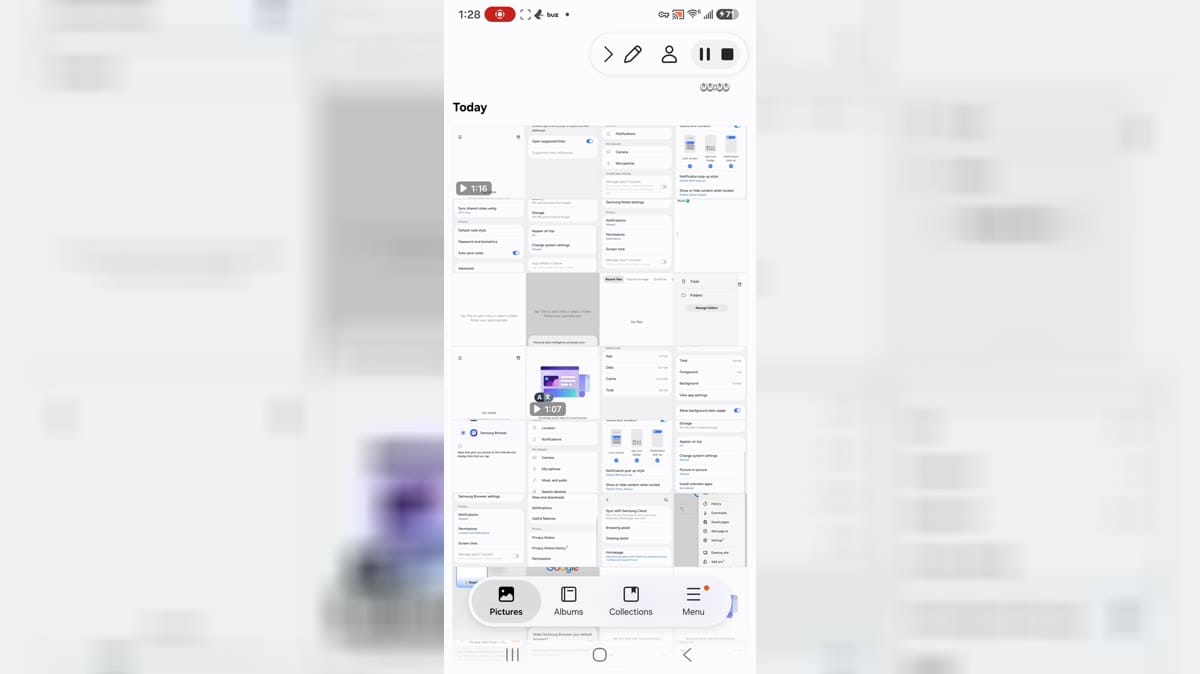
Samsung Gallery 3D is Samsung's gallery app for Android users who want photo albums, stories, collections, documents, media categories, editing actions, and cloud-related gallery settings. It is aimed at Samsung device users who organize screenshots, camera images, videos, and personal albums. The app shows Today, Pictures, Albums, Collections, Stories, document groups, edit collections, favorite, video, secure album, trash, settings, sync, motion photo, and auto story controls. Users should review media permissions, cloud sync, notifications, storage, system-setting access, and private photo handling.

Reviews
9.9
Size
7.95 MB
Updated
2023-07-11
Download

Deepswap – AI Face Swap is an Android gateway to an online face-editing service for people who want to rework photos, videos, and GIFs without a desktop editor. Users can upload an original file, choose a replacement face, and download the processed result through a guided three-step flow. The interface also links to video generation, VR face swap, background removal, image enhancement, and an AI photo generator. Its mobile layout keeps creation tools, pricing, support, and account access in one menu, making quick social edits and playful visual experiments easier to manage from a phone.

FFace app icon
FFace

Pro AI Team

Reviews
9.9
Size
84.3 MB
Updated
2026-06-25
Download

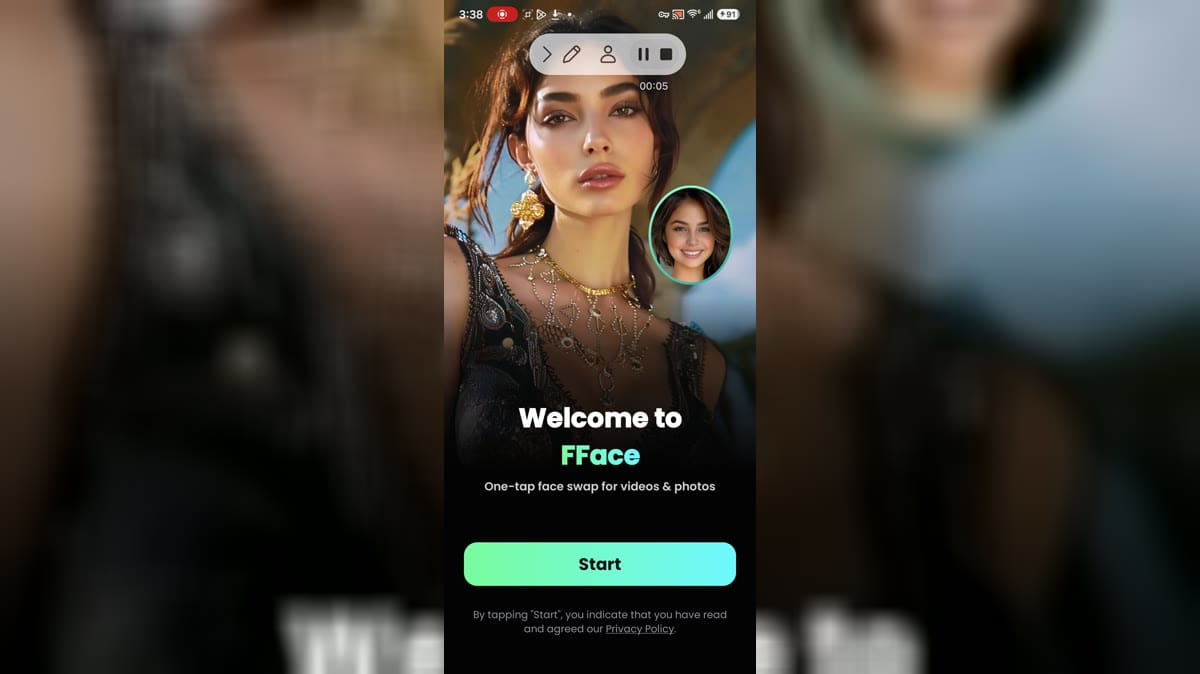
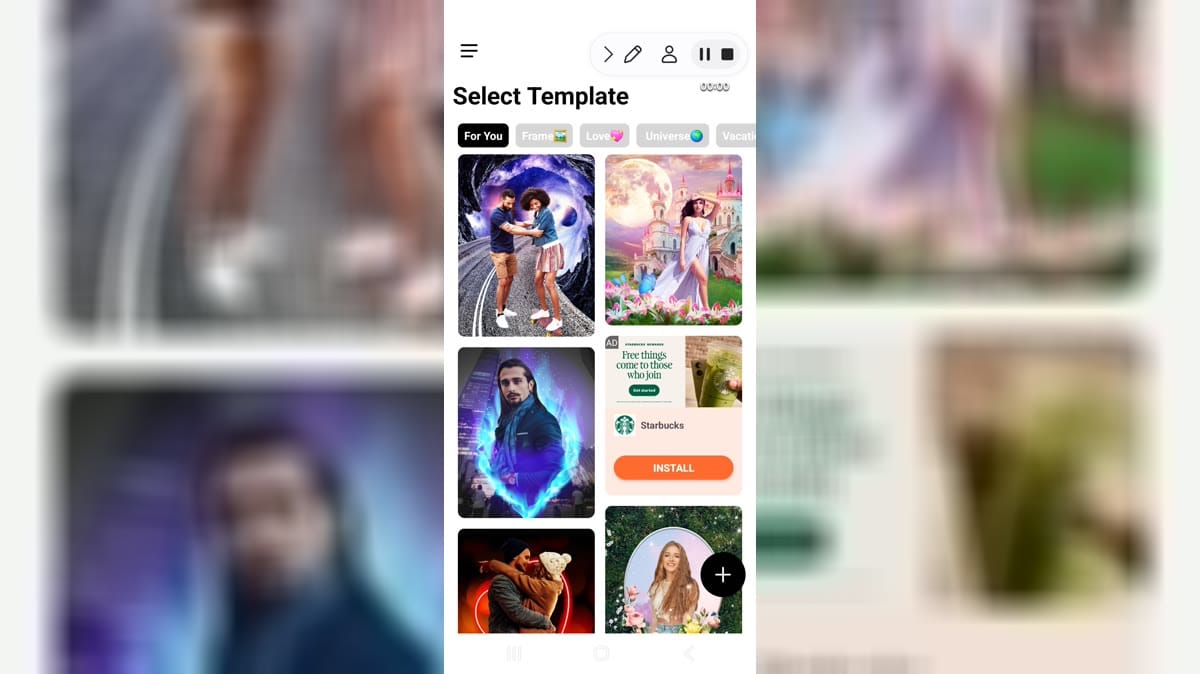
FFace is an AI face-swap and photo/video template app for Android users who want quick visual edits, themed templates, and face-replacement effects for images or short videos. The opening screens show a welcome page, subscription offer, template categories, trendy content, bride and quinceanera-style templates, and ad-supported surfaces. It is aimed at users who want playful media creation rather than manual photo editing. Because it works with faces and photos, users should review camera, photo, billing, and advertising permissions carefully.

Reviews
9.8
Size
-
Updated
2026-08-19
Download

PREQUEL AI Filter Photo Editor is a creative photo and video editor for Android users who want to give everyday media a stronger visual identity. You can browse cinematic, vintage, VHS, anime, Y2K, and other aesthetic filters, then build a look with AI effects, retouching tools, text, stickers, textures, and color adjustments. The app also supports video effects, templates, and Reels-oriented editing for short-form content. It suits social creators, casual photographers, and anyone who likes turning ordinary pictures and clips into polished, mood-led posts with a few focused taps.

Reviews
9.8
Size
-
Updated
2026-08-13
Download

SCRL is a photo design app for creators who want polished collages, Instagram carousels, and scroll-through posts from their Android phone. Start with a curated template or a freeform canvas, then combine photos with grids, frames, text, designer fonts, stickers, overlays, filters, and background-removal tools. The app supports multi-photo stories and panoramic layouts, making it useful for travel recaps, wedding albums, portfolio work, and social media campaigns. Projects stay organized in one workspace while Premium adds more templates and creative options for users who want a faster route to distinctive visual posts.

ToonMe app icon
ToonMe

PHOTO LAB DMCC

Reviews
9.8
Size
-
Updated
2026-08-08
Download

ToonMe is a photo-editing app for turning selfies and everyday pictures into cartoon portraits, stylized avatars, and shareable art. It suits anyone who wants a playful profile image, a creative post, or a quick visual makeover without starting from a blank canvas. Choose a ready-made style, add a photo, and explore portrait, full-body, background, animation, text, and lens-effect ideas. Home groups trending collections such as Retro Daydreams and Art & Sketch Styles, while the profile area gives creative users a place to collect effect combinations. The result is a low-friction way to experiment with personal images.

Photic app icon
Photic

42 Dijital

Reviews
9.8
Size
-
Updated
2026-08-04
Download

Photic is an AI photo and headshot generator for people who want to turn selfies into polished portraits without building an edit from scratch. Users can browse themed looks, select a photo from the gallery or camera, and apply styles designed for business profiles, nostalgic yearbook images, seasonal scenes, couples, and illustrated portraits. Filter categories keep different visual directions easy to compare, while canvas presets help prepare results for posts or stories. This makes the app useful for profile updates, social sharing, and quick creative experiments with personal photos.

Reviews
9.7
Size
-
Updated
2026-08-19
Download

OldRoll - Vintage Film Camera is a photography app that turns an Android phone into a collection of retro-styled cameras. It suits everyday moments when you want a film-like look applied as you shoot rather than assembled from scratch in a separate workflow. Choose a classic, Polaroid-style, disposable, half-frame, or fisheye camera and capture with grain, color character, frames, light leaks, or a date stamp. Timer, flash, mirror effects, and sharing tools make it useful for portraits, food, trips, and casual memories.

Reviews
9.7
Size
42.3 MB
Updated
2026-07-07
Download

PickU Photo Editor Cutout is a photo editing app for Android users who want templates, cutout-style edits, premium effects, social sharing, reminders, and photo-library access from a phone. It is aimed at users who create quick visual edits for social posts or personal projects. The captured build reached template galleries, premium task screens, settings, photo permission prompt, app info, notification, camera, phone, photos and videos, storage, and data screens. Users should review premium prompts, media access, camera, notifications, storage, and sharing options before editing photos.

TouchRetouch app icon
TouchRetouch

ADVA Soft

Reviews
9.7
Size
-
Updated
2026-08-10
Download

TouchRetouch is a focused mobile photo editor for removing unwanted objects and distractions from everyday images. It helps travelers, portrait creators, and casual photographers clean up signs, wires, people, shadows, blemishes, and other details without moving to a desktop. Mark an area with the Brush or use Erase AI for automatic detection, then refine tricky results with line-removal controls or Clone Stamp. Mesh removal and quick retouch tools add flexibility for difficult backgrounds. The result is a cleaner photo with a simple workflow suited to quick edits on Android.

Filmic Pro app icon
Filmic Pro

Bending Spoons

Reviews
9.7
Size
-
Updated
2026-08-07
Download

Filmic Pro is a professional video camera app for Android phones and tablets that gives filmmakers, vloggers, teachers, newscasters, and social creators more control over mobile footage. It brings manual focus, exposure, shutter speed, ISO, white balance, frame rate, zoom, and gamma controls into a camera workflow designed for quick adjustments. Users can compose in portrait or landscape, choose aspect ratios and recording formats, monitor audio, and shape a cinematic look while recording. The result is a flexible tool for planned shoots, everyday stories, and polished social video.

EPIK app icon
EPIK

SNOW Corporation

Reviews
9.6
Size
-
Updated
2026-08-19
Download

EPIK is an AI-powered photo and video editor for turning everyday images into polished, shareable projects. You can start with Edit Photo or Edit Video, then refine portraits, improve clarity, build collages, apply filters, and explore ready-made templates. The app also brings together AI ideas such as face-focused adjustments, cutouts, stylized looks, and creative trend effects, while detailed tools give you control over color, composition, and mood. It suits quick social posts as well as more deliberate visual edits when you want a flexible mobile workspace.