Popular Android apps similar to IMG.LY Photo & Video Editor

IMG.LY Photo & Video Editor, developed by IMG.LY GmbH, has related Android app recommendations picked by matching categories and tags. Use this page to compare alternatives, find apps with similar features, and open the safest download page before installing.

Facetune app icon
Facetune

Lightricks Ltd.

Reviews
9.9
Size
-
Updated
2026-08-19
Download

Facetune is an AI-powered photo and video editor for people who want polished selfies, portraits, and social-ready content without a complicated desktop workflow. Start with a quick retouch, explore new hairstyles and makeup looks, or refine a picture manually when you want more control. The app also brings together video touch-ups, background effects, headshot creation, and a dedicated Photoshoot area. Its guided starting choices make it easy to begin with a specific visual goal, then move into more detailed editing as your ideas develop.


Reviews
9.9
Size
7.95 MB
Updated
2023-07-11
Download

Deepswap – AI Face Swap is an Android gateway to an online face-editing service for people who want to rework photos, videos, and GIFs without a desktop editor. Users can upload an original file, choose a replacement face, and download the processed result through a guided three-step flow. The interface also links to video generation, VR face swap, background removal, image enhancement, and an AI photo generator. Its mobile layout keeps creation tools, pricing, support, and account access in one menu, making quick social edits and playful visual experiments easier to manage from a phone.

Reviews
9.8
Size
-
Updated
2026-08-25
Download

Tezza: Aesthetic Editor is a photo and video editing app for creators who want a consistent, film-inspired look across everyday media. Import photos or clips into the Library, work from the camera area, or browse ready-made story templates when you want a faster starting point. Presets, vintage effects, overlays, professional adjustments, and text-led designs help shape a personal visual style, while feed planning and batch editing support recurring social posts. It suits photographers, creators, and anyone who wants polished, nostalgic content without building every edit from scratch.

EPIK app icon
EPIK

SNOW Corporation

Reviews
9.6
Size
-
Updated
2026-08-19
Download

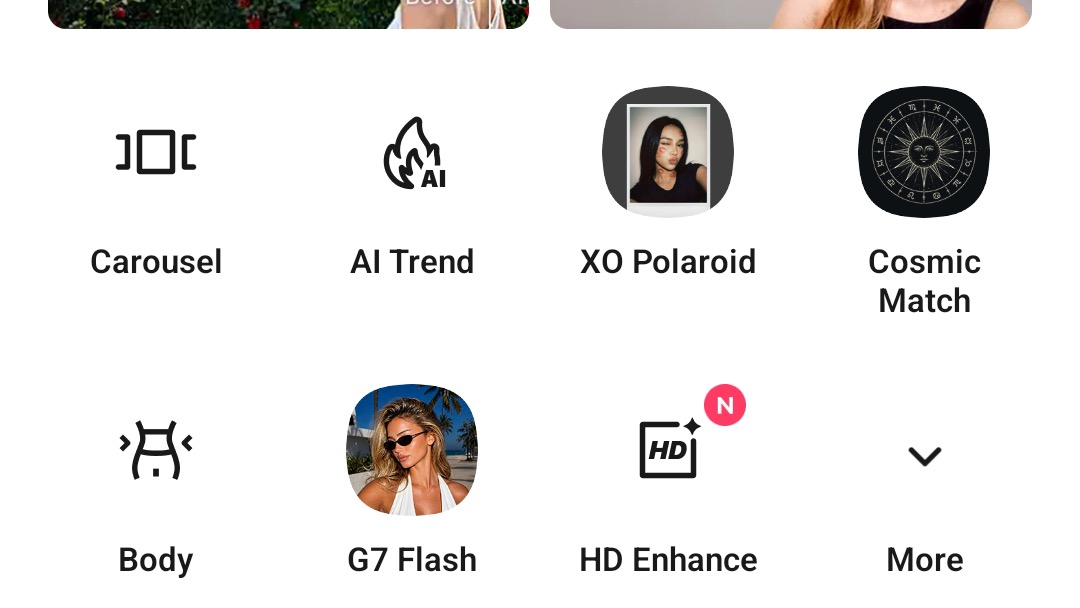
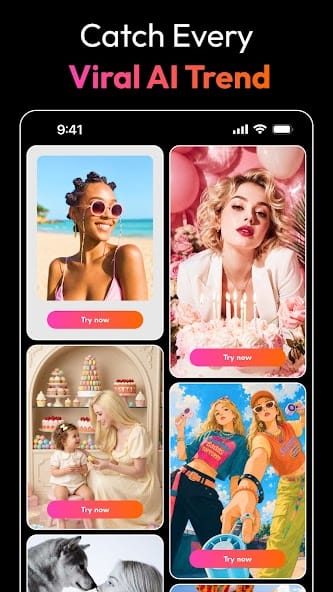
EPIK is an AI-powered photo and video editor for turning everyday images into polished, shareable projects. You can start with Edit Photo or Edit Video, then refine portraits, improve clarity, build collages, apply filters, and explore ready-made templates. The app also brings together AI ideas such as face-focused adjustments, cutouts, stylized looks, and creative trend effects, while detailed tools give you control over color, composition, and mood. It suits quick social posts as well as more deliberate visual edits when you want a flexible mobile workspace.

VSCO app icon
VSCO

Visual Supply Company

Reviews
9.4
Size
-
Updated
2026-08-19
Download

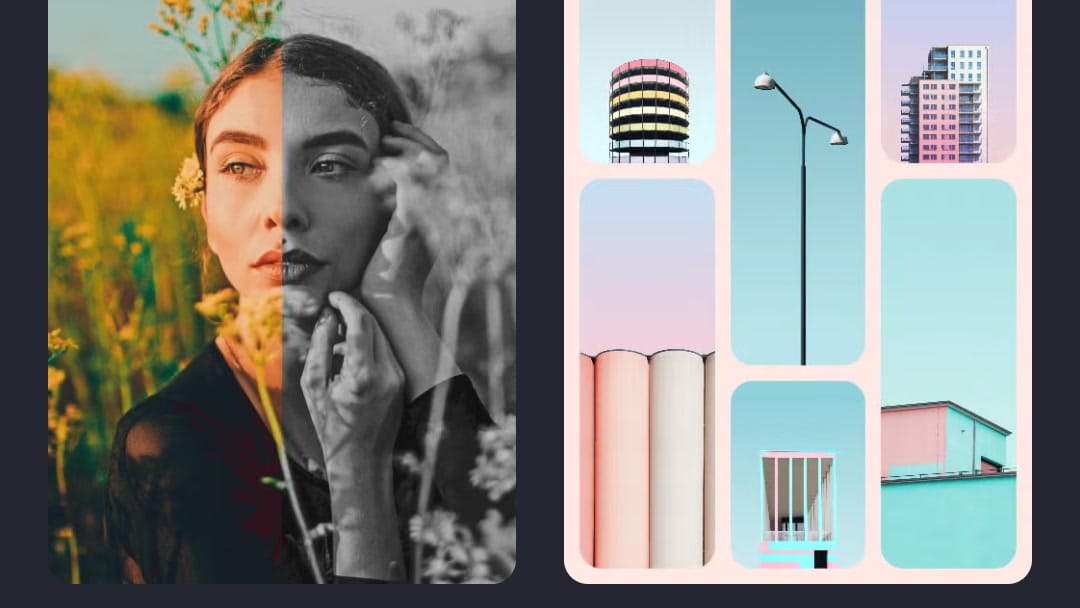
VSCO is a photo and video editing app for creators who want a recognizable visual style without building every look from scratch. Use film-inspired presets to shape color and mood, then refine images with controls for exposure, contrast, grain, saturation, HSL, fade, and borders. The app also brings together camera effects, collage layouts, video adjustments, and a creative community for sharing work and finding inspiration. Its mix of quick presets and detailed editing gives casual photographers and more serious creators room to experiment, polish a portfolio, and keep their visual language consistent.

Unfold app icon
Unfold

Squarespace Inc

Reviews
9.4
Size
-
Updated
2026-08-02
Download

Unfold is a social content creation app for people who want polished stories, posts, reels, and profile links without building every design from scratch. Creators can combine photos and video clips with ready-made templates, refine them with fonts, filters, effects, and AI editing tools, then prepare finished visuals for sharing. The app also supports Instagram feed planning and Bio Sites for organizing a link-in-bio presence. Its mix of quick layouts and deeper brand controls helps individuals, freelancers, and small teams keep their social content visually consistent.

PrettyUp app icon
PrettyUp

accordion

Reviews
8.9
Size
-
Updated
2026-08-09
Download

PrettyUp is a photo and video editor for creators who want polished selfies, body-focused portraits, and more expressive short clips. It lets you import media, refine facial details, reshape body proportions, smooth skin, adjust makeup, and add creative effects from one mobile workspace. AI tools can remove unwanted objects, enhance quality, change hairstyles, or suggest new looks, while templates and camera modes help turn quick ideas into shareable posts. Drafts, live editing, and themed collections make it useful for everyday selfies, vlogs, and social content.

Picsart app icon
Picsart

PicsArt, Inc.

Reviews
8.7
Size
-
Updated
2026-08-19
Download

Picsart is a mobile photo and video editor for creators who want to turn everyday images into polished social posts, collages, and visual ideas. Start with a photo or clip, then add text, remove a background, clean up unwanted elements, or build a new look with AI tools. The Create workspace also brings together templates, trending backgrounds, video concepts, and avatar-style effects, so beginners can explore without a complicated setup. It is useful for quick personal edits, expressive posts, small-business graphics, and playful experiments in one creative workspace.

Reviews
7.8
Size
-
Updated
2026-08-17
Download

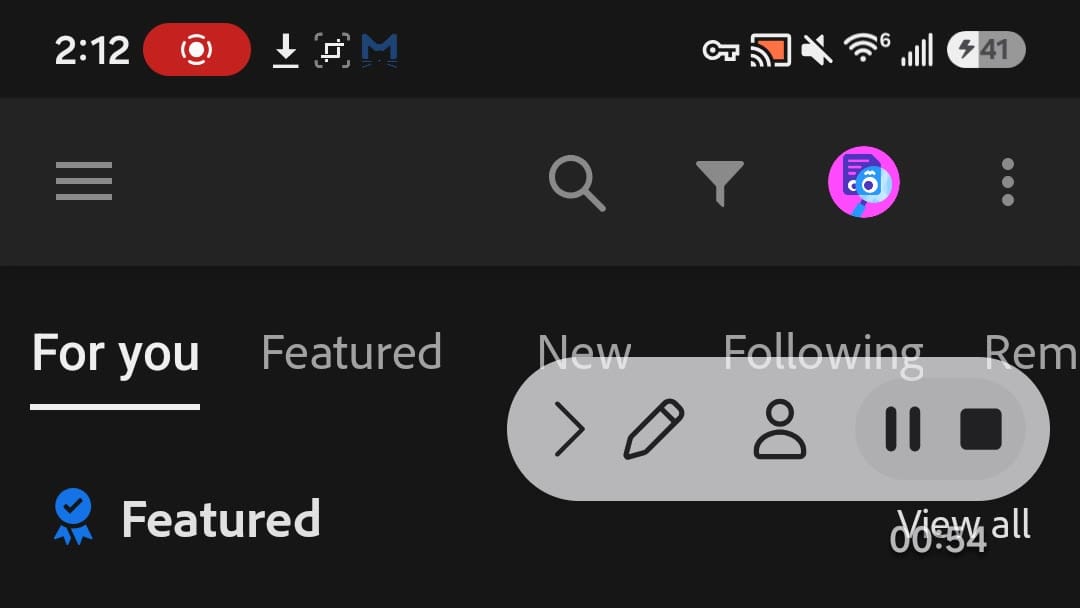
Lightroom for Samsung is Adobe’s mobile photo and video editor for photographers who want to organize, improve, and share images from an Android device. You can browse photos on the device, bring selected images into the Lightroom workspace, and refine them with presets, light and color controls, background blur, and distraction-removal tools. The app also connects editing with a Community area for step-by-step inspiration, remixable edits, and public sharing. Its gallery, account, premium, preferences, and local-storage areas keep everyday editing tasks easy to find.

Photify AI app icon
Photify AI

Ex-human, Inc.

Reviews
9.9
Size
-
Updated
2026-08-24
Download

Photify AI is an AI photo and video generator for people who want to turn a selfie into a more expressive visual identity. Upload one image, choose a style or describe an idea, and create polished portraits, playful transformations, or imaginative scenes. The app suits profile headshots, dating photos, creative experiments, and quick visual concepts, with an extensive style library and rapid generation designed for short sessions. Photo and video tools let you explore different looks without rebuilding every image from scratch.

Reviews
9.8
Size
-
Updated
2026-08-19
Download

PREQUEL AI Filter Photo Editor is a creative photo and video editor for Android users who want to give everyday media a stronger visual identity. You can browse cinematic, vintage, VHS, anime, Y2K, and other aesthetic filters, then build a look with AI effects, retouching tools, text, stickers, textures, and color adjustments. The app also supports video effects, templates, and Reels-oriented editing for short-form content. It suits social creators, casual photographers, and anyone who likes turning ordinary pictures and clips into polished, mood-led posts with a few focused taps.

ToonMe app icon
ToonMe

PHOTO LAB DMCC

Reviews
9.8
Size
-
Updated
2026-08-08
Download

ToonMe is a photo-editing app for turning selfies and everyday pictures into cartoon portraits, stylized avatars, and shareable art. It suits anyone who wants a playful profile image, a creative post, or a quick visual makeover without starting from a blank canvas. Choose a ready-made style, add a photo, and explore portrait, full-body, background, animation, text, and lens-effect ideas. Home groups trending collections such as Retro Daydreams and Art & Sketch Styles, while the profile area gives creative users a place to collect effect combinations. The result is a low-friction way to experiment with personal images.

Photic app icon
Photic

42 Dijital

Reviews
9.8
Size
-
Updated
2026-08-04
Download

Photic is an AI photo and headshot generator for people who want to turn selfies into polished portraits without building an edit from scratch. Users can browse themed looks, select a photo from the gallery or camera, and apply styles designed for business profiles, nostalgic yearbook images, seasonal scenes, couples, and illustrated portraits. Filter categories keep different visual directions easy to compare, while canvas presets help prepare results for posts or stories. This makes the app useful for profile updates, social sharing, and quick creative experiments with personal photos.

PicMa app icon
PicMa

MTTech Ltd.

Reviews
9.7
Size
-
Updated
2026-08-22
Download

PicMa is an AI-powered photo and video enhancer for people who want to restore memories, refine portraits, and turn still images into expressive clips. Upload a photo or video, choose a focused tool, and let the app improve clarity, color, detail, or motion before saving the result. Its creative styles cover cinematic black-and-white looks, trend-driven transformations, object cleanup, and animated effects such as dance or affectionate video scenes. Flexible editing paths make it useful for casual social posts, family keepsakes, and creators shaping polished visual stories on Android.

TouchRetouch app icon
TouchRetouch

ADVA Soft

Reviews
9.7
Size
-
Updated
2026-08-10
Download

TouchRetouch is a focused mobile photo editor for removing unwanted objects and distractions from everyday images. It helps travelers, portrait creators, and casual photographers clean up signs, wires, people, shadows, blemishes, and other details without moving to a desktop. Mark an area with the Brush or use Erase AI for automatic detection, then refine tricky results with line-removal controls or Clone Stamp. Mesh removal and quick retouch tools add flexibility for difficult backgrounds. The result is a cleaner photo with a simple workflow suited to quick edits on Android.

BeFunky app icon
BeFunky

BeFunky

Reviews
9.6
Size
846 KB
Updated
2026-08-17
Download

BeFunky is an all-in-one photo editor, collage maker, and graphic design app for people who want to create polished visuals on an Android device. You can open a photo, make essential adjustments, apply filters, retouch portraits, or transform an image with artistic and AI-assisted effects. The same workspace also provides collage layouts, blank canvases, and ready-made templates for social posts, cards, and other designs. Clear navigation between editing, projects, and creative tools keeps quick fixes and larger visual projects within one approachable workflow.

Motionleap app icon
Motionleap

Lightricks Ltd.

Reviews
9.5
Size
-
Updated
2026-08-08
Download

Motionleap is a photo animation and creative editing app for Android that turns still images into moving scenes. It suits creators who want to add motion to travel photos, portraits, landscapes, or social posts without building a video from scratch. Start a new creation, draw paths with tap-and-drag gestures, anchor areas that should stay still, freeze details, and layer overlays or effects. My Creations keeps projects within reach, while sharing tools help you take finished work to social platforms. The result is a playful way to make ordinary photos feel more alive.

Reface app icon
Reface

NEOCORTEXT, INC.

Reviews
9.4
Size
139.49 MB
Updated
2026-06-18
Download

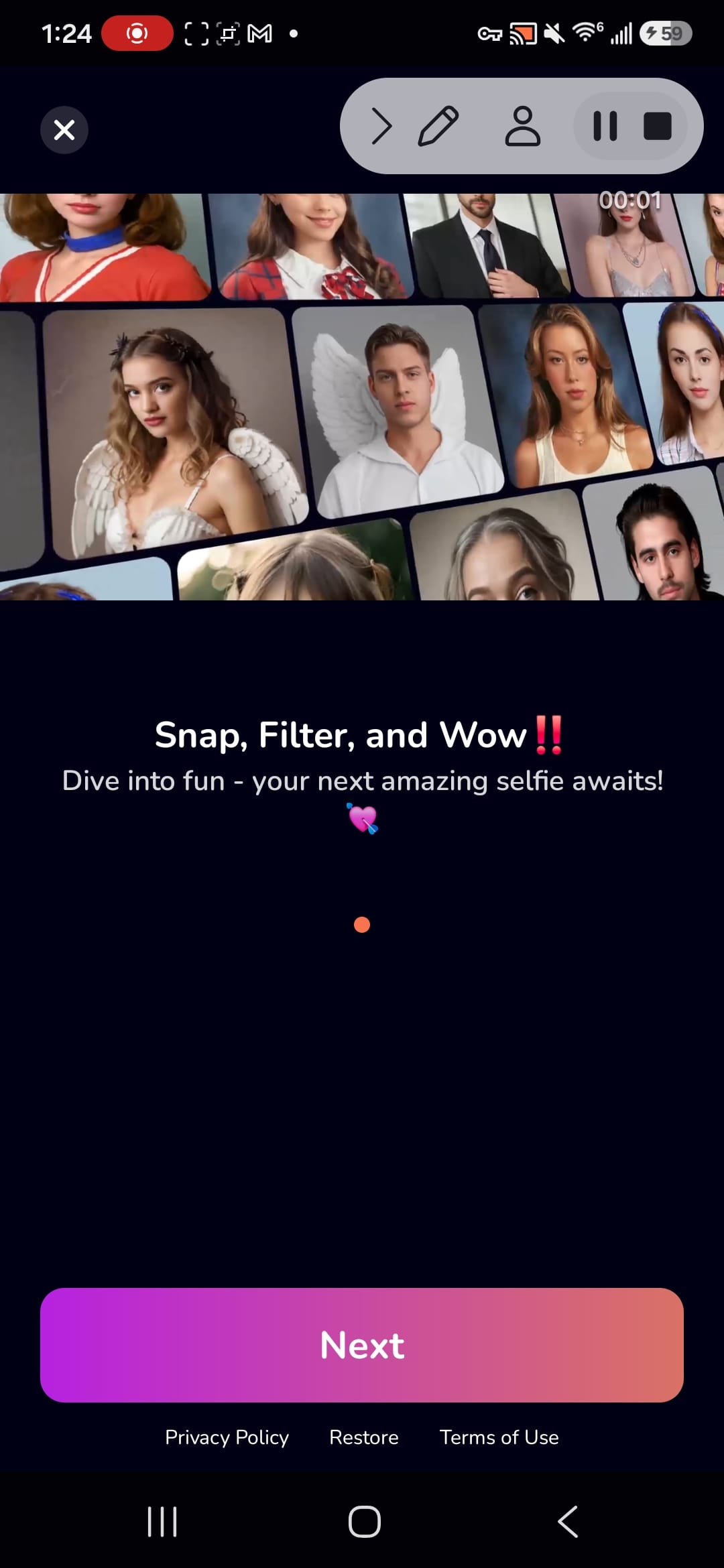
Reface is an AI-powered photo and video editor built for people who want to turn selfies into playful, shareable creations. Users can place their face into character scenes, create stylized avatars, animate portraits, preview different looks, and enhance photos without learning a complex desktop workflow. A guided mobile setup introduces the available creation paths, while ready-made templates help users move from a personal image to a finished result in a few taps. The mix of face swapping, AI portraits, and quick visual edits makes Reface useful for social posts, profile pictures, and casual creative experiments.

Reviews
9.4
Size
238.0 MB
Updated
2024-12-24
Download

Remove Background by Pixlr is a focused photo-editing app for creating clean cutouts without a complicated desktop workflow. Users can choose a picture, let AI separate the main subject, and prepare transparent, white, or black backgrounds for the next design step. The app also provides object removal for clearing unwanted details and an eraser for refining difficult edges. Album access, sample images, and mobile sharing keep the workflow practical for product photos, profile pictures, stickers, and quick social graphics when a polished subject is needed on Android.

Photo Studio app icon
Photo Studio

KVADGroup App Studio

Reviews
9.3
Size
-
Updated
2026-08-11
Download

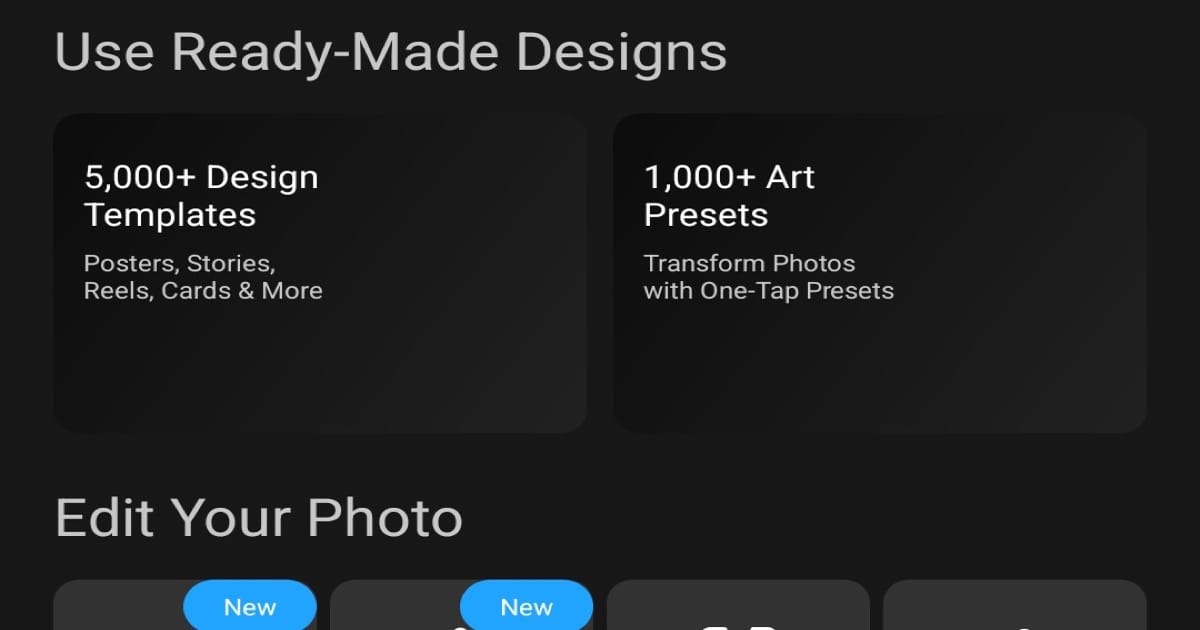
Photo Studio is an Android photo editor and collage maker for creators who want to turn everyday pictures into polished visual content. Choose a photo, build a collage, or edit several images in a batch workflow from the home screen. The app combines ready-made designs, art presets, filters, background changes, object removal, text, frames, and AI-assisted tools in one creative workspace. Its Templates and Ideas sections help you browse visual starting points, while the dark, organized layout keeps quick edits and more expressive projects easy to explore.

LightX AI Photo Editor Retouch app icon
LightX AI Photo Editor Retouch

AndOr Communications Pvt Ltd

Reviews
9.2
Size
-
Updated
2026-08-19
Download

LightX AI Photo Editor Retouch is a creative photo and video editor for Android users who want to turn ordinary images into polished social posts, portraits, and product visuals. Start with an existing photo or video, then combine AI tools with manual adjustments for background removal, color changes, filters, retouching, and layout work. You can also explore AI expansion, object replacement, generated backgrounds, and customizable templates for faster creative projects. Its mix of quick edits and deeper controls suits beginners, creators, small shops, and anyone who wants flexible visual editing on a phone.

Remini app icon
Remini

Bending Spoons

Reviews
9.2
Size
-
Updated
2026-08-19
Download

Remini is an AI photo-enhancement app for people who want clearer, more usable images from old, blurred, pixelated, or damaged originals. Choose a portrait, selfie, group picture, or family photo and let the app improve sharpness, facial detail, color, and visible texture with a simple workflow. Its creative tools also support AI-generated photos for users who want polished profile images or new visual ideas. The result is a practical way to revive memories, prepare social content, or give low-quality pictures a cleaner, higher-definition finish on Android.

Cutout Pro - Background Remove app icon
Cutout Pro - Background Remove

Video Maker & Editor Studio

Reviews
9.0
Size
24.57 MB
Updated
2025-01-30
Download

Cutout Pro - Background Remove is a photo-editing app for people who need clean cutouts, replacement backgrounds, or quick passport-style images on Android. Users can select a picture from the camera or gallery, let AI isolate the subject, or refine edges manually. The editor also supports pasting cutouts onto new scenes, applying blur and color-splash effects, and saving finished creations for later use. Its focused tool menu keeps common background tasks in one place, making it practical for profile pictures, invitations, product shots, and everyday photo compositions.

AirVid app icon
AirVid

PIXOCIAL TECHNOLOGY (SINGAPORE) PTE. LTD.

Reviews
9.0
Size
-
Updated
2026-08-17
Download

AirVid is an AI video enhancement and creative editing app for people who want clearer, more polished clips on Android. It can restore detail in blurry footage, upscale videos toward HD or 4K quality, and bring faces, colors, and fine textures into sharper focus. Creative effects and dual-photo templates add a playful way to turn everyday images into new visuals. For more controlled edits, AirVid also offers face retouching and body reshaping tools for social posts, personal memories, and creator content.