Popular Android apps similar to PhotoCircle

PhotoCircle, developed by PhotoCircle, Inc., has related Android app recommendations picked by matching categories and tags. Use this page to compare alternatives, find apps with similar features, and open the safest download page before installing.

Reviews
10.0
Size
-
Updated
2026-08-29
Download

Filter Cam for WA Video Call is a photography app for adding playful or polished effects to WhatsApp-style video chats. It gives callers a simple home screen for Video Call, Beauty Looks, Beauty Camera, Essentials, and Help Center tools. Users can browse themed effects, smooth or reshape a face, apply filters and stickers, and change the background before or during a call. Real-time controls make it easy to adjust a look without leaving the camera view. It suits social callers who want more expressive self-presentation and a lighter, more creative video-chat routine on Android.

Photify AI app icon
Photify AI

Ex-human, Inc.

Reviews
9.9
Size
-
Updated
2026-08-24
Download

Photify AI is an AI photo and video generator for people who want to turn a selfie into a more expressive visual identity. Upload one image, choose a style or describe an idea, and create polished portraits, playful transformations, or imaginative scenes. The app suits profile headshots, dating photos, creative experiments, and quick visual concepts, with an extensive style library and rapid generation designed for short sessions. Photo and video tools let you explore different looks without rebuilding every image from scratch.

FaceApp app icon
FaceApp

FaceApp Technology Ltd

Reviews
9.8
Size
75.91 MB
Updated
2026-08-28
Download

FaceApp is an AI-powered portrait editor for people who want realistic selfie improvements and creative transformations without a complicated desktop workflow. Start with a camera shot, a gallery image, or a demo portrait, then apply one-tap filters for retouching, makeup, hairstyles, hair color, facial features, age, and more. Before-and-after comparison helps users judge each change, while adjustment tools keep the final look under control. Saved edits and sharing options make it practical for profile photos, social posts, style experiments, and quick portrait touch-ups.

Reviews
9.8
Size
-
Updated
2026-08-26
Download

NewProfilePic: Profile Picture is a photography app for turning favorite portraits into fresh social avatars. Choose a selfie or another personal photo, then explore AI-generated portrait styles, cartoon filters, and art effects that can give the image a painted, illustrated, or mood-based look. The app keeps generated pictures available for later use and lets you download a finished result for messaging or social profiles. It suits people who want to refresh a profile image often without building an edit from scratch, while still leaving room to try different visual ideas.

Snap Camera HDR app icon
Snap Camera HDR

Marginz Software

Reviews
9.7
Size
-
Updated
2026-08-29
Download

Snap Camera HDR is a manual-focused Android camera and photo workflow for people who want more control than a basic shutter app. It combines one-tap photo and video capture with touch focus, pinch zoom, a mode dial, and a dedicated Albums gallery. Photographers can tune exposure, white balance, flash, burst, timer, stabilization, panorama, and HDR settings when their phone supports them. Built-in editing tools refine contrast, detail, color, crop, rotation, and framing, while history makes changes easier to undo. It suits everyday shooting, low-light scenes, and users who enjoy experimenting with camera hardware.

PicMa app icon
PicMa

MTTech Ltd.

Reviews
9.7
Size
-
Updated
2026-09-14
Download

PicMa is an AI photo and video creation app for people who want to refresh everyday pictures or turn memories into lively visual stories. Choose a portrait, pet photo, old print, or short clip, then use one-tap enhancement, restoration, colorization, object removal, or creative styling to shape a cleaner result. PicMa can also animate still images, create AI hug and kiss videos, and improve video clarity. With simple editing tools alongside its AI effects, it suits social posts, family keepsakes, and quick experiments when you want expressive results without a long manual workflow.

ToonMe app icon
ToonMe

PHOTO LAB DMCC

Reviews
9.8
Size
-
Updated
2026-08-08
Download

ToonMe is a photo-editing app for turning selfies and everyday pictures into cartoon portraits, stylized avatars, and shareable art. It suits anyone who wants a playful profile image, a creative post, or a quick visual makeover without starting from a blank canvas. Choose a ready-made style, add a photo, and explore portrait, full-body, background, animation, text, and lens-effect ideas. Home groups trending collections such as Retro Daydreams and Art & Sketch Styles, while the profile area gives creative users a place to collect effect combinations. The result is a low-friction way to experiment with personal images.

Reviews
9.7
Size
-
Updated
2026-08-19
Download

OldRoll - Vintage Film Camera is a photography app that turns an Android phone into a collection of retro-styled cameras. It suits everyday moments when you want a film-like look applied as you shoot rather than assembled from scratch in a separate workflow. Choose a classic, Polaroid-style, disposable, half-frame, or fisheye camera and capture with grain, color character, frames, light leaks, or a date stamp. Timer, flash, mirror effects, and sharing tools make it useful for portraits, food, trips, and casual memories.

Reviews
9.7
Size
42.3 MB
Updated
2026-07-07
Download

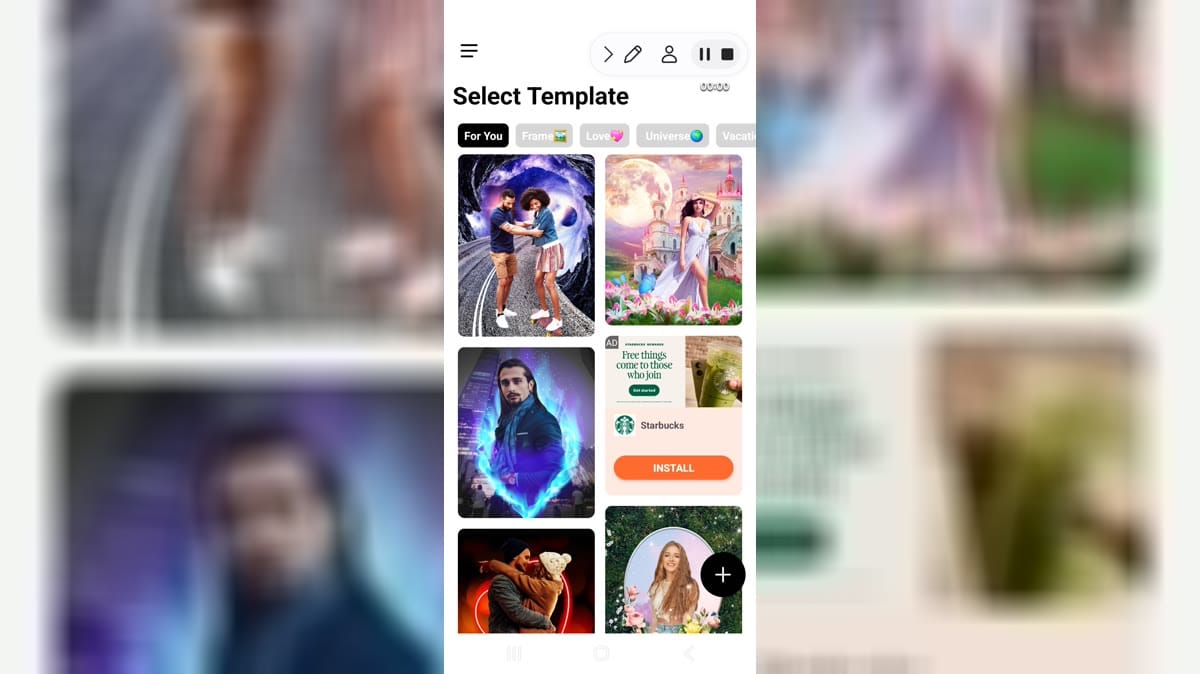
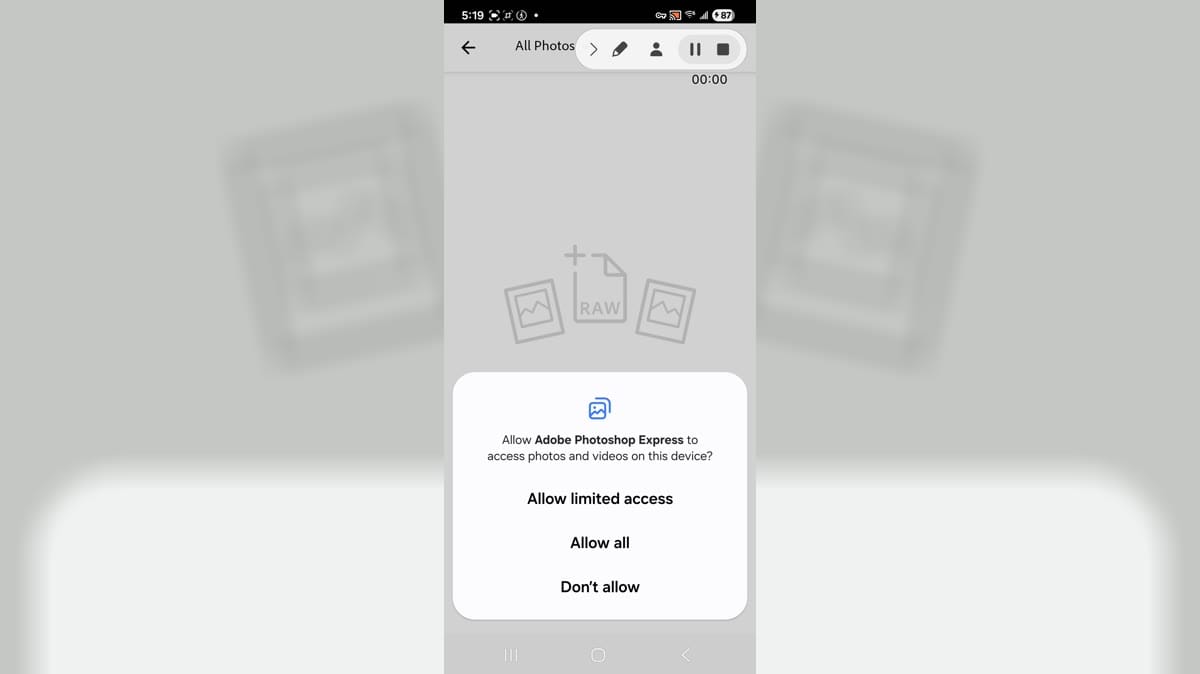
PickU Photo Editor Cutout is a photo editing app for Android users who want templates, cutout-style edits, premium effects, social sharing, reminders, and photo-library access from a phone. It is aimed at users who create quick visual edits for social posts or personal projects. The captured build reached template galleries, premium task screens, settings, photo permission prompt, app info, notification, camera, phone, photos and videos, storage, and data screens. Users should review premium prompts, media access, camera, notifications, storage, and sharing options before editing photos.

Photic app icon
Photic

42 Dijital

Reviews
9.8
Size
-
Updated
2026-08-04
Download

Photic is an AI photo and headshot generator for people who want to turn selfies into polished portraits without building an edit from scratch. Users can browse themed looks, select a photo from the gallery or camera, and apply styles designed for business profiles, nostalgic yearbook images, seasonal scenes, couples, and illustrated portraits. Filter categories keep different visual directions easy to compare, while canvas presets help prepare results for posts or stories. This makes the app useful for profile updates, social sharing, and quick creative experiments with personal photos.

Samsung Gallery 3D app icon
Samsung Gallery 3D

Samsung Electronics Co., Ltd.

Reviews
10.0
Size
37.8 MB
Updated
2026-07-09
Download

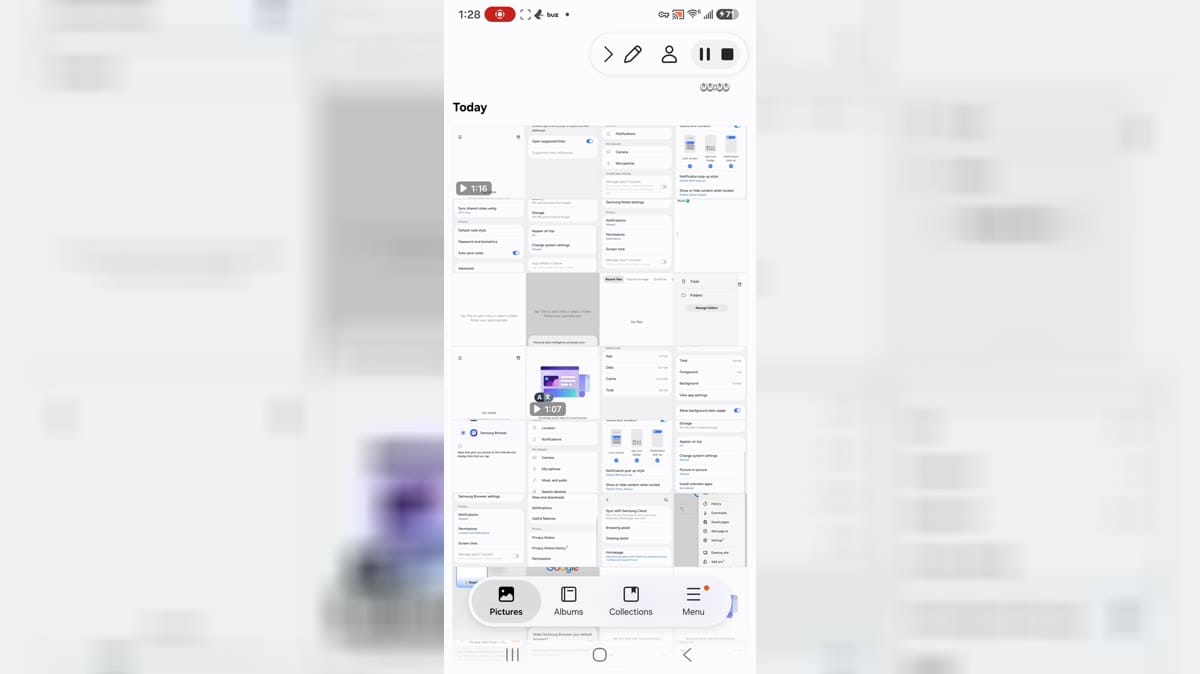
Samsung Gallery 3D is Samsung's gallery app for Android users who want photo albums, stories, collections, documents, media categories, editing actions, and cloud-related gallery settings. It is aimed at Samsung device users who organize screenshots, camera images, videos, and personal albums. The app shows Today, Pictures, Albums, Collections, Stories, document groups, edit collections, favorite, video, secure album, trash, settings, sync, motion photo, and auto story controls. Users should review media permissions, cloud sync, notifications, storage, system-setting access, and private photo handling.

BeFunky app icon
BeFunky

BeFunky

Reviews
9.6
Size
846 KB
Updated
2026-08-17
Download

BeFunky is an all-in-one photo editor, collage maker, and graphic design app for people who want to create polished visuals on an Android device. You can open a photo, make essential adjustments, apply filters, retouch portraits, or transform an image with artistic and AI-assisted effects. The same workspace also provides collage layouts, blank canvases, and ready-made templates for social posts, cards, and other designs. Clear navigation between editing, projects, and creative tools keeps quick fixes and larger visual projects within one approachable workflow.

Gradient: You Look Like app icon
Gradient: You Look Like

TICKET TO THE MOON, INC.

Reviews
9.4
Size
-
Updated
2026-08-27
Download

Gradient: You Look Like is an AI-powered photo and portrait editor for Android users who enjoy playful transformations as well as practical retouching. Choose a photo to explore celebrity look-alike comparisons, AI quizzes, beauty filters, artistic styles, and hairstyle experiments. The editor also offers makeup, body, object-removal, face-lighting, smile, and classic adjustment tools for polishing everyday images. Clear feature cards make it easy to move from a quick quiz to a more deliberate edit, while shareable results suit social posts, profile pictures, and casual creative sessions.

Photo Lab app icon
Photo Lab

PHOTO LAB DMCC

Reviews
9.5
Size
-
Updated
2026-08-14
Download

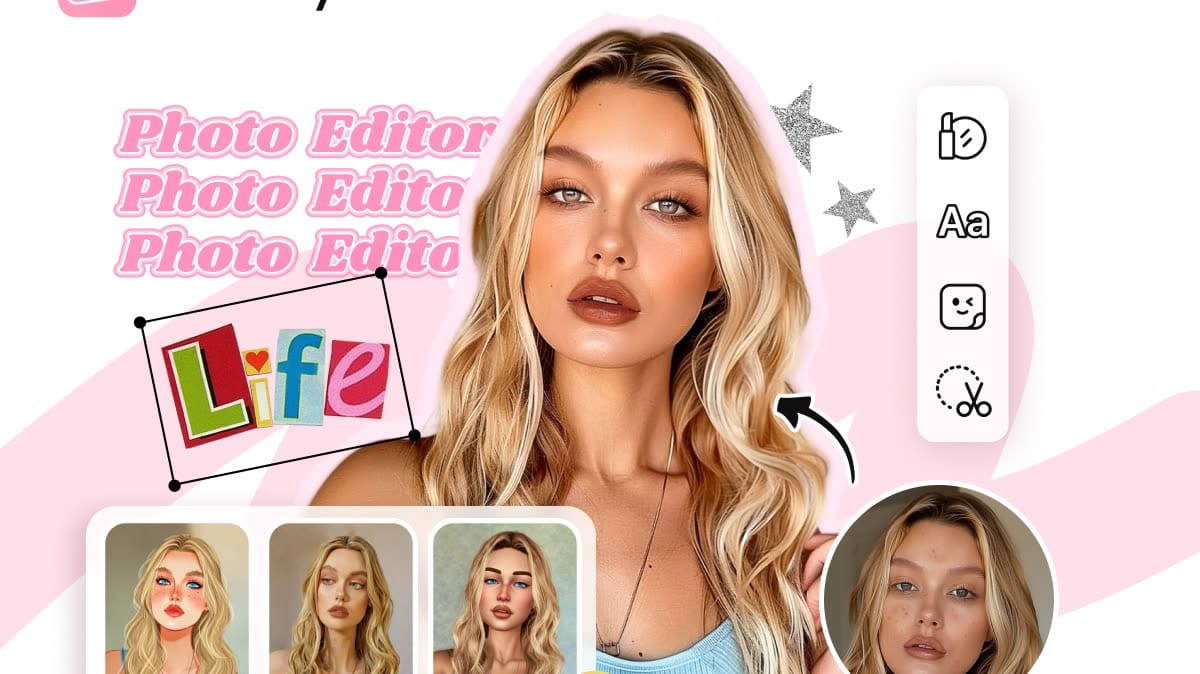
Photo Lab is an AI photo editor for Android that turns portraits and everyday images into stylized artwork, playful effects, and shareable compositions. It suits anyone who wants to experiment with a selfie, test a new look, or give a favorite picture a more imaginative finish without learning a professional editor. Choose a photo, explore neural art styles, face montages, photo frames, filters, collages, or looks such as hairstyles and colors, then refine the result for a profile image, wallpaper, or social post. Its broad template library keeps casual editing quick and visual.

BeautyPlus app icon
BeautyPlus

PIXOCIAL TECHNOLOGY (SINGAPORE) PTE. LTD.

Reviews
9.4
Size
286 MB
Updated
2026-06-13
Download

BeautyPlus is an AI photo editor and selfie camera for users who want fast portrait retouching, filters, makeup looks, templates, background tools, and camera effects from one Android app. Its flow moves from onboarding into a visual home screen, Discover templates, image-quality tools, and camera or editing features that are made for social-ready photos rather than desktop-style editing.

Reviews
9.2
Size
-
Updated
2026-09-09
Download

iPiccy GIMP Photo Editor is a mobile photo-editing app for turning everyday pictures into polished images, collages, and camera captures. It gives casual creators a simple starting point: choose Editor, Collage, or Camera from the home screen, then explore featured looks such as Black and White, Neon Photo Effect, Pro HSL Color, stickers, and text overlays. The editor suits quick social posts, personal snapshots, and playful visual experiments, while the image picker helps select a focused set of photos for one session. Clear entry points make creative edits approachable on Android.

Cosplay app icon
Cosplay

Ömer Gündeşli

Reviews
9.2
Size
-
Updated
2026-08-28
Download

Cosplay is an AI photo creativity app for couples, families, and anyone curious about future faces or playful transformations. Upload selfies to blend two people into a possible baby portrait, explore age-progressed looks, or turn a photo into a cartoon, costume, or character-style image. Guided photo tips help you choose clear, varied angles, while skin-tone choices and separate female and male inputs make the setup easy to follow. It is a lighthearted way to create imaginative portraits for personal moments and playful experimentation.

Remini app icon
Remini

Bending Spoons

Reviews
9.2
Size
-
Updated
2026-08-28
Download

Remini is an AI photo-enhancement app for people who want clearer, more usable images from old, blurred, pixelated, or damaged originals. Choose a portrait, selfie, group picture, or family photo and let the app improve sharpness, facial detail, color, and visible texture with a simple workflow. Its creative tools also support AI-generated photos for users who want polished profile images or new visual ideas. The result is a practical way to revive memories, prepare social content, or give low-quality pictures a cleaner, higher-definition finish on Android.

Reviews
9.6
Size
238.8 MB
Updated
2026-07-09
Download

Adobe Photoshop Express is a mobile photo editor for turning everyday images into polished posts, collages, and creative experiments. It gives phone and tablet users a quick path from choosing a picture to adjusting color, applying Looks, retouching faces, adding text, or arranging several photos in a layout. Generative AI tools can help remove or insert objects, replace backgrounds, and create prompt-led artwork, while camera and sharing tools support on-the-go workflows. The result is a flexible editor for casual creators who want useful controls without opening a desktop suite.

Reviews
9.0
Size
-
Updated
2026-09-09
Download

Timemark Timestamp Gps Camera is a field-documentation camera for teams and independent workers who need clear visual records of jobs, visits, and site conditions. It adds time, GPS location, addresses, notes, and customizable watermark details to photos, while templates help keep recurring work consistent. Users can build checklists, capture inspection or delivery evidence, and organize selected images into PDF, Excel, ZIP, KMZ, or shareable outputs. With optional team coordination and cloud workflows, the app turns everyday phone photos into structured records that are easier to review and hand off.

Reviews
9.0
Size
-
Updated
2026-08-20
Download

GlowCam: Selfies in the Dark is a photography app for taking brighter selfies when available light is weak. It uses the phone display as a virtual front flash, helping illuminate the face without a separate lighting accessory. Before capturing, you can preview the lighting effect, adjust brightness, and choose a color that matches the mood. The focused camera workflow keeps controls approachable for quick night portraits, indoor snapshots, and creative social photos. By combining practical fill light with color styling, GlowCam gives Android users a simple way to make low-light selfies more balanced and expressive.

Veo Camera app icon
Veo Camera

Veo Technologies

Reviews
9.2
Size
16.53 MB
Updated
2026-06-30
Download

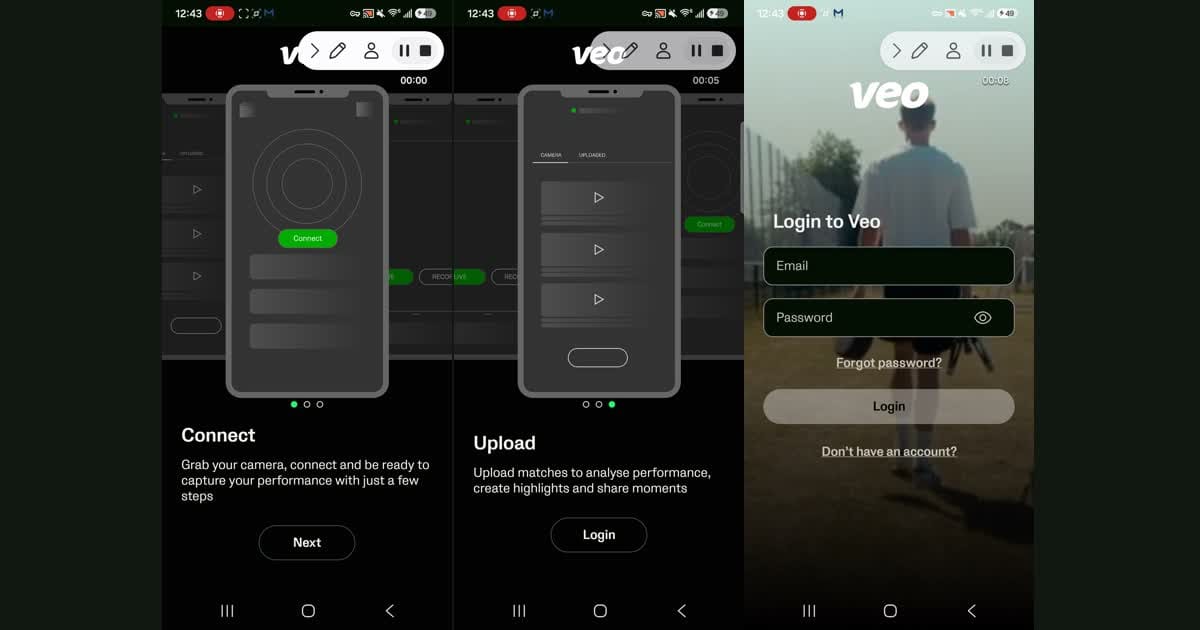
Veo Camera is a companion app for coaches, team staff, and camera operators who use Veo sports cameras on match day. It helps users connect to Veo Camera 1, 2, or 3, start and stop recordings, begin livestreams, and monitor camera status from an Android phone. Recorded matches can be uploaded and organized for later review, where teams can work with highlights and analysis. Built-in help topics and support chat also make setup and troubleshooting easier before each scheduled event.

Cutout Pro - Background Remove app icon
Cutout Pro - Background Remove

Video Maker & Editor Studio

Reviews
9.0
Size
24.57 MB
Updated
2025-01-30
Download

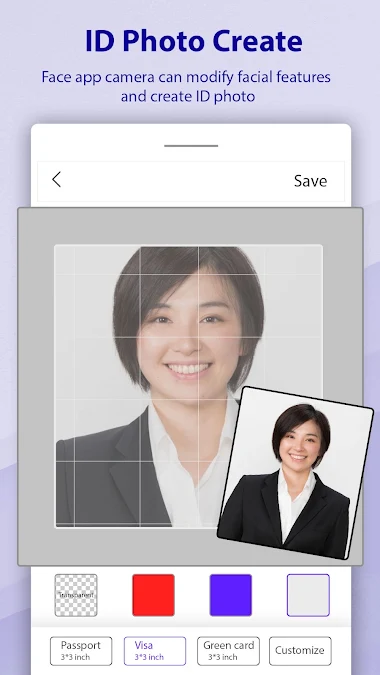
Cutout Pro - Background Remove is a photo-editing app for people who need clean cutouts, replacement backgrounds, or quick passport-style images on Android. Users can select a picture from the camera or gallery, let AI isolate the subject, or refine edges manually. The editor also supports pasting cutouts onto new scenes, applying blur and color-splash effects, and saving finished creations for later use. Its focused tool menu keeps common background tasks in one place, making it practical for profile pictures, invitations, product shots, and everyday photo compositions.
Lensa app icon
Lensa

Prisma Labs, Inc.

Reviews
8.9
Size
-
Updated
2026-08-28
Download

Lensa is an AI-powered photo editor for Android that helps turn everyday portraits into polished, shareable images. It is built for users who want quick retouching without learning a full desktop workflow: add a photo, apply a style, and refine the result with a few taps. The app brings together portrait enhancement, background adjustments, camera effects, and Magic AI collections such as filters and avatar styles. Its dark, simple layout keeps Photos, Magic AI, and Settings easy to reach, making casual editing approachable for social posts, profile images, and personal projects.