Popular Android apps similar to Clipify

Clipify, developed by MUCKRAKER MEDIA, has related Android app recommendations picked by matching categories and tags. Use this page to compare alternatives, find apps with similar features, and open the safest download page before installing.

Vinkle.ai app icon
Vinkle.ai

BIG HEAD BROTHERS

Reviews
9.5
Size
-
Updated
2026-08-09
Download

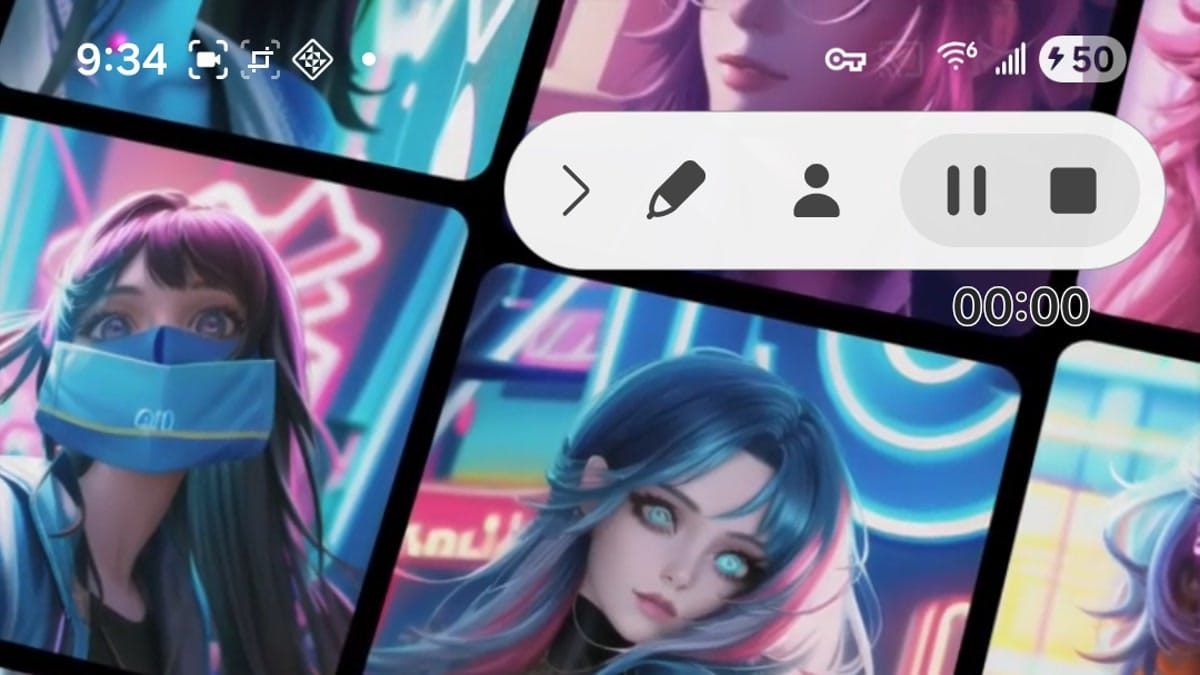
Vinkle.ai is an AI-focused video creation app for turning photos and short clips into colorful, music-led edits. It places beginners in a one-click workflow where ready-made effects and visual scenes do much of the creative work. You can explore stylized templates, add your own media, and shape a short video with transitions, music, and expressive effects. Premium options highlight full video access, watermark-free saving, HD export, and an ad-free experience. It suits casual creators who want polished social clips without learning a complex timeline editor.
Reface app icon
Reface

NEOCORTEXT, INC.

Reviews
9.4
Size
139.49 MB
Updated
2026-06-18
Download

Reface is an AI-powered photo and video editor built for people who want to turn selfies into playful, shareable creations. Users can place their face into character scenes, create stylized avatars, animate portraits, preview different looks, and enhance photos without learning a complex desktop workflow. A guided mobile setup introduces the available creation paths, while ready-made templates help users move from a personal image to a finished result in a few taps. The mix of face swapping, AI portraits, and quick visual edits makes Reface useful for social posts, profile pictures, and casual creative experiments.

FFace app icon
FFace

ZANKHANA PTE LTD

Reviews
9.9
Size
84.3 MB
Updated
2026-06-25
Download

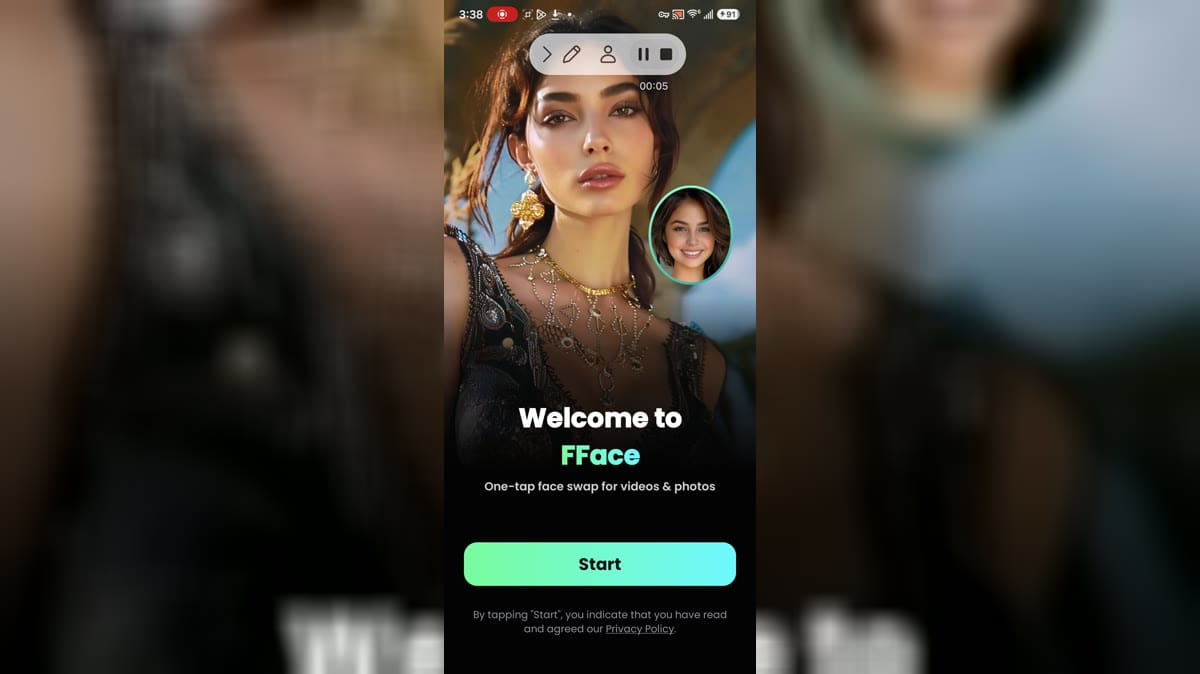
FFace is an AI photo and video editor for Android users who want to create playful face-swap clips, reface portraits, and animated images from prepared templates. Choose a selfie or portrait, browse looks for weddings, quinceañeras, festivals, couples, or trend-led scenes, and apply a visual effect with a simple workflow. The app also supports audio-led effects, HD export, saving, and sharing. It suits casual creators who want quick social media ideas, while face privacy, media access, advertising, and subscription choices deserve attention before use.

Reviews
9.8
Size
-
Updated
2026-08-19
Download

PREQUEL AI Filter Photo Editor is a creative photo and video editor for Android users who want to give everyday media a stronger visual identity. You can browse cinematic, vintage, VHS, anime, Y2K, and other aesthetic filters, then build a look with AI effects, retouching tools, text, stickers, textures, and color adjustments. The app also supports video effects, templates, and Reels-oriented editing for short-form content. It suits social creators, casual photographers, and anyone who likes turning ordinary pictures and clips into polished, mood-led posts with a few focused taps.

VivaVideo - Video Cut & Editor app icon
VivaVideo - Video Cut & Editor

QuVideo Inc. Video Editor & Video Maker App

Reviews
9.1
Size
-
Updated
2026-08-17
Download

VivaVideo is a mobile video editor and AI video maker for turning clips, photos, and ideas into shareable stories. It lets beginners trim, split, merge, and arrange footage while adding music, sound effects, text, stickers, filters, and smooth transitions. More advanced projects can use keyframes, picture-in-picture layers, masking, chroma key, motion tracking, auto captions, background removal, and AI-assisted creation tools. With a template-friendly workflow and social sharing, VivaVideo suits quick reels, personal montages, and creators who want polished results without a desktop editor.

PrettyUp app icon
PrettyUp

accordion

Reviews
8.9
Size
-
Updated
2026-08-09
Download

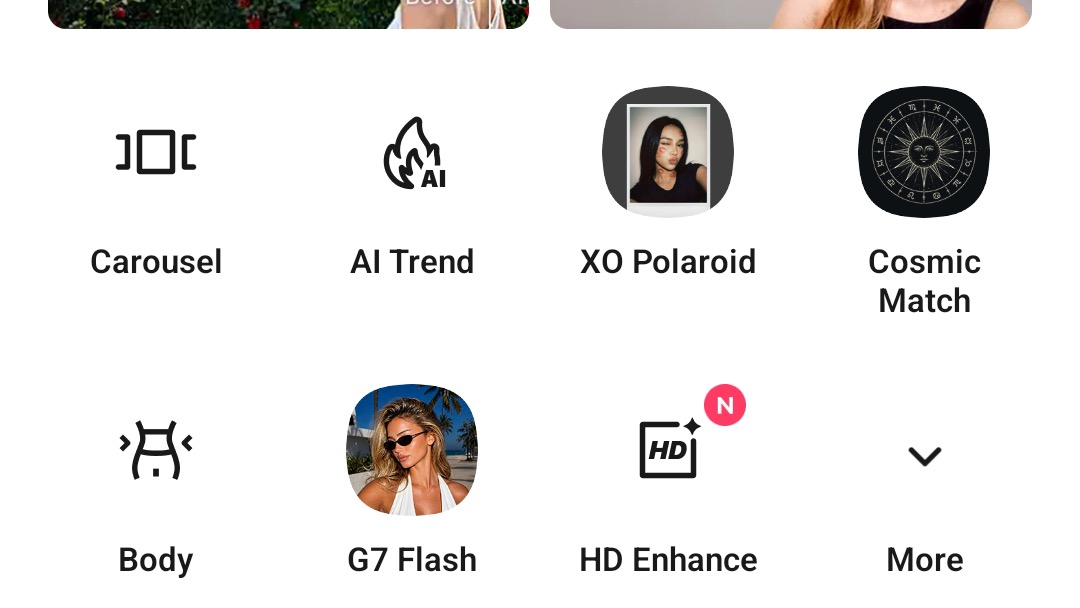
PrettyUp is a photo and video editor for creators who want polished selfies, body-focused portraits, and more expressive short clips. It lets you import media, refine facial details, reshape body proportions, smooth skin, adjust makeup, and add creative effects from one mobile workspace. AI tools can remove unwanted objects, enhance quality, change hairstyles, or suggest new looks, while templates and camera modes help turn quick ideas into shareable posts. Drafts, live editing, and themed collections make it useful for everyday selfies, vlogs, and social content.

AI Video Editor: ShotCut AI app icon
AI Video Editor: ShotCut AI

Shotcut Video Workshop

Reviews
8.5
Size
-
Updated
2026-08-20
Download

AI Video Editor: ShotCut AI is a mobile video editor for creators who want to turn clips, photos, and ideas into shareable videos. You can begin with a project, browse ready-made templates, or use AI-focused tools such as auto captions, script-to-video, filler-word removal, and enhancement. Traditional controls cover trimming, splitting, speed changes, music, filters, overlays, and background work, while themed template tabs help you find a starting point for lifestyle, business, or short-form content. It suits quick social posts as well as more deliberate edits, keeping creation flexible on Android.

Reviews
8.5
Size
-
Updated
2026-08-19
Download

SeaArt AI: Photo & Video Maker is a mobile creative studio for turning ideas into polished AI images, short videos, and shareable visual concepts. Creators can start with a natural-language prompt, add reference images, choose a model or template, and move between image and video workflows as a project develops. The Home area also surfaces ready-made tools and community inspiration, while Omni brings images, video, and subjects together for more controlled dynamic scenes. A profile area keeps drafts, tasks, events, and personal works close at hand for everyday creative sessions.

Reviews
7.8
Size
-
Updated
2026-08-17
Download

Lightroom for Samsung is Adobe’s mobile photo and video editor for photographers who want to organize, improve, and share images from an Android device. You can browse photos on the device, bring selected images into the Lightroom workspace, and refine them with presets, light and color controls, background blur, and distraction-removal tools. The app also connects editing with a Community area for step-by-step inspiration, remixable edits, and public sharing. Its gallery, account, premium, preferences, and local-storage areas keep everyday editing tasks easy to find.

Reviews
7.3
Size
-
Updated
2026-08-19
Download

FaceMagic is an AI photo and video editor for Android users who want to turn ordinary portraits, clips, and GIFs into playful face-swap and image creations. You can start with a featured template, add faces from your gallery, and let the app process the result for sharing or personal experiments. Its feature home also offers background removal, image enhancement, and cartoon-style effects, while PRO tools support larger uploads and faster processing. A dark, simple workspace keeps creative experiments easy to find when you want quick visual edits.

Filmora app icon
Filmora

Wondershare Filmora

Reviews
7.2
Size
-
Updated
2026-08-17
Download

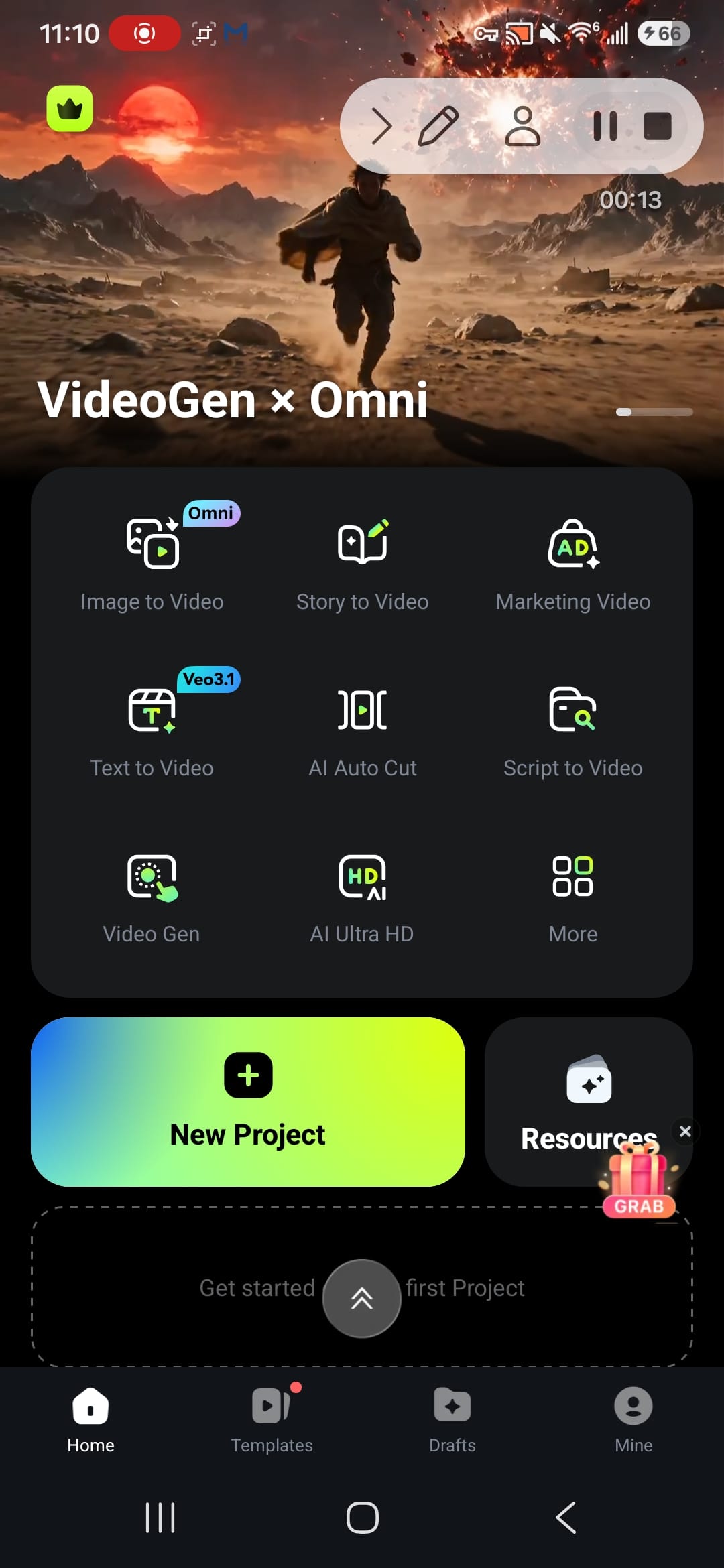
Filmora is a mobile video editor for creators who want to turn phone footage, photos, and ideas into polished, engaging short videos. It brings AI-assisted creation, ready-made templates, timeline editing, filters, stickers, transitions, music, and text tools into one Android workspace. You can start with a New Project, browse creative template ideas, or explore image-to-video, story-to-video, text-to-video, and auto-cut tools from the home screen. Drafts, AI tasks, cloud options, and account controls help keep creative work organized as projects grow.

Reviews
10.0
Size
-
Updated
2026-08-19
Download

Adobe Express is an all-in-one design app for creating social posts, flyers, presentations, images, and short videos from an Android phone. Creators can begin with a searchable template, choose stock photos and videos, or start a new project for a specific format. Editing tools support text, media, transitions, resizing, captions, and quick tasks such as QR code generation. Brand controls and generative AI options help turn rough ideas into reusable visual content, making the app practical for personal projects, school work, and small-business marketing.

CapCut app icon
CapCut

Bytedance Pte. Ltd.

Reviews
9.9
Size
203.2 MB
Updated
2026-06-24
Download

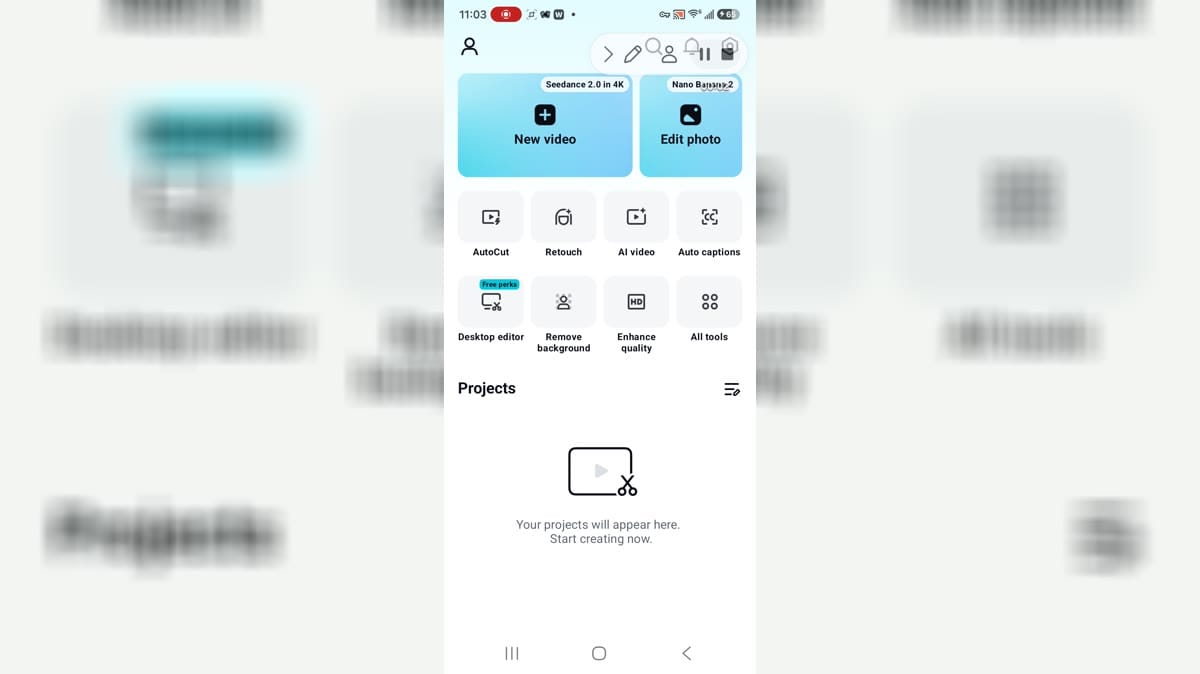
CapCut is a video and photo editing app for Android creators who want quick project creation, templates, AutoCut, captions, AI image tools, background removal, filters, and social-ready exports from a mobile editor. The home screen highlights new video and edit photo entry points, while the tool drawer groups quick actions, AI tools, photo editing, and marketing options. Users can create without immediately signing in, but account options are available for connected features. It suits creators who want an approachable editing hub with powerful media permissions, billing capability, and template-driven workflows.

Facetune app icon
Facetune

Lightricks Ltd.

Reviews
9.9
Size
-
Updated
2026-08-19
Download

Facetune is an AI-powered photo and video editor for people who want polished selfies, portraits, and social-ready content without a complicated desktop workflow. Start with a quick retouch, explore new hairstyles and makeup looks, or refine a picture manually when you want more control. The app also brings together video touch-ups, background effects, headshot creation, and a dedicated Photoshoot area. Its guided starting choices make it easy to begin with a specific visual goal, then move into more detailed editing as your ideas develop.

Slomo app icon
Slomo

Loyal_Apps

Reviews
9.9
Size
-
Updated
2026-08-12
Download

Slomo is a video editing app for turning everyday footage, sports moments, and action scenes into slow-motion or time-lapse clips. Choose a video, adjust the pace of separate sections, and shape one recording so some moments linger while others move faster. Speed controls can reach 2x for acceleration and one-quarter speed for dramatic detail, with portrait and landscape projects, corrected audio pitch, full-resolution saving, and watermark-free export. It gives casual creators and active-video fans a practical way to make motion easier to study, more expressive, and easier to revisit.

Tempo App app icon
Tempo App

Tempo trend video editor with effects & music. Ltd

Reviews
9.8
Size
-
Updated
2026-08-17
Download

Tempo App is a music-focused video editor for turning photos and clips into polished short videos for social sharing. It suits beginners, casual creators, and anyone who wants a quick visual edit without building every transition from scratch. Choose a themed template, bring in photos or video clips, add music, beats, text, filters, stickers, and effects, then save the finished result for platforms such as Instagram or YouTube Shorts. Slow-motion, glitch, and transition styles help shape different moods while keeping the creative process approachable.

TimeCut app icon
TimeCut

changpeng

Reviews
10.0
Size
81.0 MB
Updated
2026-07-22
Download

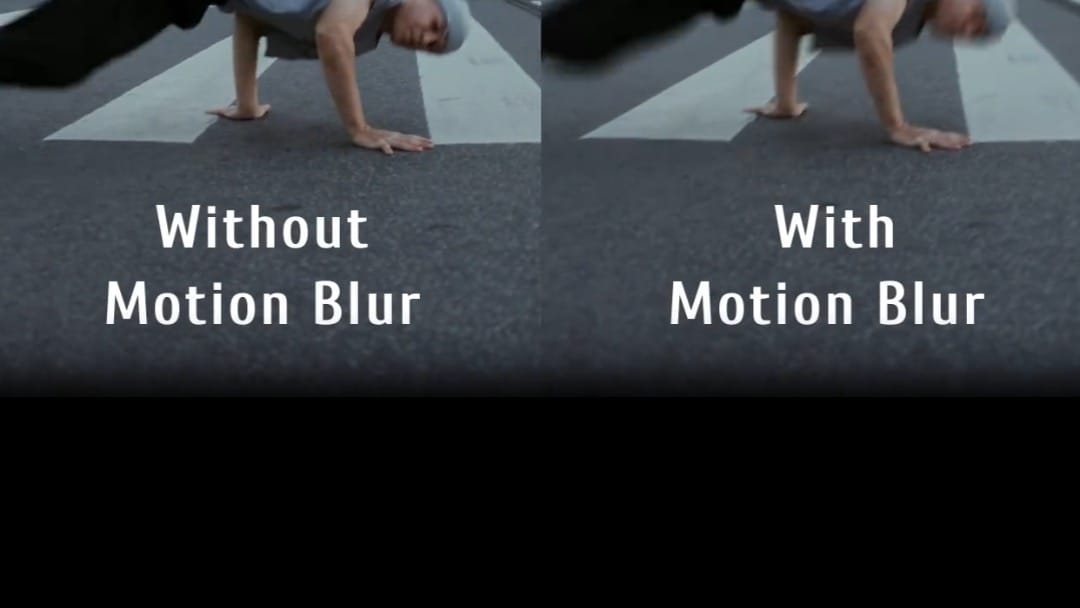
TimeCut is a mobile video editor built for creators who want smoother slow motion, speed ramps, and motion effects without moving to a desktop workflow. Users can import a clip, reshape its pace with a custom speed curve, freeze selected moments, or convert footage between common frame rates. Optical-flow and deep-learning interpolation help add frames for fluid slowdowns, while motion blur and visual effects refine fast action. Filters, music, and quality-enhancement tools support polished short videos. The result is a focused workspace for sports clips, dance edits, social posts, and creative timing experiments.

Reviews
9.9
Size
7.95 MB
Updated
2023-07-11
Download

Deepswap – AI Face Swap is an Android gateway to an online face-editing service for people who want to rework photos, videos, and GIFs without a desktop editor. Users can upload an original file, choose a replacement face, and download the processed result through a guided three-step flow. The interface also links to video generation, VR face swap, background removal, image enhancement, and an AI photo generator. Its mobile layout keeps creation tools, pricing, support, and account access in one menu, making quick social edits and playful visual experiments easier to manage from a phone.

EPIK app icon
EPIK

SNOW Corporation

Reviews
9.6
Size
-
Updated
2026-08-19
Download

EPIK is an AI-powered photo and video editor for turning everyday images into polished, shareable projects. You can start with Edit Photo or Edit Video, then refine portraits, improve clarity, build collages, apply filters, and explore ready-made templates. The app also brings together AI ideas such as face-focused adjustments, cutouts, stylized looks, and creative trend effects, while detailed tools give you control over color, composition, and mood. It suits quick social posts as well as more deliberate visual edits when you want a flexible mobile workspace.

LightX AI Photo Editor Retouch app icon
LightX AI Photo Editor Retouch

AndOr Communications Pvt Ltd

Reviews
9.2
Size
-
Updated
2026-08-28
Download

LightX AI Photo Editor Retouch is a creative photo and video editor for Android users who want to turn ordinary images into polished social posts, portraits, and product visuals. Start with an existing photo or video, then combine AI tools with manual adjustments for background removal, color changes, filters, retouching, and layout work. You can also explore AI expansion, object replacement, generated backgrounds, and customizable templates for faster creative projects. Its mix of quick edits and deeper controls suits beginners, creators, small shops, and anyone who wants flexible visual editing on a phone.

KineMaster app icon
KineMaster

KineMaster Corporation

Reviews
9.1
Size
183.0 MB
Updated
2026-07-08
Download

KineMaster is a mobile video editor for creators who want to build polished clips on an Android phone or tablet. Users can start a project from scratch or adapt ready-made templates for social posts, tutorials, vlogs, and short-form videos. Its timeline supports layered video, images, text, effects, keyframe animation, chroma key, speed changes, audio mixing, and AI-assisted tools. The Home and Mix areas also help creators discover templates and remix ideas from the community. Flexible export settings make it practical for both quick edits and detailed multi-layer productions.

Reviews
9.2
Size
-
Updated
2026-08-01
Download

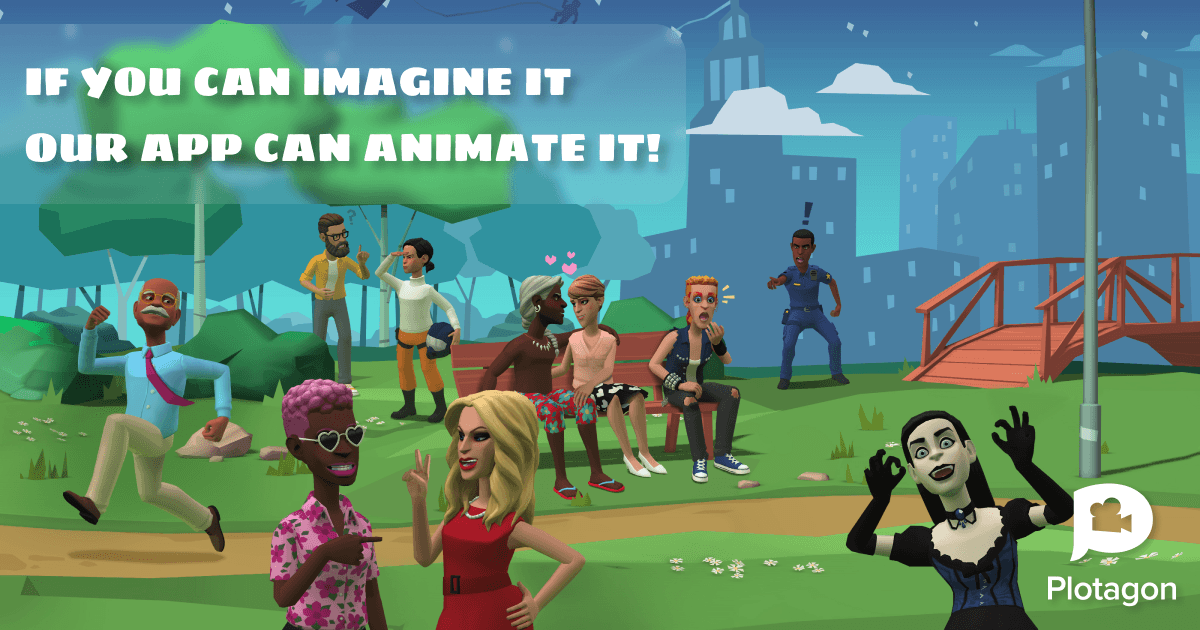
Plotagon Studio is a mobile 3D animation maker for turning scripts and story ideas into short animated videos. Creators build each project as a Plot, choose virtual scenes, cast premade or custom actors, and write dialogue for them to perform. Voice recording, multilingual voices, emotions, actions, camera angles, fades, filters, music, and sound effects help shape the final sequence without a traditional film crew. Projects can be previewed, refined, saved as video files, and shared for entertainment, lessons, social stories, or presentations, giving beginners an approachable path from concept to finished animation.

Reviews
9.1
Size
-
Updated
2026-08-11
Download

Mini Movie Video Maker is a photo-to-video app for turning everyday pictures into short slideshows with music and visual themes. It suits beginners who want a quick way to prepare birthday greetings, wedding memories, festival clips, or other personal moments on Android. Start by choosing images from the Gallery, then shape the sequence with a theme, filters, stickers, and a music track before previewing and saving the result. Saved creations stay available through My Video, while sharing options help move finished mini movies to friends and social platforms.

AirVid app icon
AirVid

PIXOCIAL TECHNOLOGY (SINGAPORE) PTE. LTD.

Reviews
9.0
Size
-
Updated
2026-08-17
Download

AirVid is an AI video enhancement and creative editing app for people who want clearer, more polished clips on Android. It can restore detail in blurry footage, upscale videos toward HD or 4K quality, and bring faces, colors, and fine textures into sharper focus. Creative effects and dual-photo templates add a playful way to turn everyday images into new visuals. For more controlled edits, AirVid also offers face retouching and body reshaping tools for social posts, personal memories, and creator content.