Popular Android apps similar to DingDing

DingDing, developed by DingTalk (Singapore) Private Limited., has related Android app recommendations picked by matching categories and tags. Use this page to compare alternatives, find apps with similar features, and open the safest download page before installing.

VooV Meeting app icon
VooV Meeting

Tencent Mobility Limited

Reviews
9.6
Size
-
Updated
2026-08-30
Download

VooV Meeting is a cloud video-conferencing app for joining or hosting remote meetings from an Android phone. It gives coworkers, teachers, clients, and distributed teams a clear Join flow, account access, and several sign-in choices, including Google, WeChat, phone, and SSO. Meetings can combine HD audio and video with real-time screen, document, file, and message sharing, while hosts manage participants and meeting permissions. Background blur, beauty tools, and noise reduction support clearer calls. It fits classes, interviews, team check-ins, and cross-border collaboration.

JioCall app icon
JioCall

Jio Platforms Limited

Reviews
9.2
Size
-
Updated
2026-08-25
Download

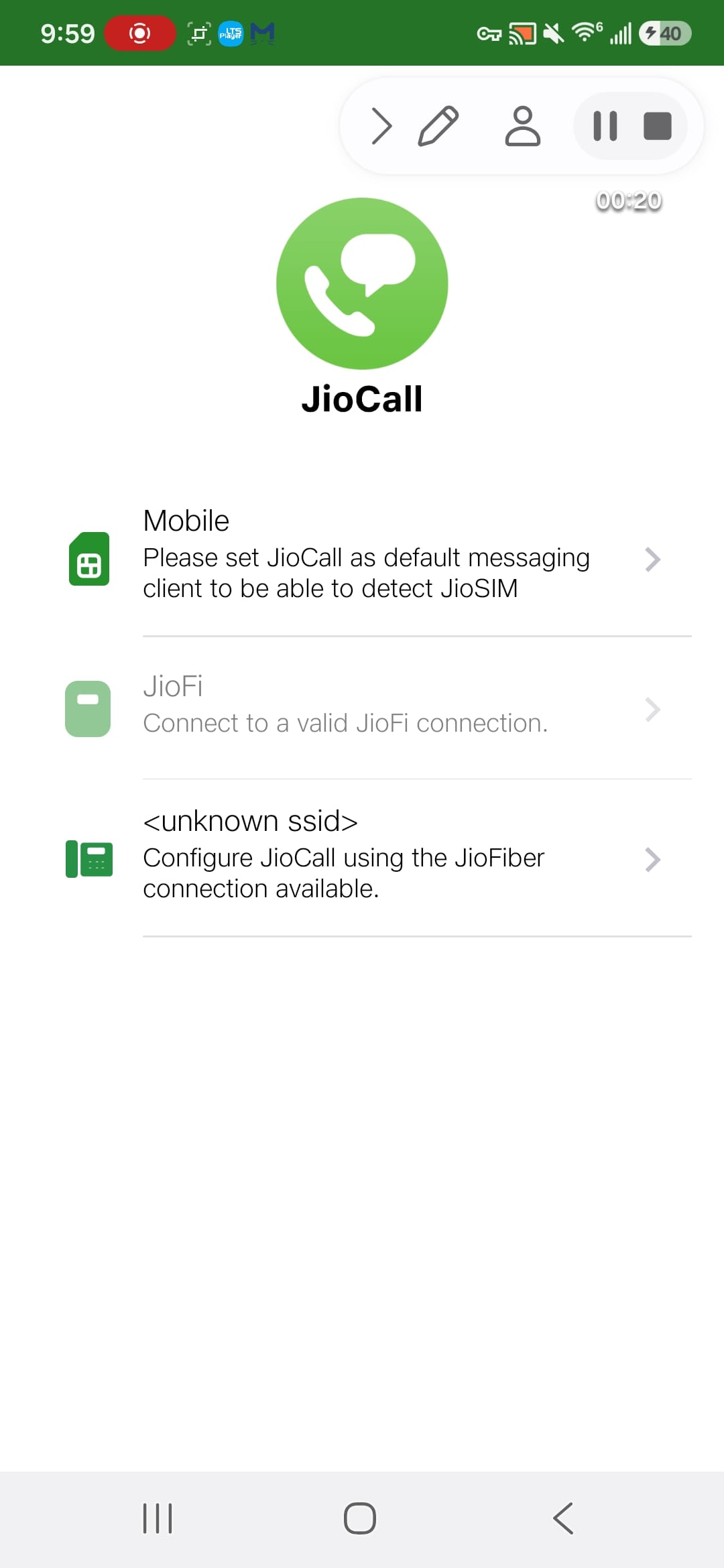
JioCall is a communication app for Jio users who want HD voice and video calling from a smartphone connected through a supported Jio service. It brings calling, SMS, and richer RCS conversations into one workflow, with Mobile, JioFi, and JioFiber-oriented connection profiles. Users can reach contacts, manage call history, exchange group messages, and share images, files, locations, or quick call context when compatible service and contacts are available. This setup suits everyday communication across mobile and home connections while keeping the main tools together.

RingCentral app icon
RingCentral

RingCentral, Inc.

Reviews
7.7
Size
-
Updated
2026-08-20
Download

RingCentral is a business communications app that brings work calls, team messages, SMS, and video meetings to an Android phone. It is designed for employees, sales teams, support staff, and distributed organizations that need one place to stay reachable while moving between desk and mobile work. Sign in with an email or phone number, Google, or Single Sign-on, or use Join a meeting to enter a meeting ID and name. Contacts, call history, voicemail, file sharing, AI notes, transcripts, and collaboration tools help keep conversations organized across devices.

Whereby app icon
Whereby

Video Communication Services AS

Reviews
9.8
Size
892.3 KB
Updated
2019-12-04
Download

Whereby is a browser-based video meeting app built for people who want to start or join calls from an Android phone without a complicated setup. Hosts can create a reusable meeting room, share its link, and manage conversations from a mobile-friendly interface, while guests can enter a room link without creating an account. During calls, Whereby supports camera and microphone controls, in-room chat, audio-only participation, and screen sharing where available. The simple room-based workflow suits remote teamwork, client conversations, online lessons, and quick one-to-one meetings when users need a lightweight way to connect.

Webex Meetings app icon
Webex Meetings

Cisco Systems, Inc.

Reviews
8.4
Size
-
Updated
2026-08-24
Download

Webex Meetings is a mobile video-conferencing app for joining work, school, and community sessions from an Android phone. Enter a meeting number or Personal Room URL, add your name and email, and move into a meeting without searching through desktop menus. Account holders can sign in with email or connected providers, while meeting tools support audio, video layouts, chat, reactions, and content sharing. Background noise cancellation, translation, and recording help teams stay involved when they are away from a desk.

imo app icon
imo

imo.im

Reviews
7.3
Size
141.9 MB
Updated
2026-07-13
Download

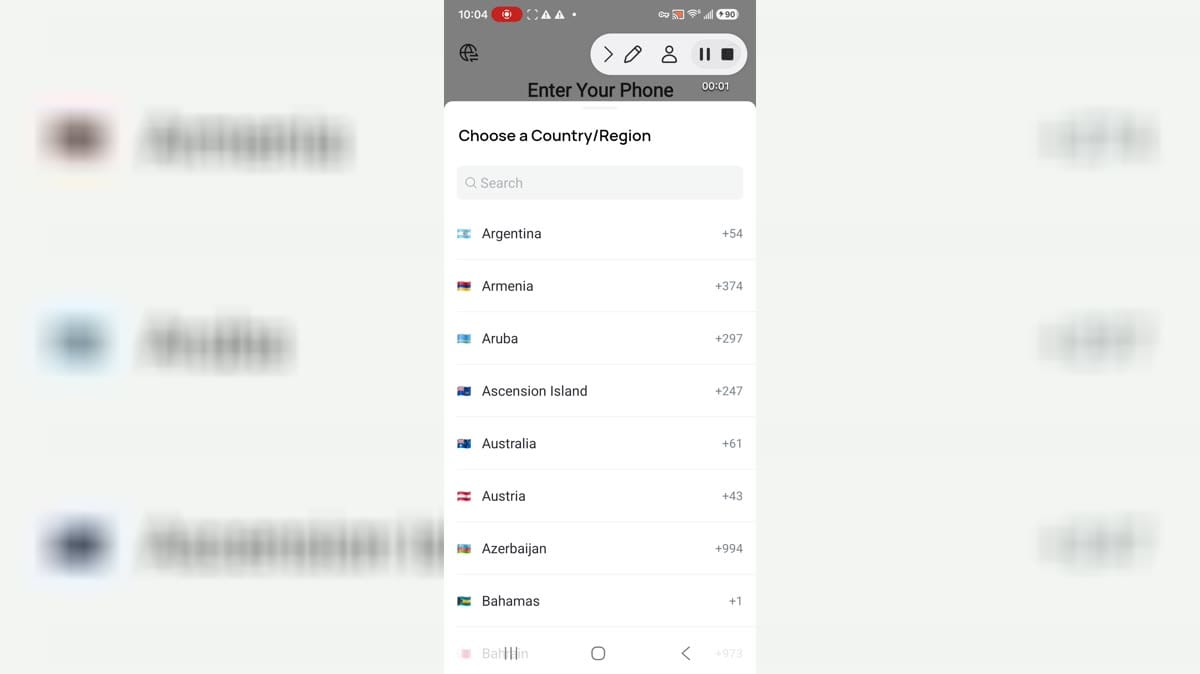
imo is a messaging and calling app for Android users who want phone-number based chat, international calls, video calling, contacts, group communication, and lightweight sign-up. It is aimed at users who need simple communication across regions and contacts. This build reached country selection, phone entry, phone permission prompts, notification denial, and Android controls for permissions, storage, mobile data, app links, alarms, and battery behavior. Users should review phone-number verification, contacts, call logs, camera, microphone, subscriptions, notifications, and privacy before using it.

Epic Haiku app icon
Epic Haiku

Epic Systems Corporation

Reviews
7.6
Size
-
Updated
2026-08-26
Download

Epic Haiku is a mobile medical companion for clinicians who need quick access to their organization’s Epic electronic health record while moving between clinics, wards, and patient visits. After an organization configures the service, authorized users can review clinic schedules, hospital patient lists, health summaries, test results, and notes from an Android phone. In Basket support keeps care-team messages nearby, while voice calling helps clinicians coordinate with colleagues. Haiku is best suited to healthcare organizations that license Epic and can provide the required account and network access.

Microsoft Teams app icon
Microsoft Teams

Microsoft Corporation

Reviews
7.3
Size
234.8 MB
Updated
2026-07-01
Download

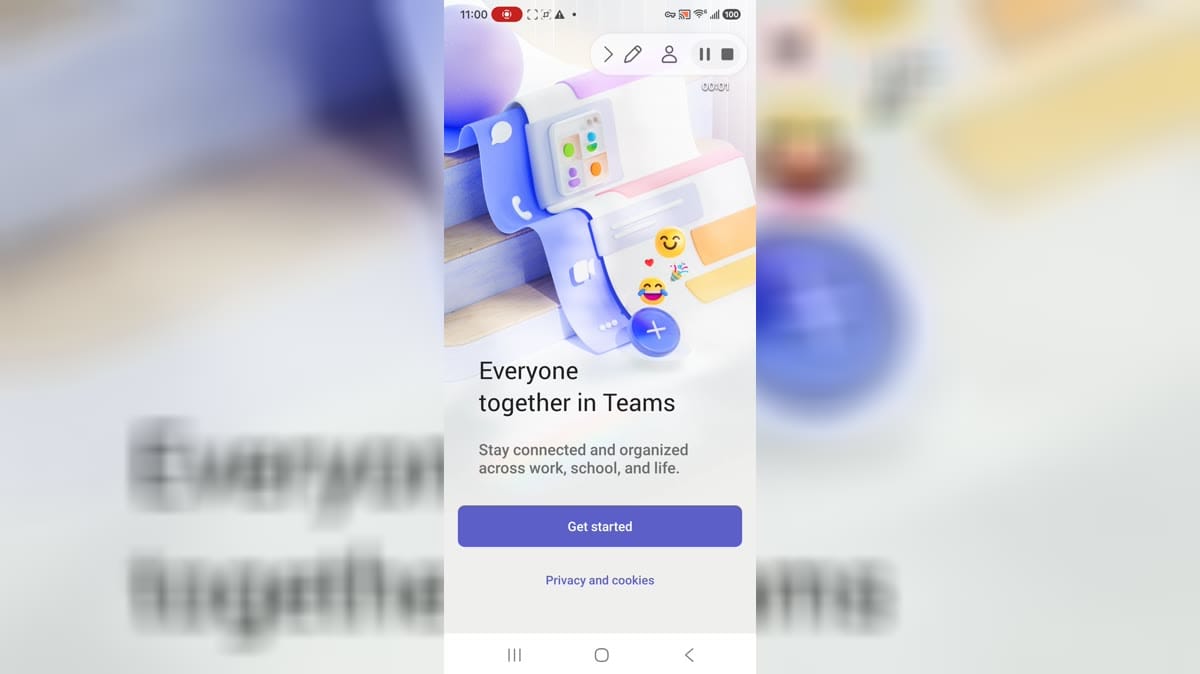
Microsoft Teams is a communication and collaboration app for people who work, study, or organize activities together. Use it to chat with individuals and groups, join audio or video meetings, make calls, and keep conversations connected to projects. Teams also brings channels, calendars, tasks, shared files, and cloud storage into one mobile workspace. The Android experience supports account-based work and personal communities, while meeting links or IDs can help people join specific calls. It is useful when a team needs messages, meetings, documents, and follow-up tasks in one place.

Google Meet app icon
Google Meet

Google LLC

Reviews
9.5
Size
54.6 MB
Updated
2026-06-17
Download

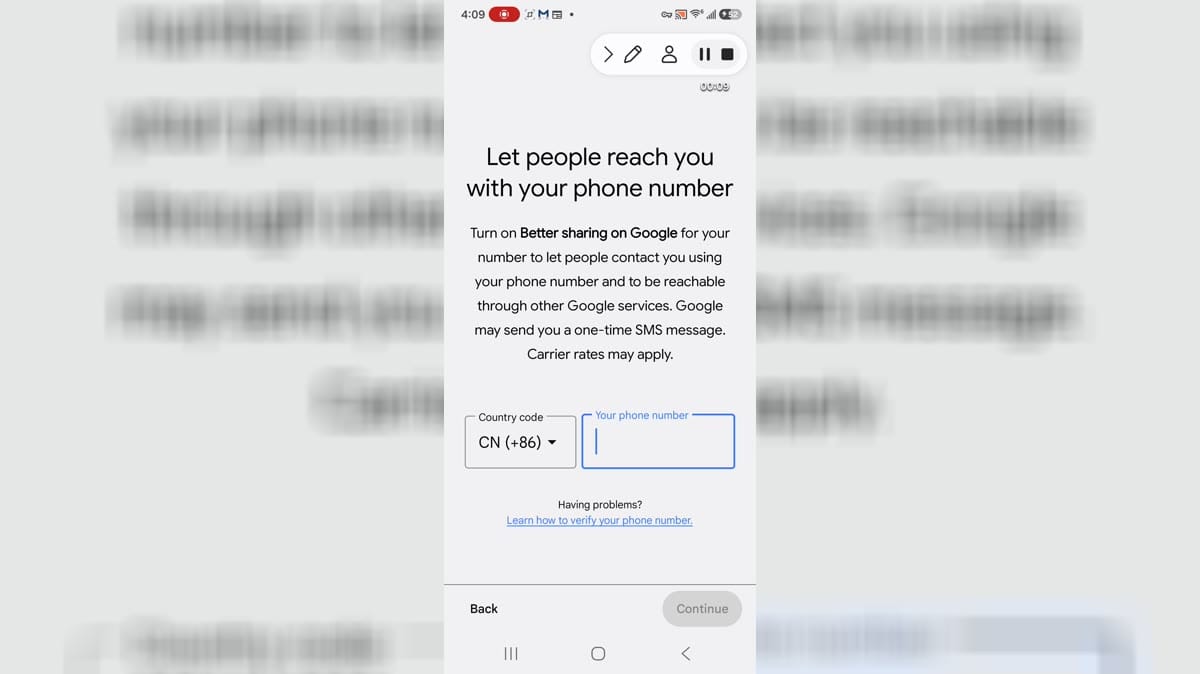
Google Meet is an Android app for people looking for Android tools and utilities from a mobile device. It provides a focused experience that users can explore at their own pace, whether they are getting started, returning to a familiar activity, or choosing settings that suit their routine. The app can be useful when a phone is the most convenient place to access its main functions without switching between several services. Users should review available settings, permissions, network use, and any account or payment choices before relying on features that handle personal information or connected content.